draft: true
Image Gallery Testing
This page tests both types of gallery support with various image counts (1-18 images) to verify boundary conditions and arbitrary number handling.
1. Sequential Images (Auto-Detection)
1 Image (Should NOT be a gallery)

2 Images
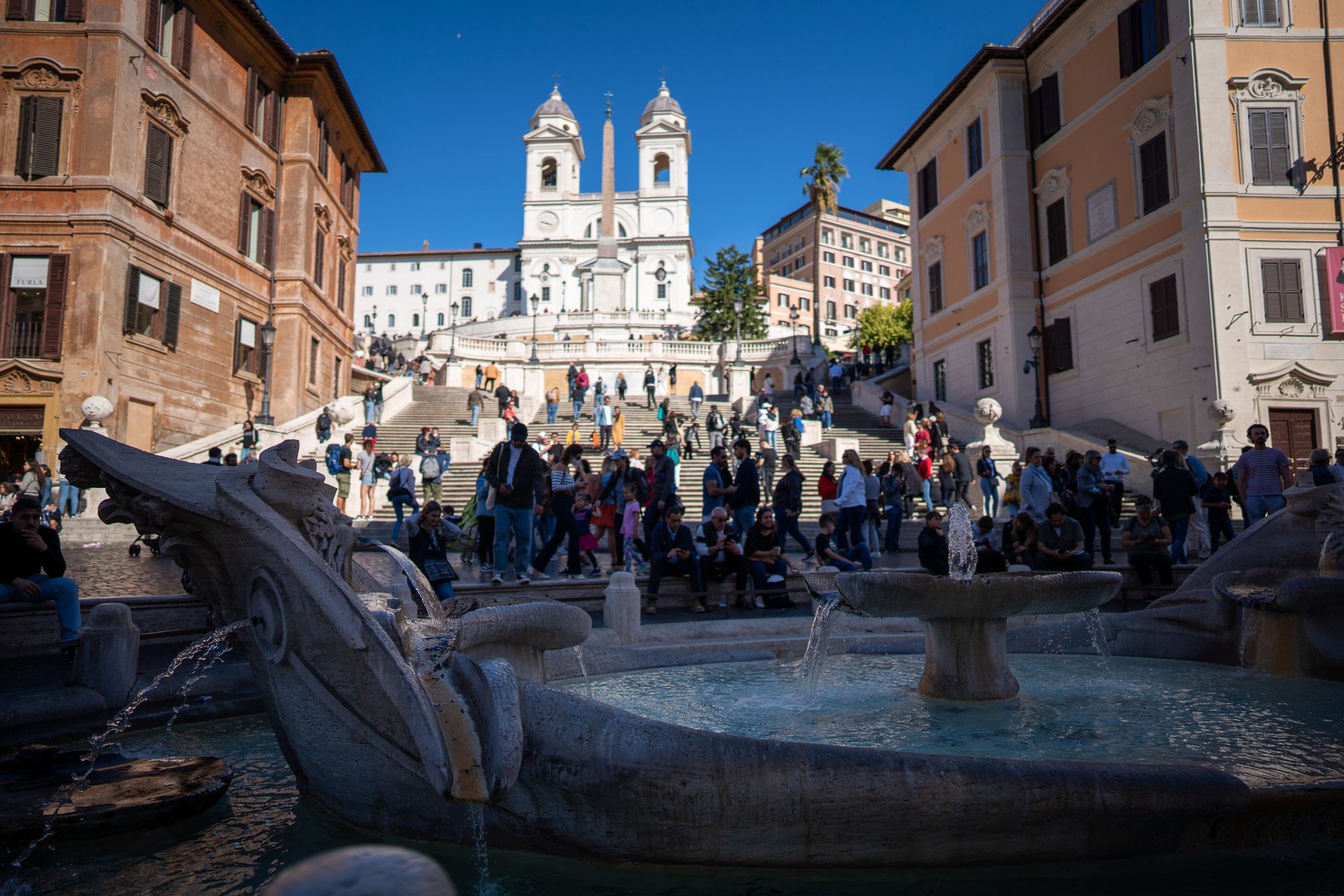
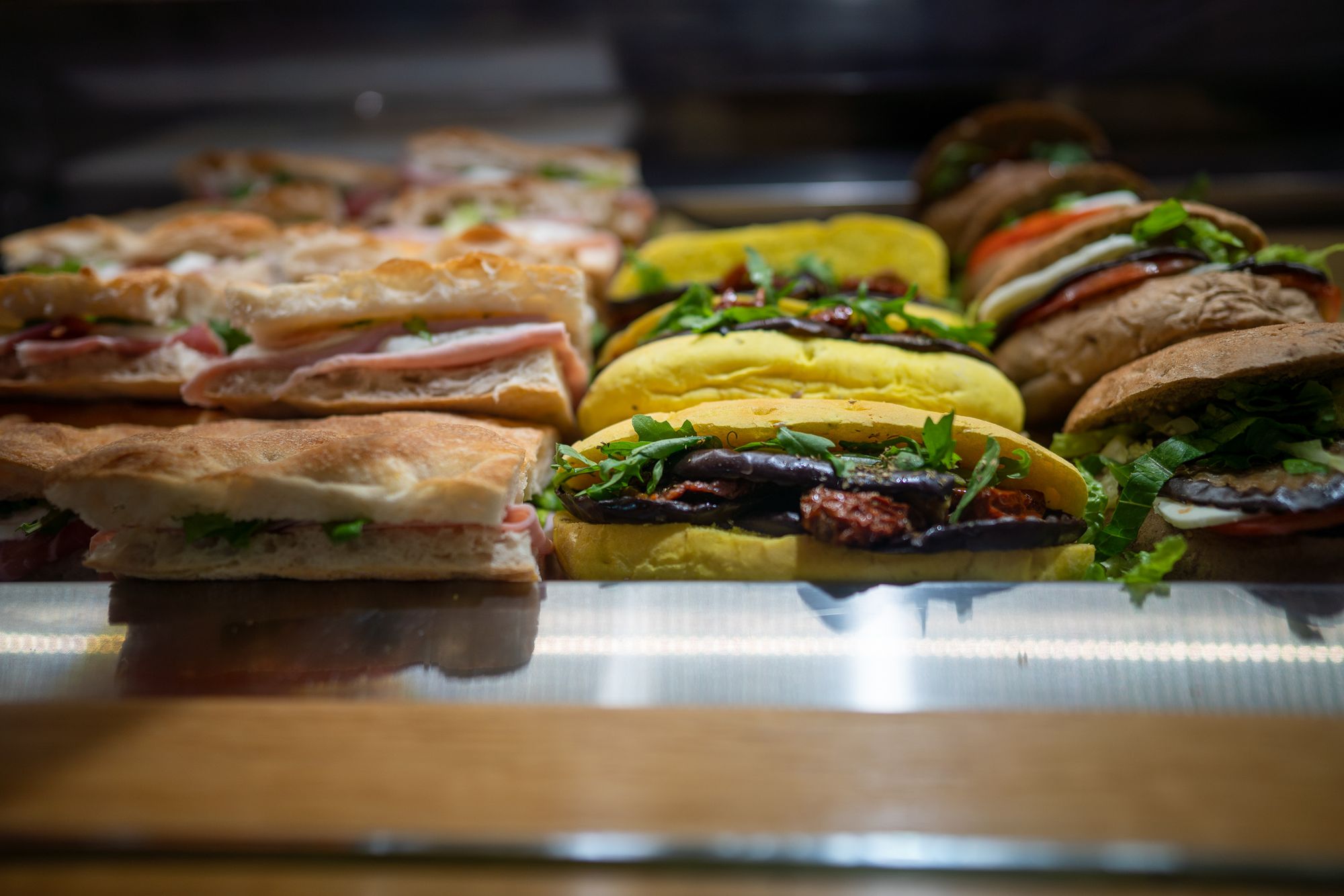
3 Images

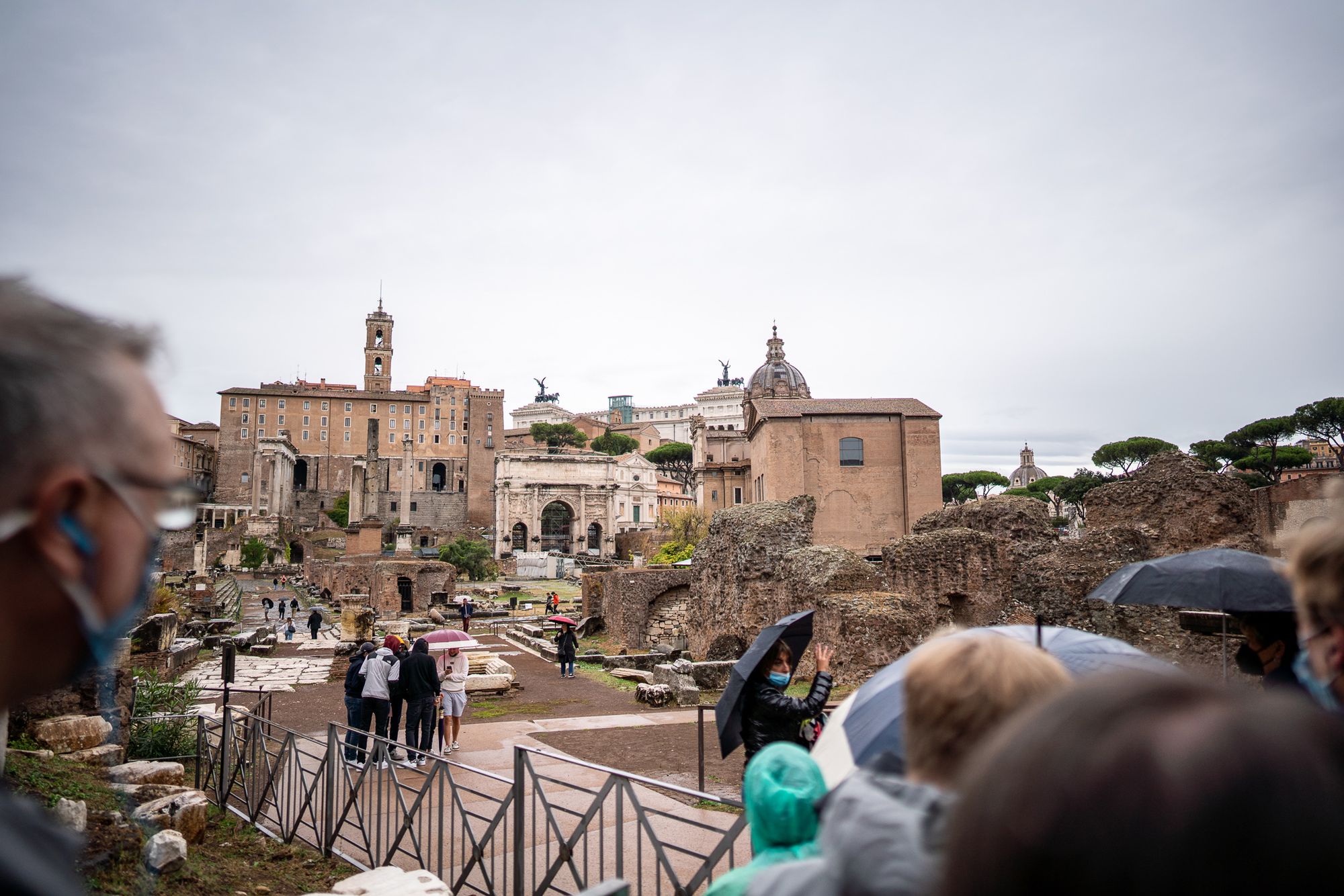
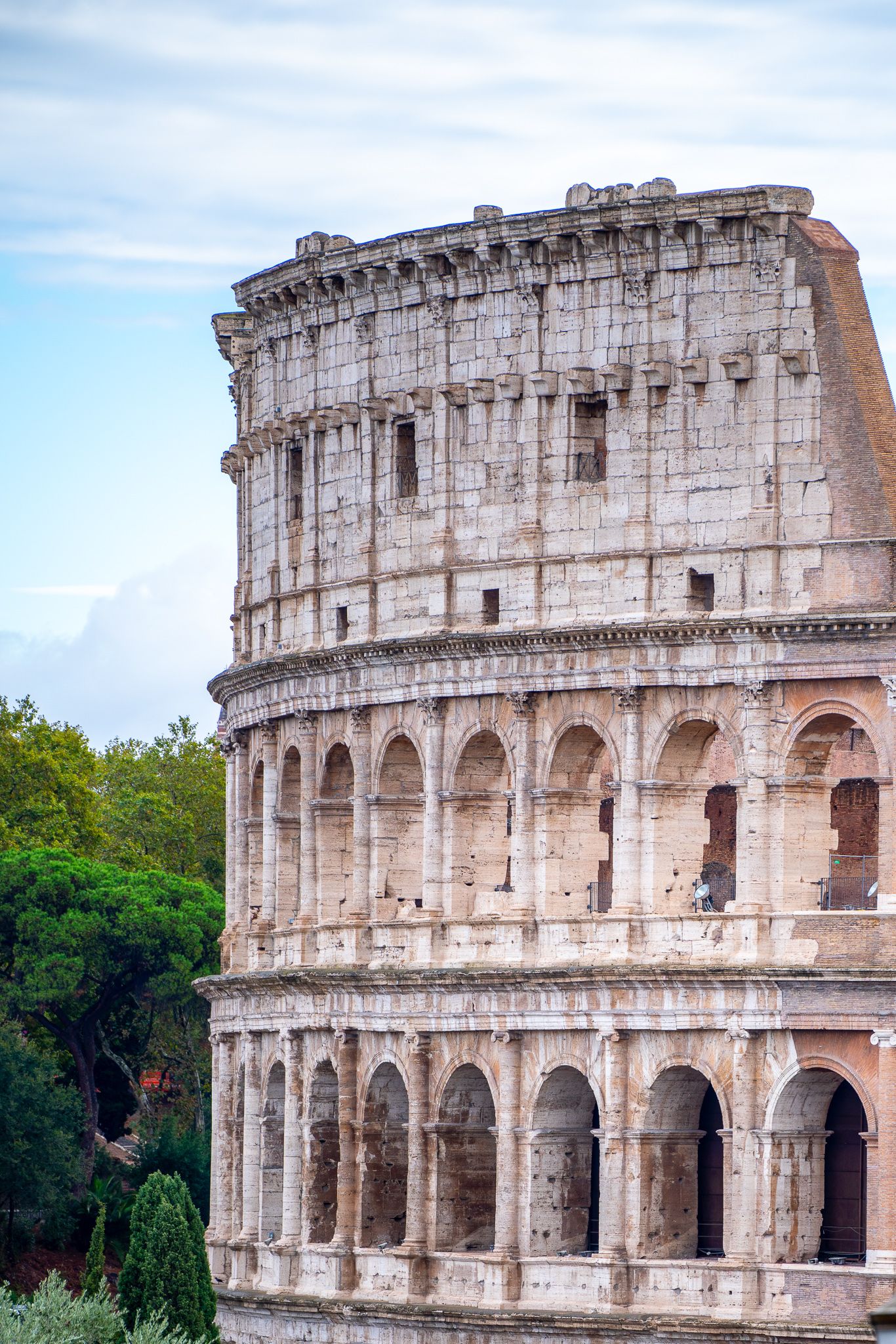
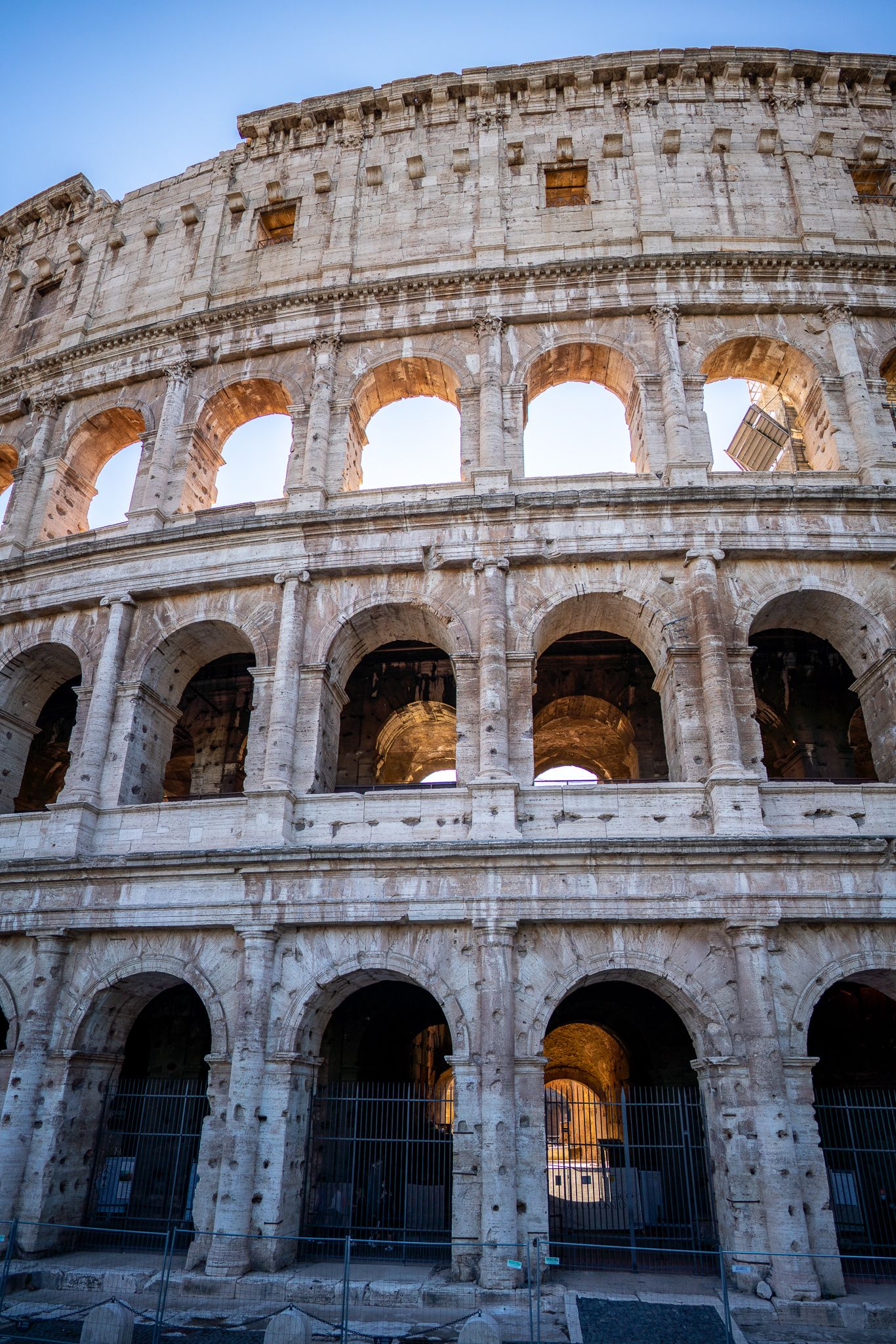
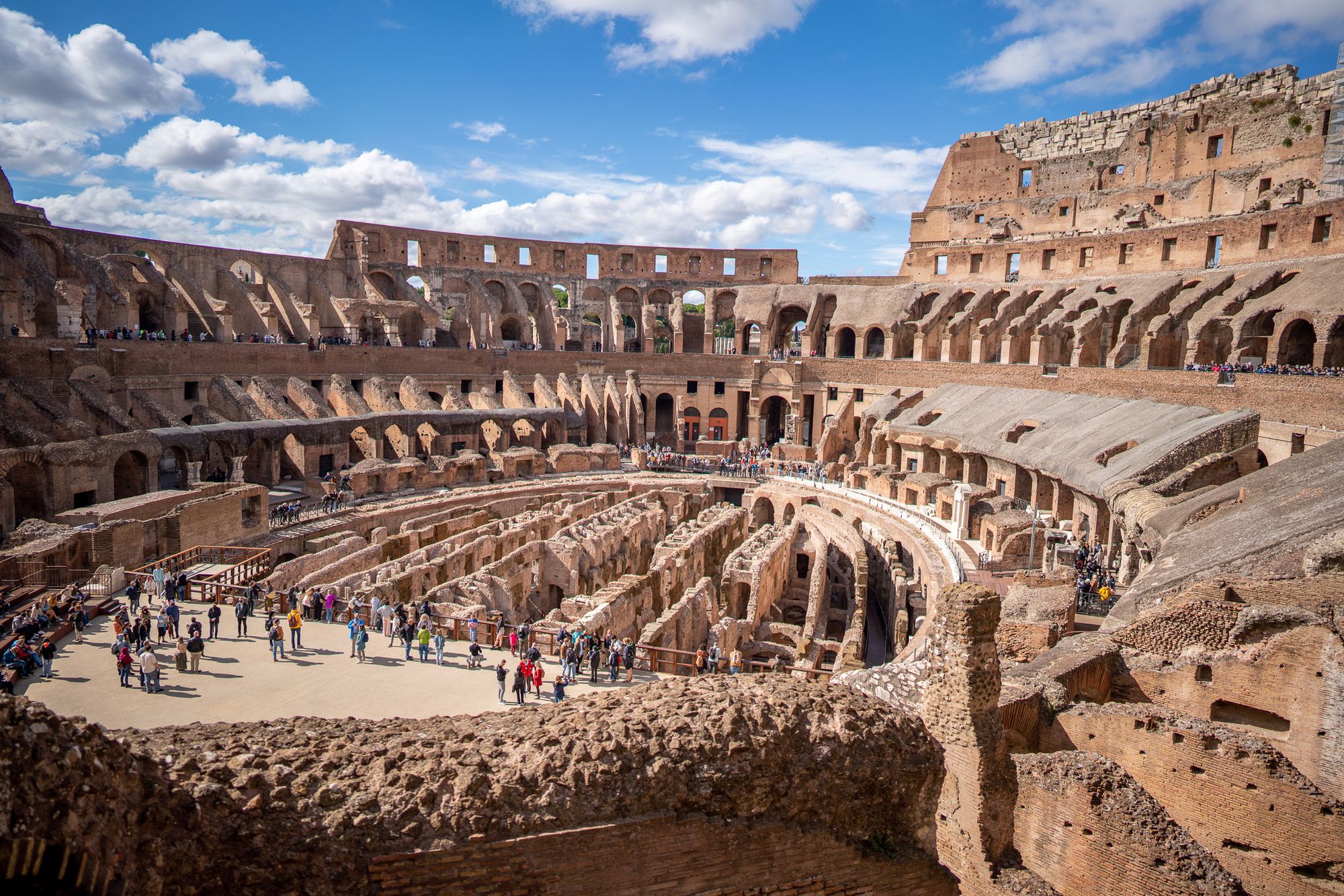
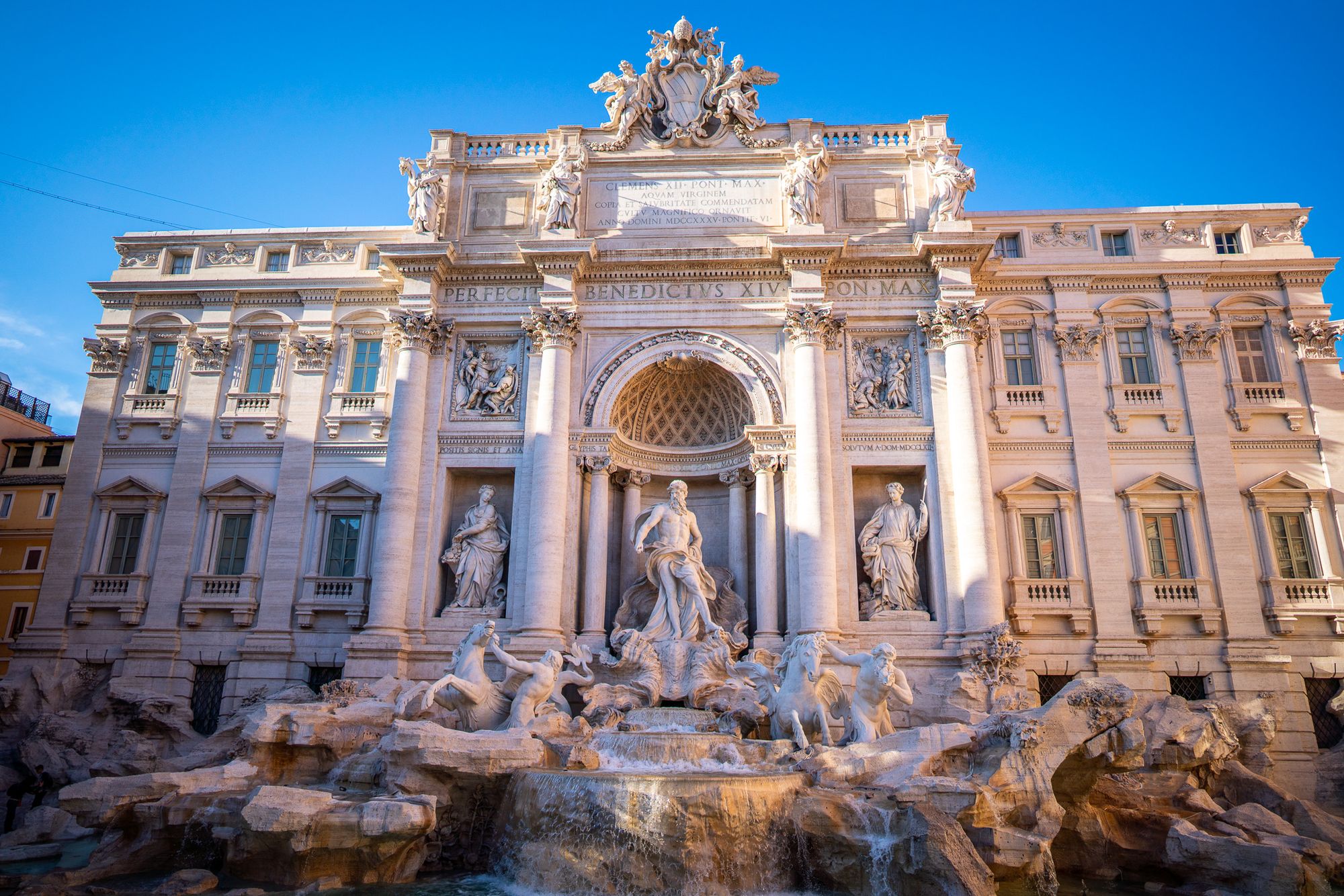
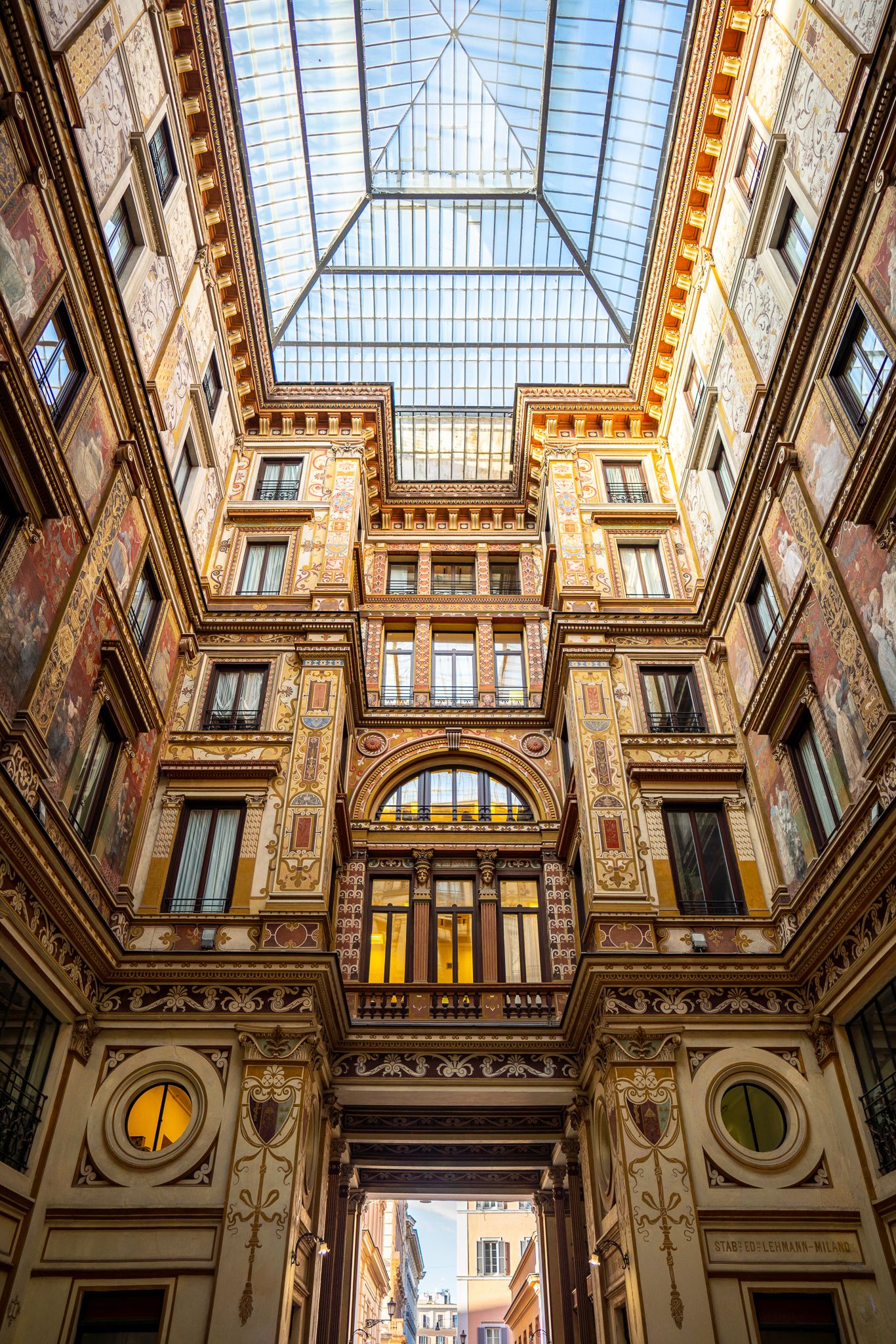
4 Images
5 Images
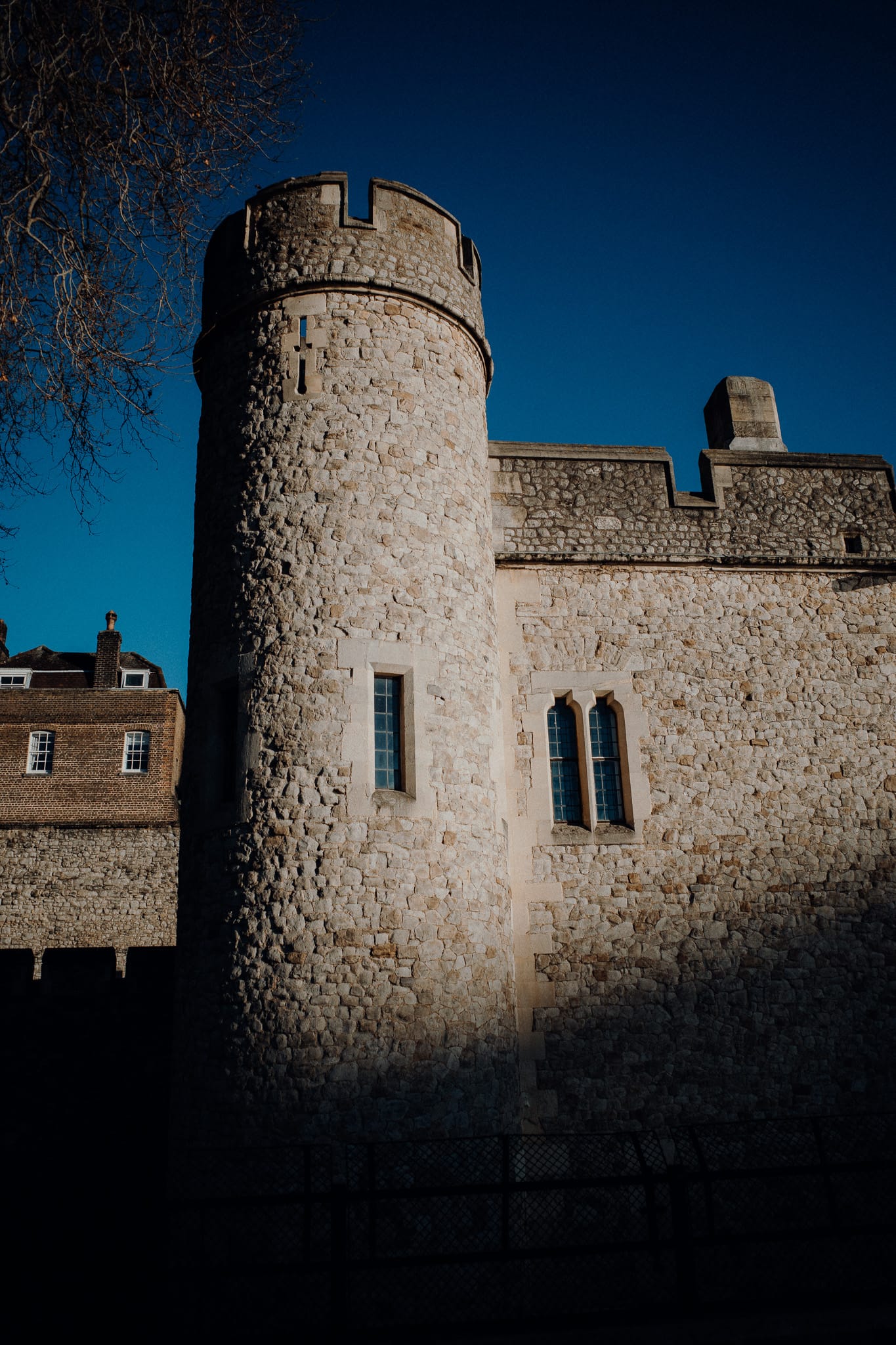
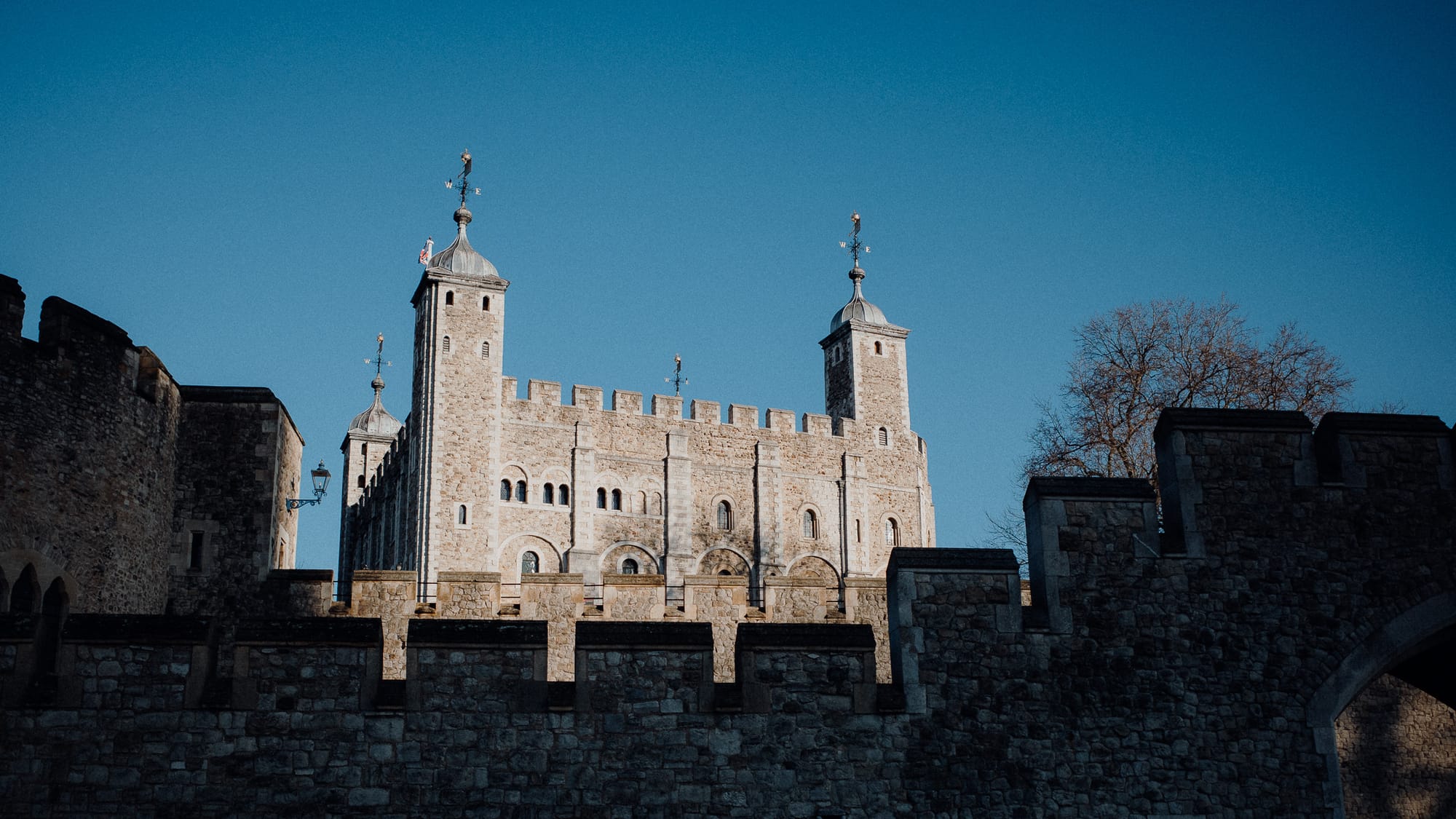
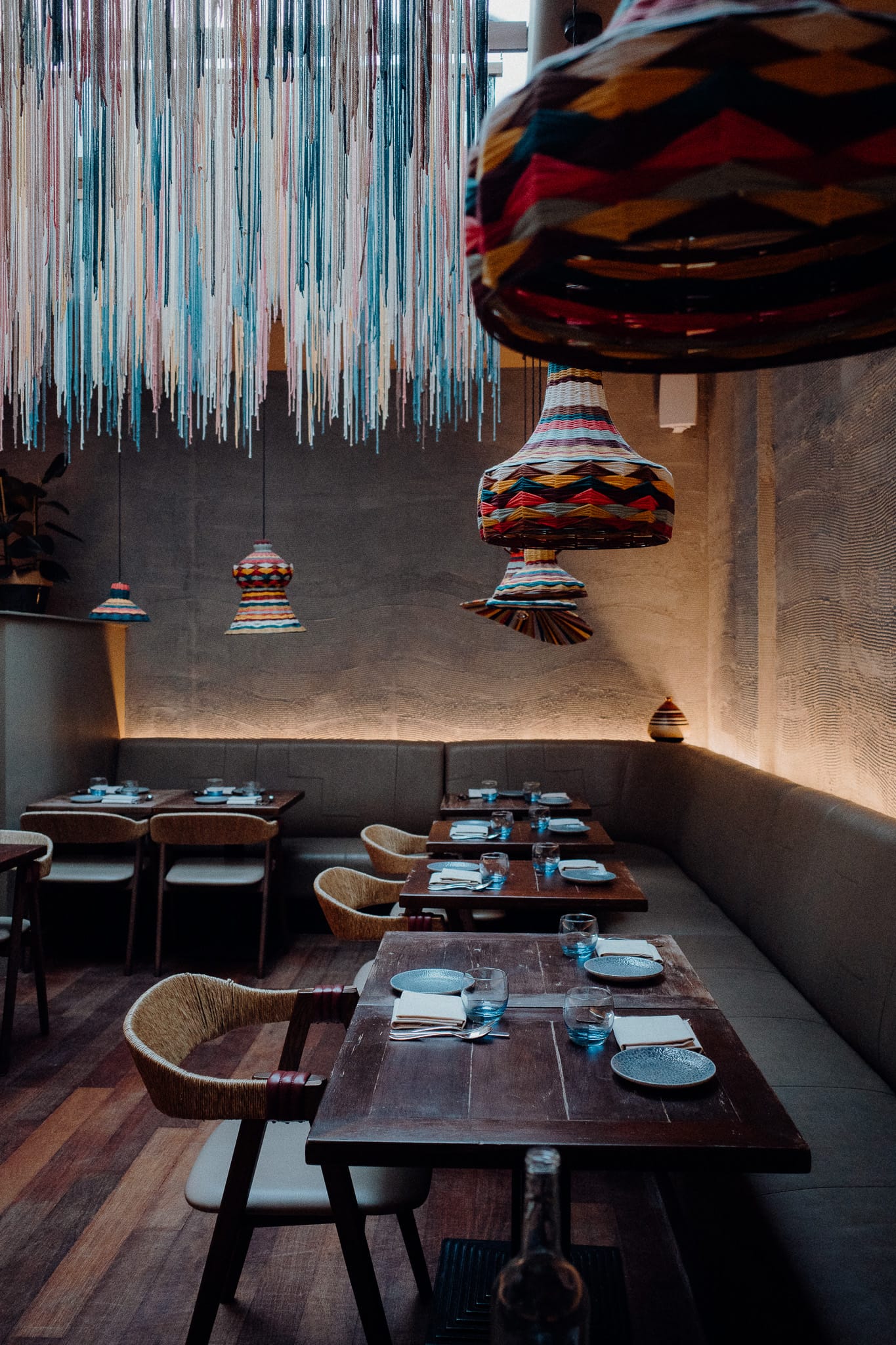
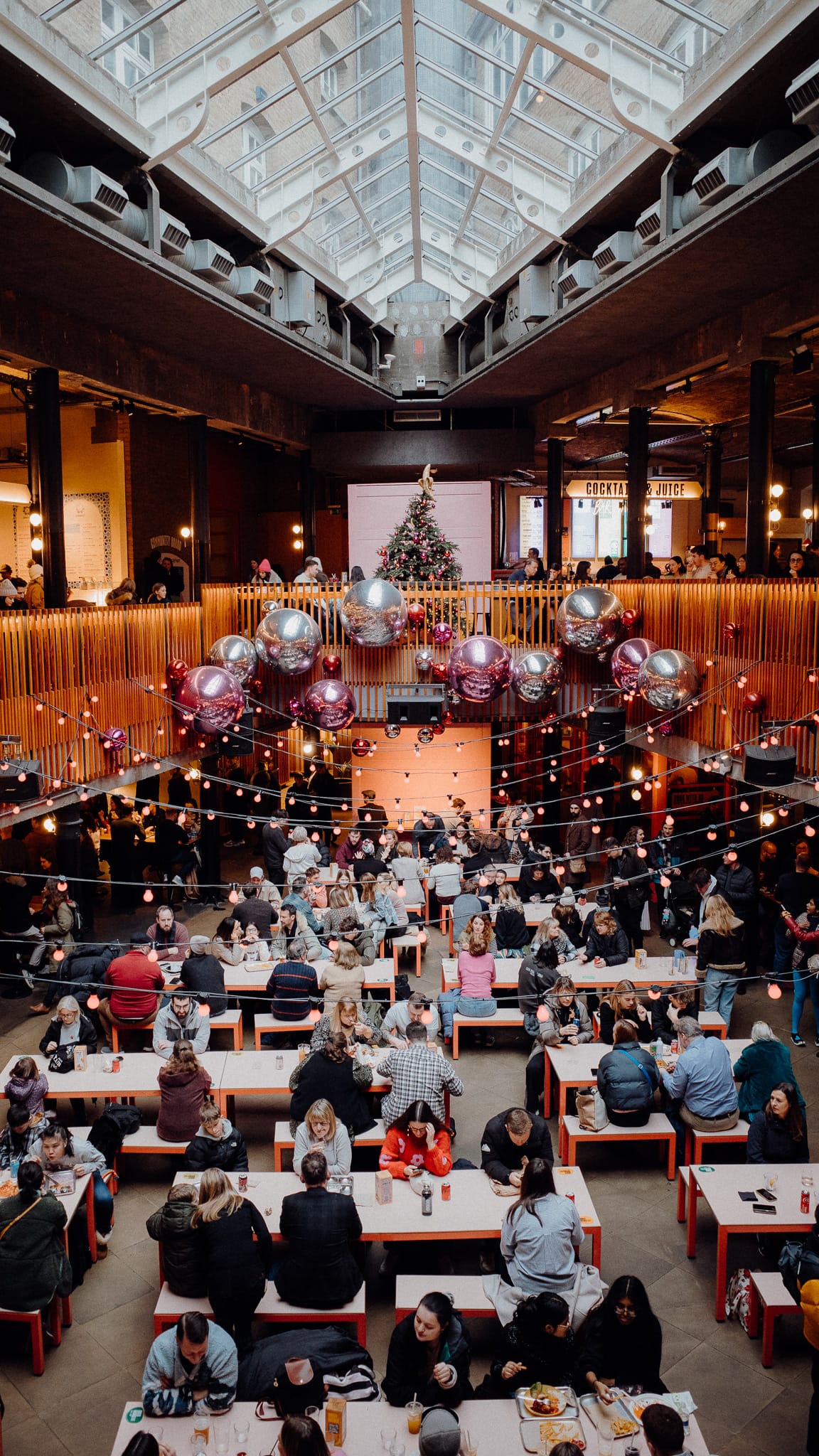
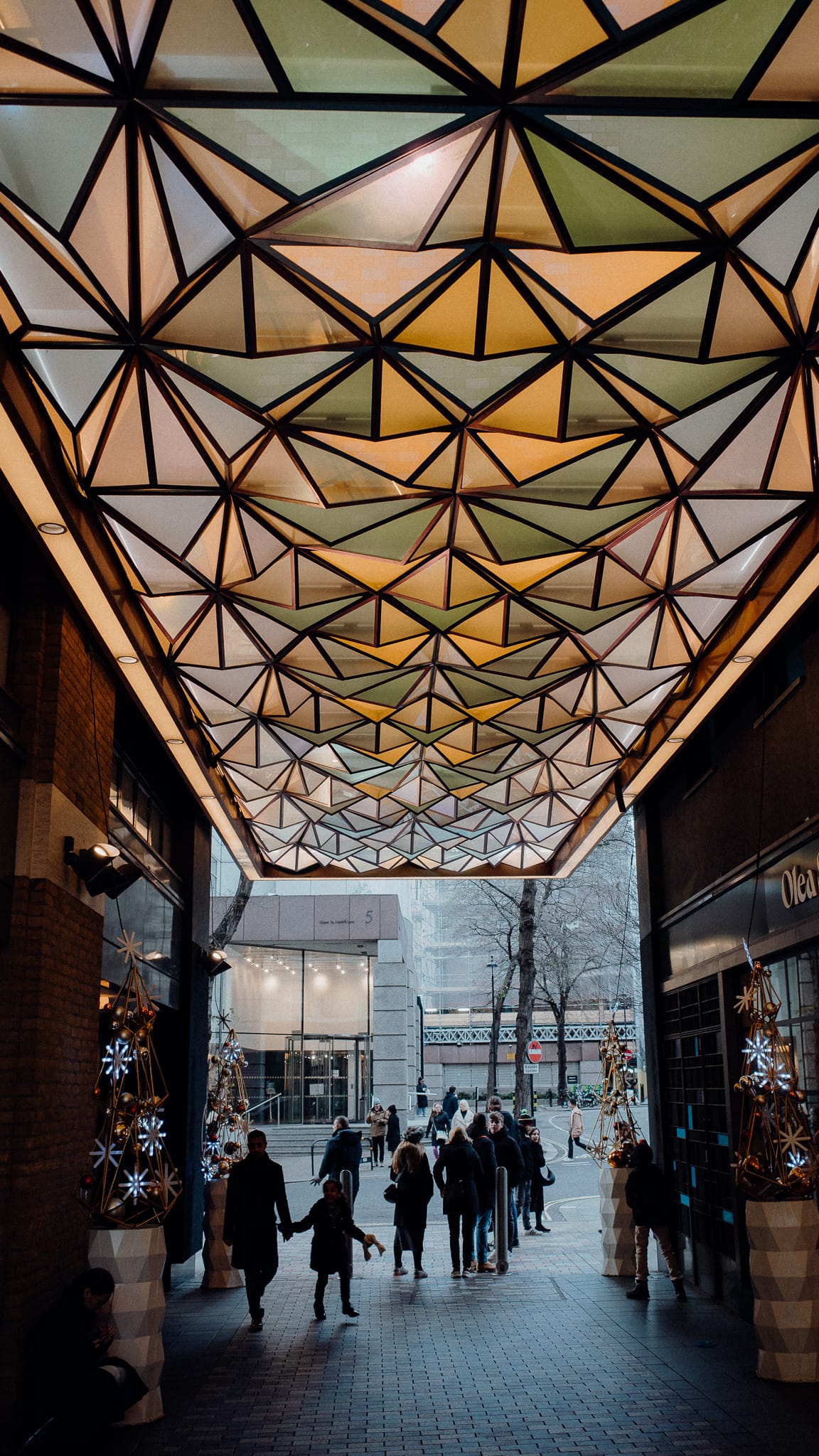
6 Images
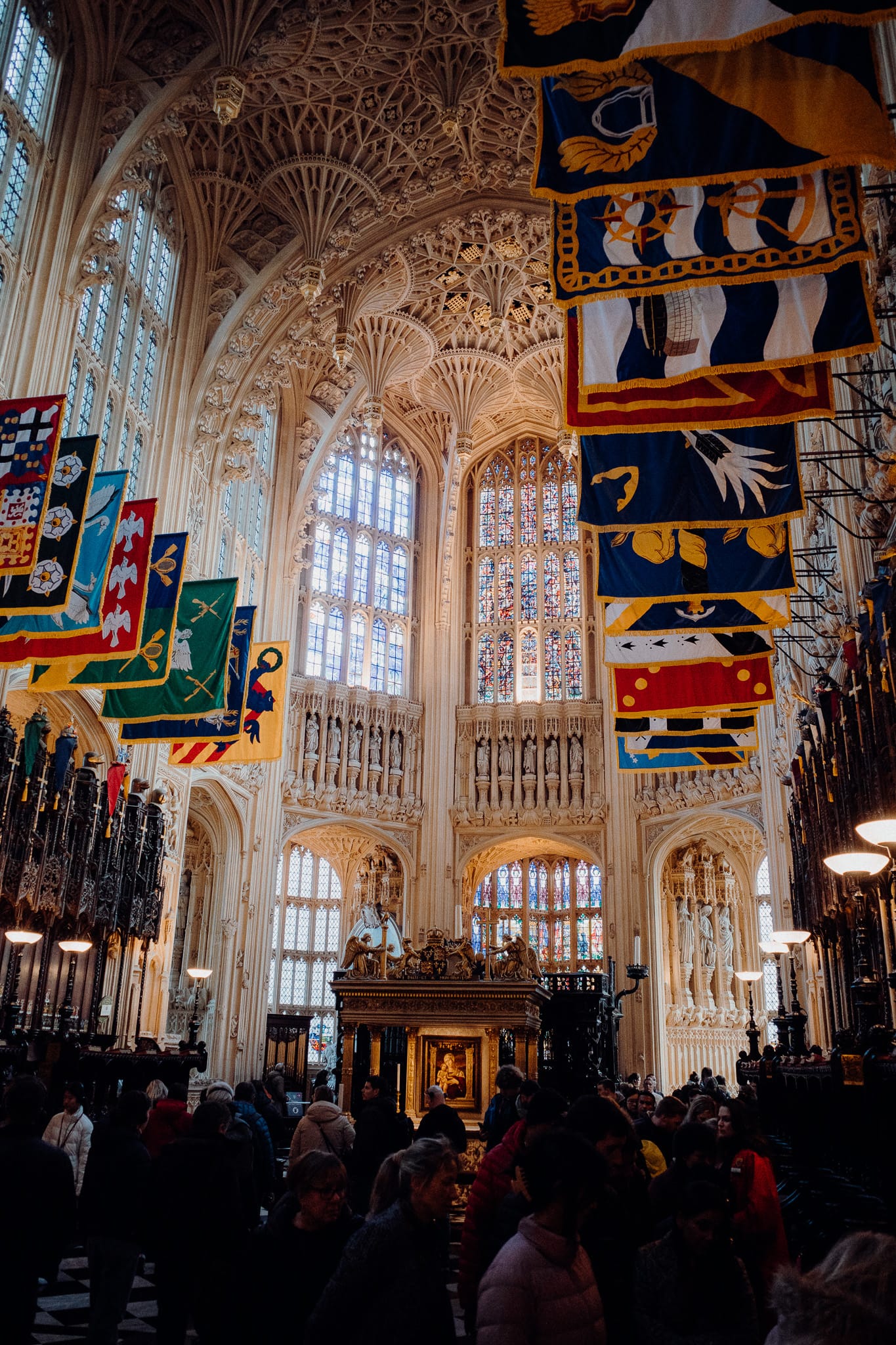
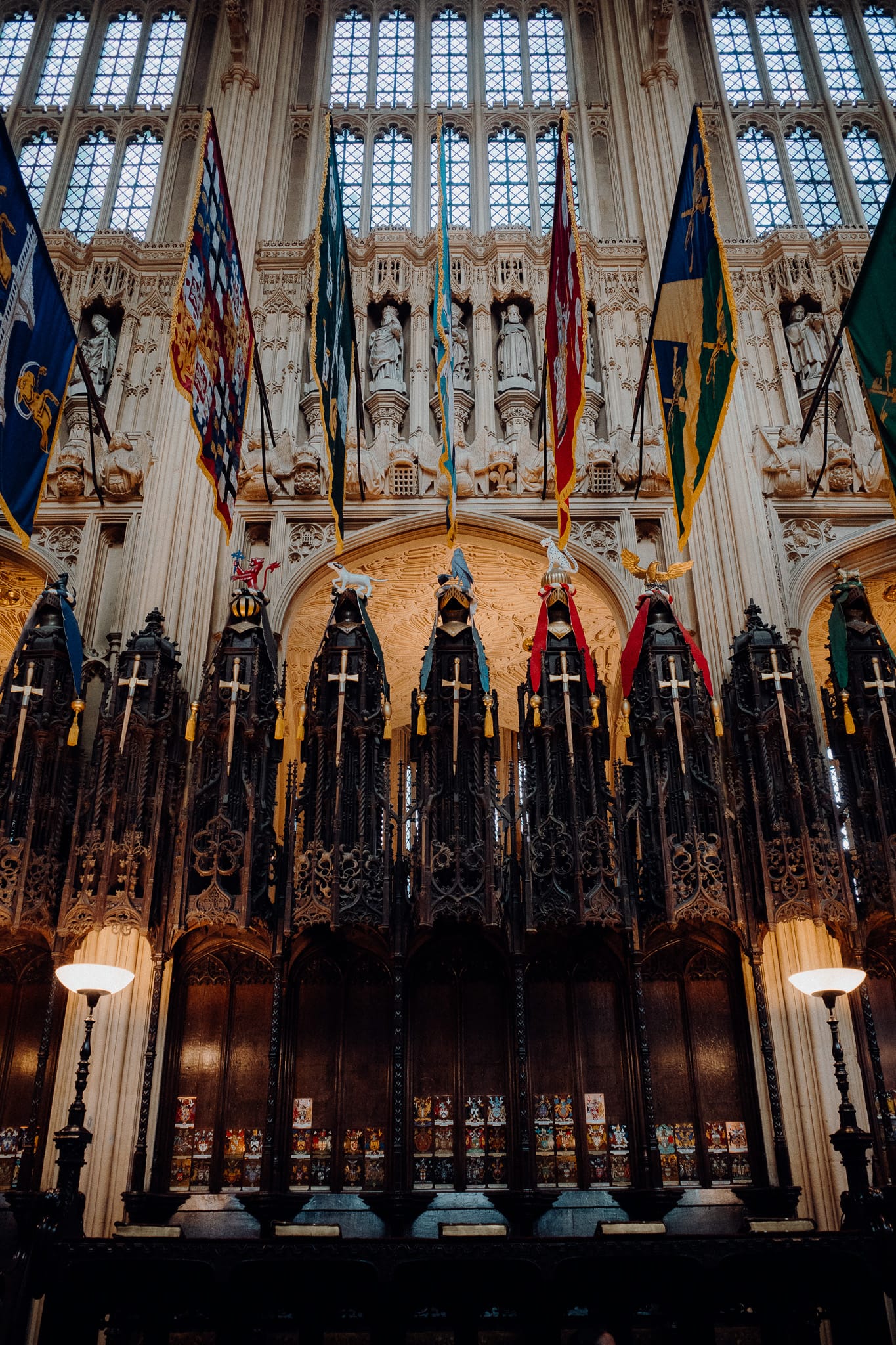

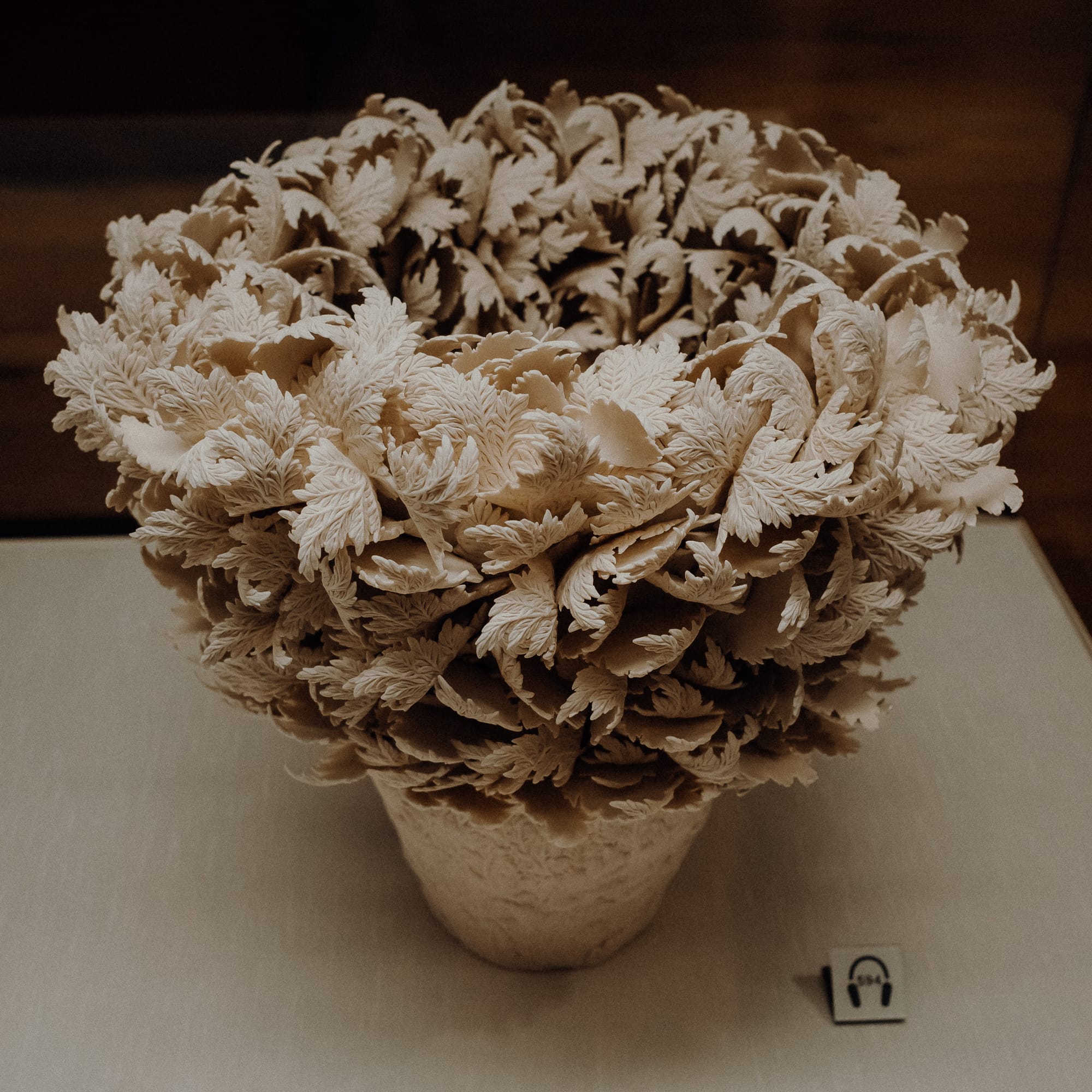
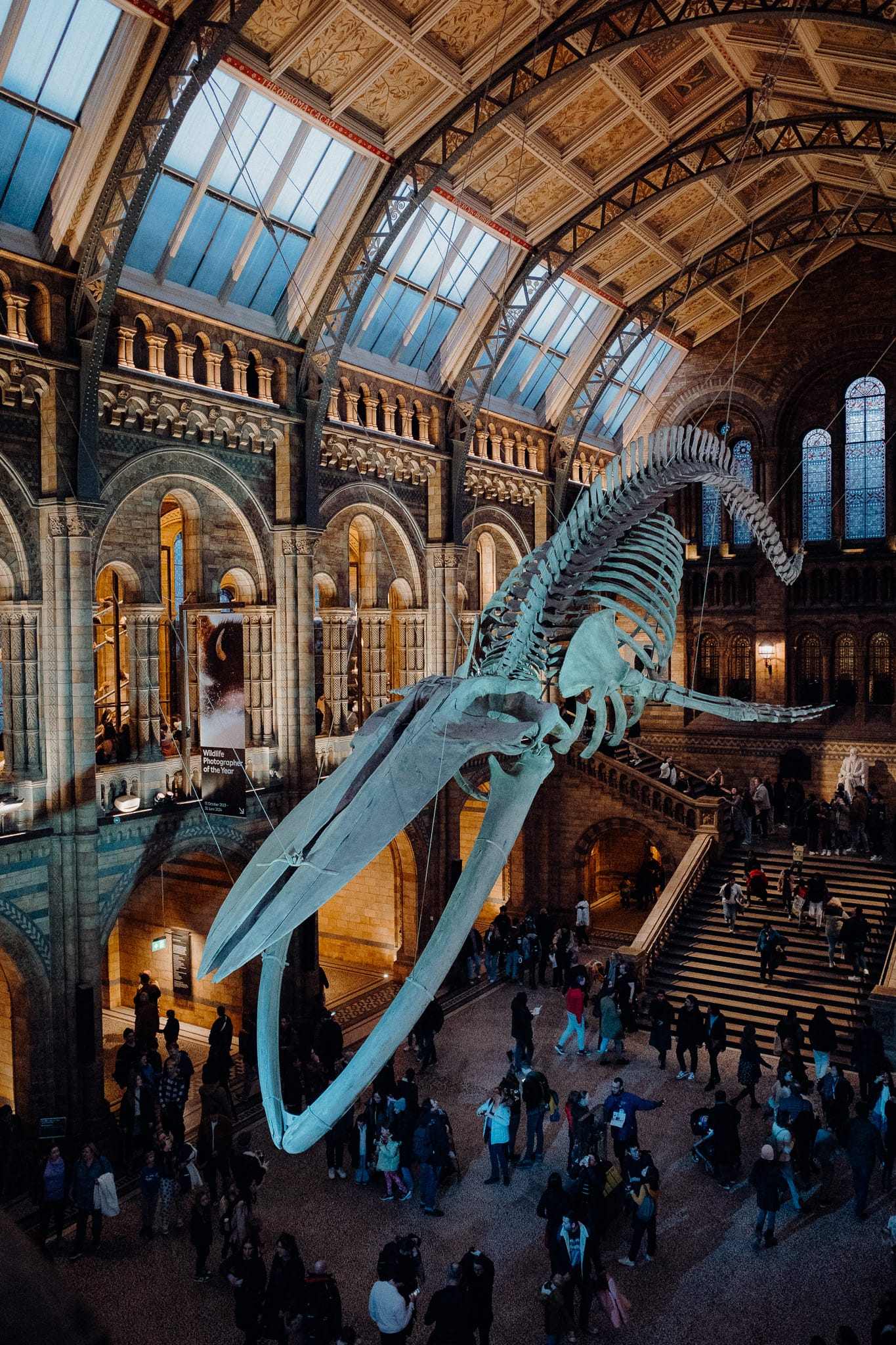
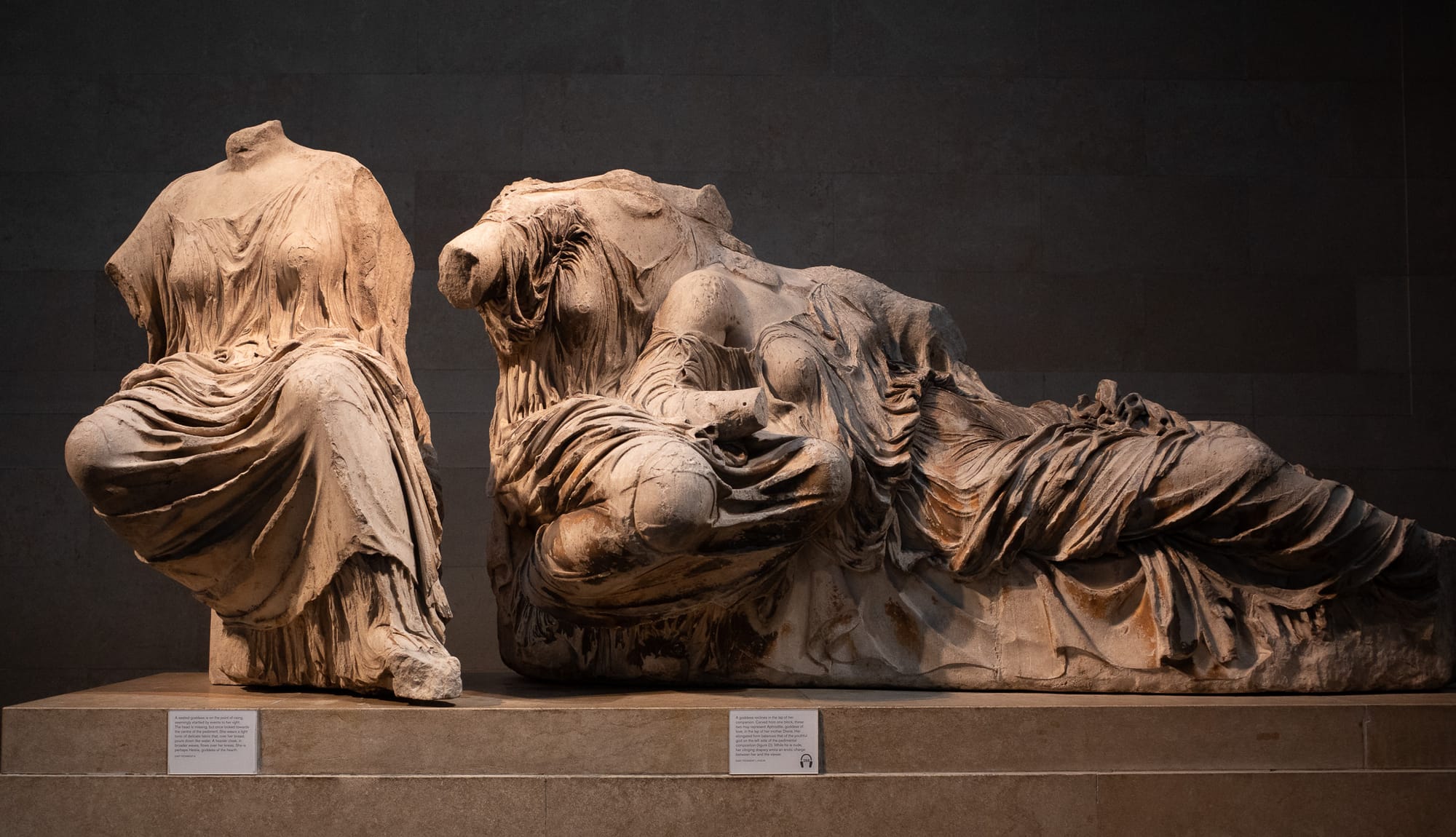
7 Images
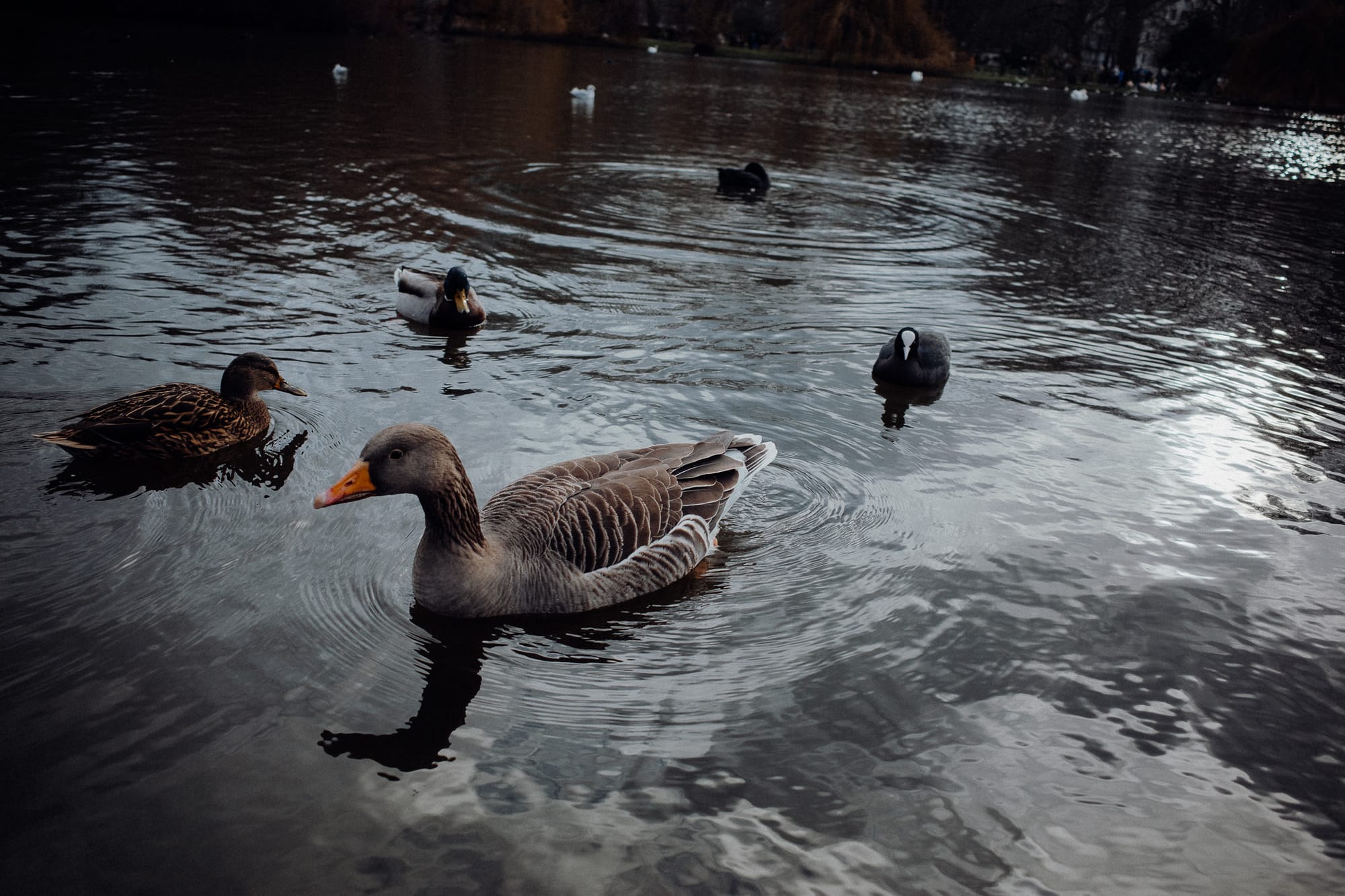
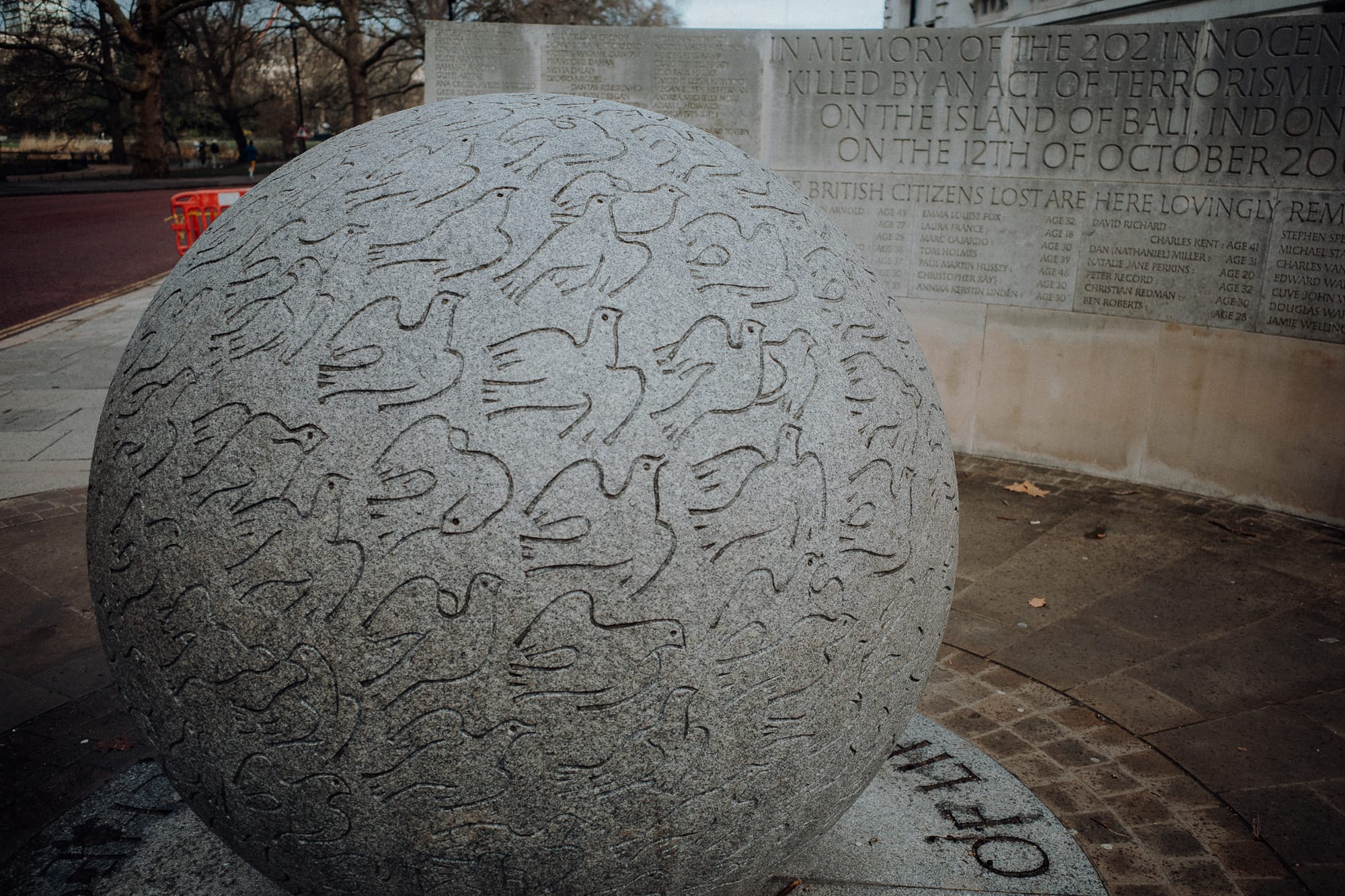
8 Images


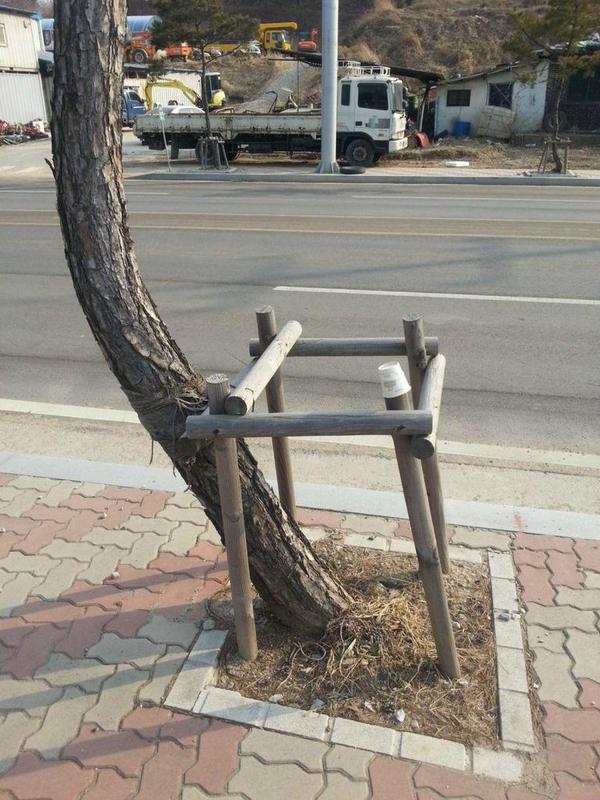
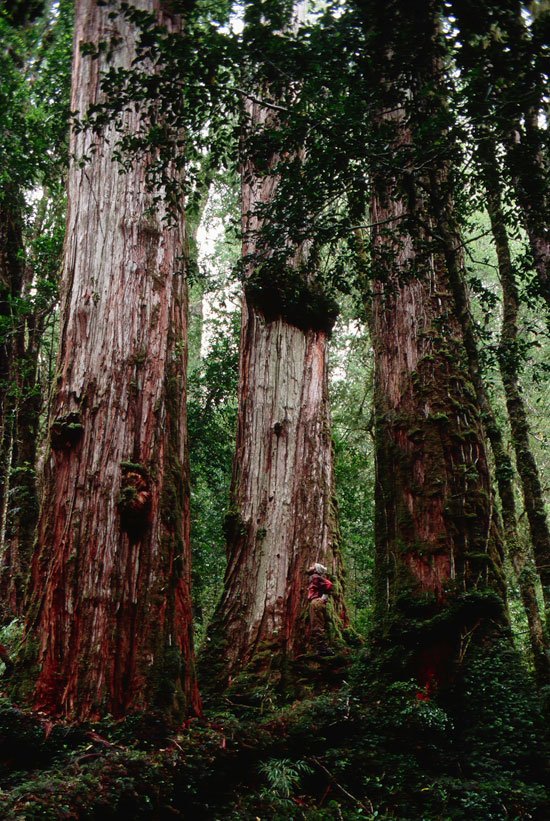

9 Images (Maximum)
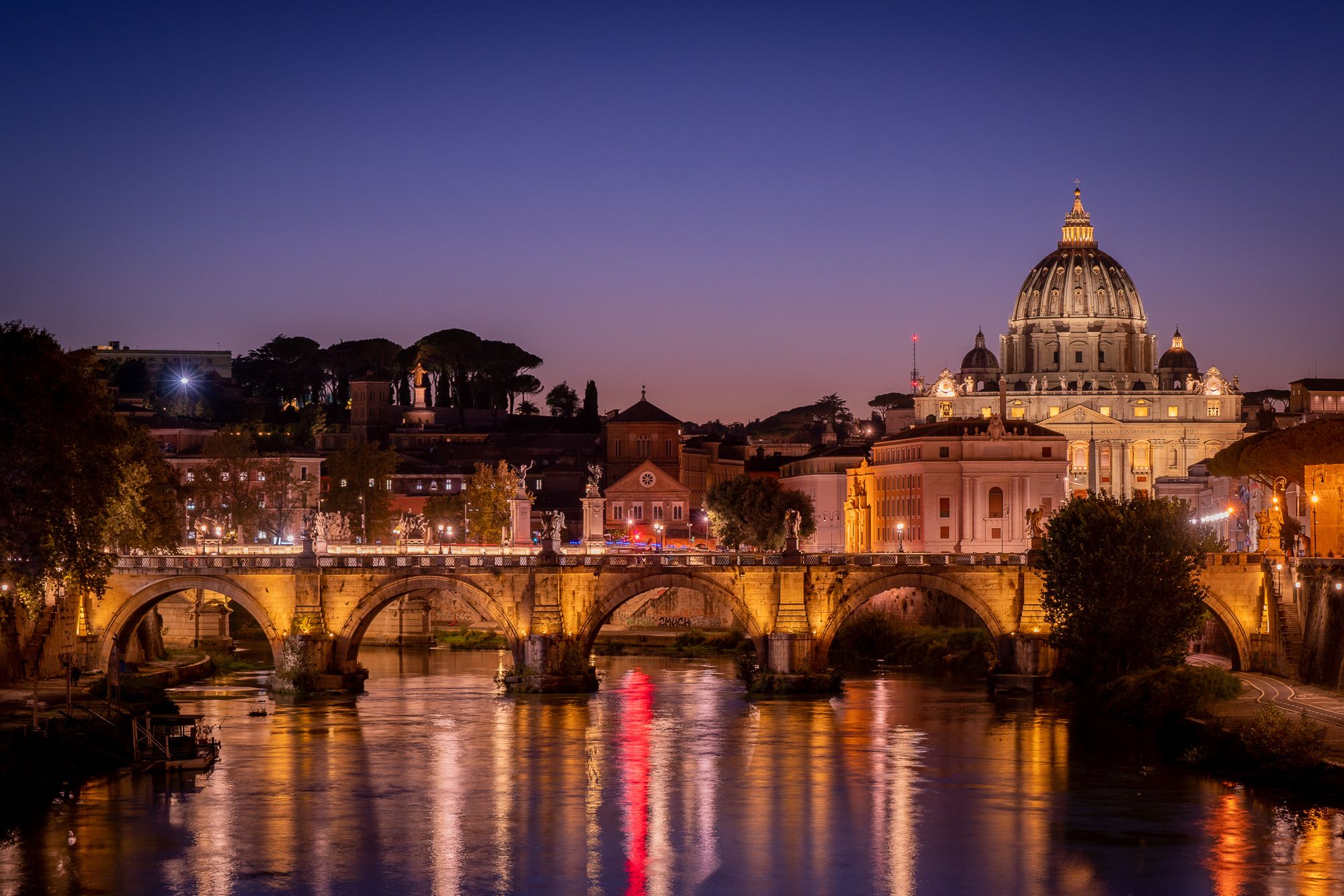
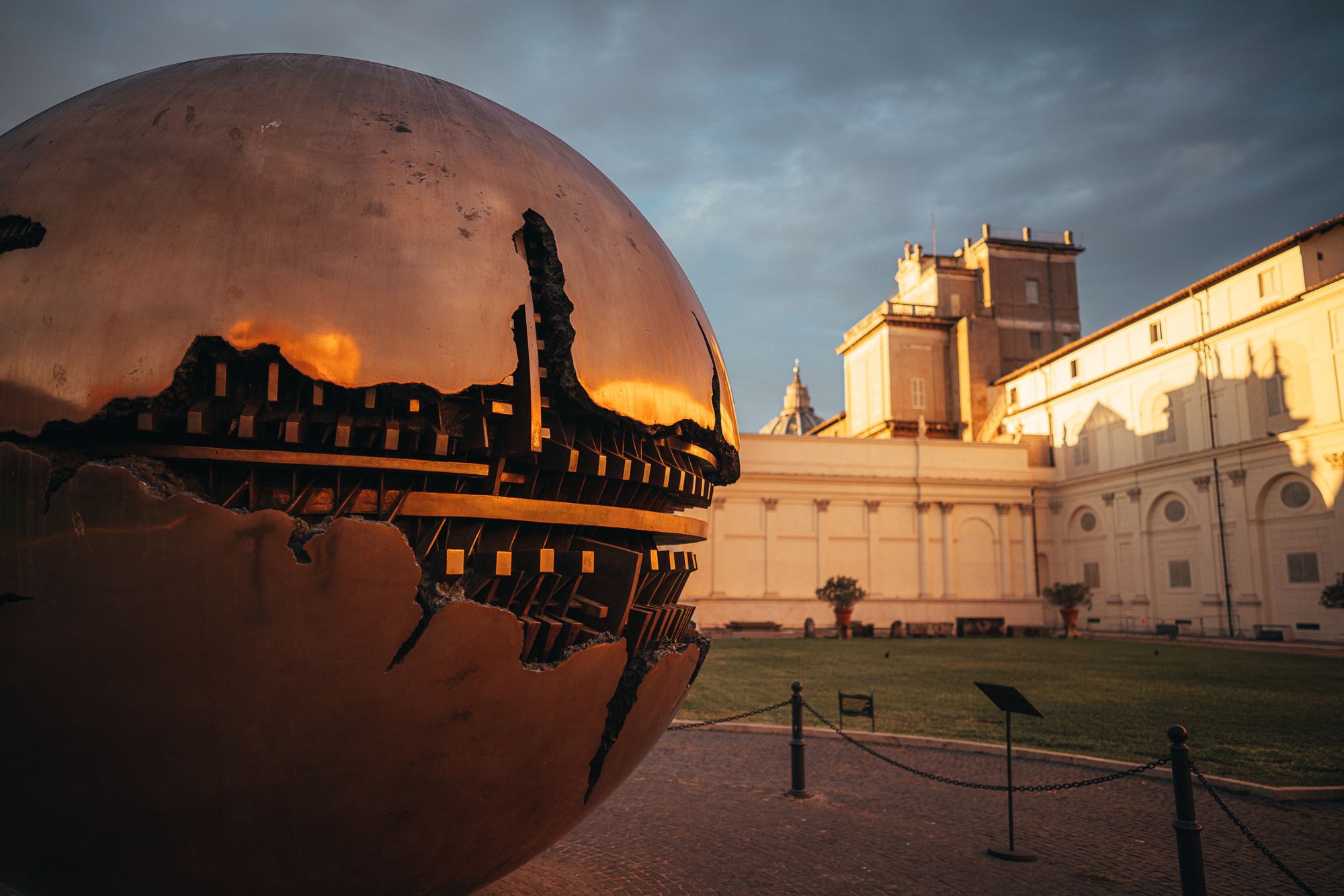
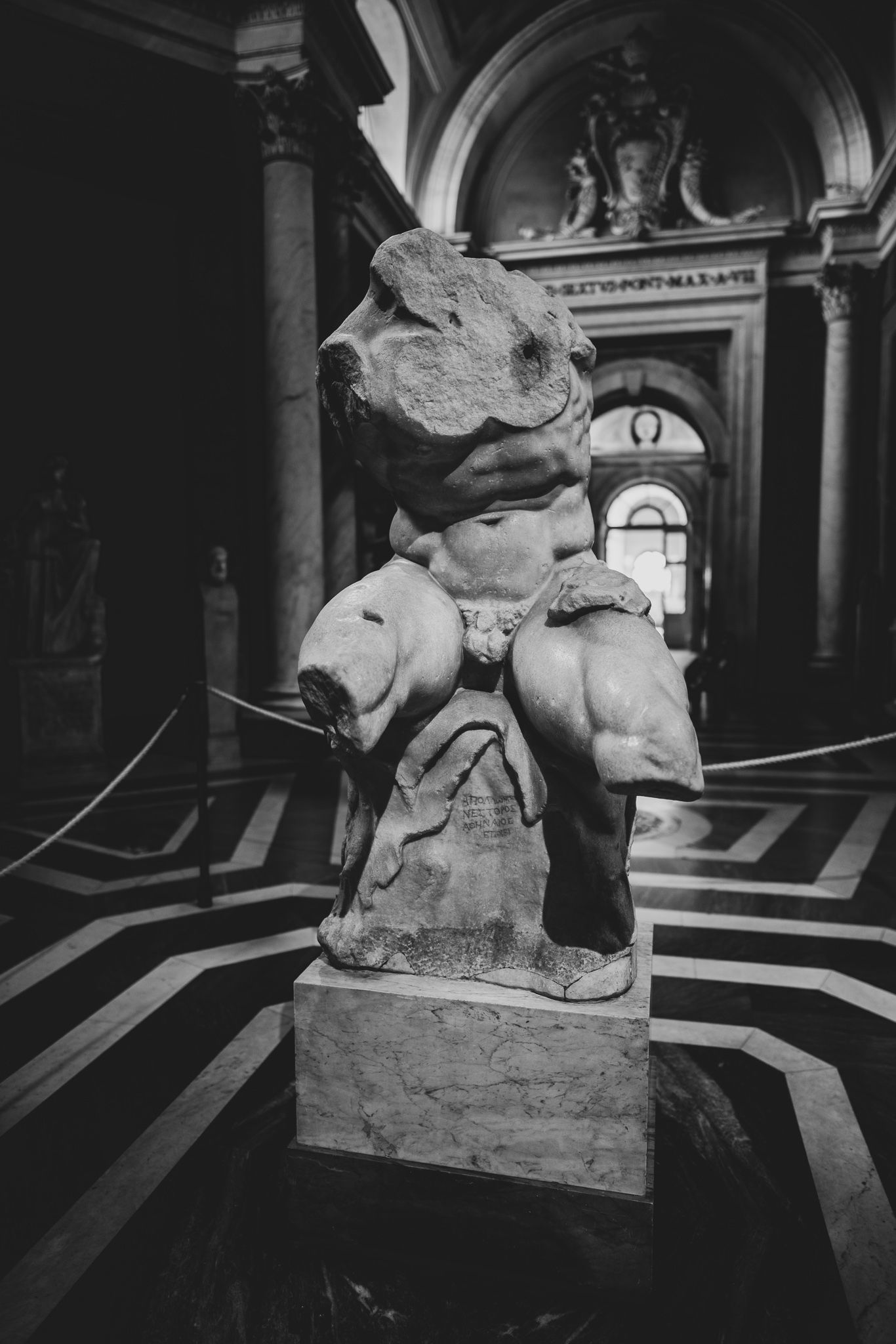
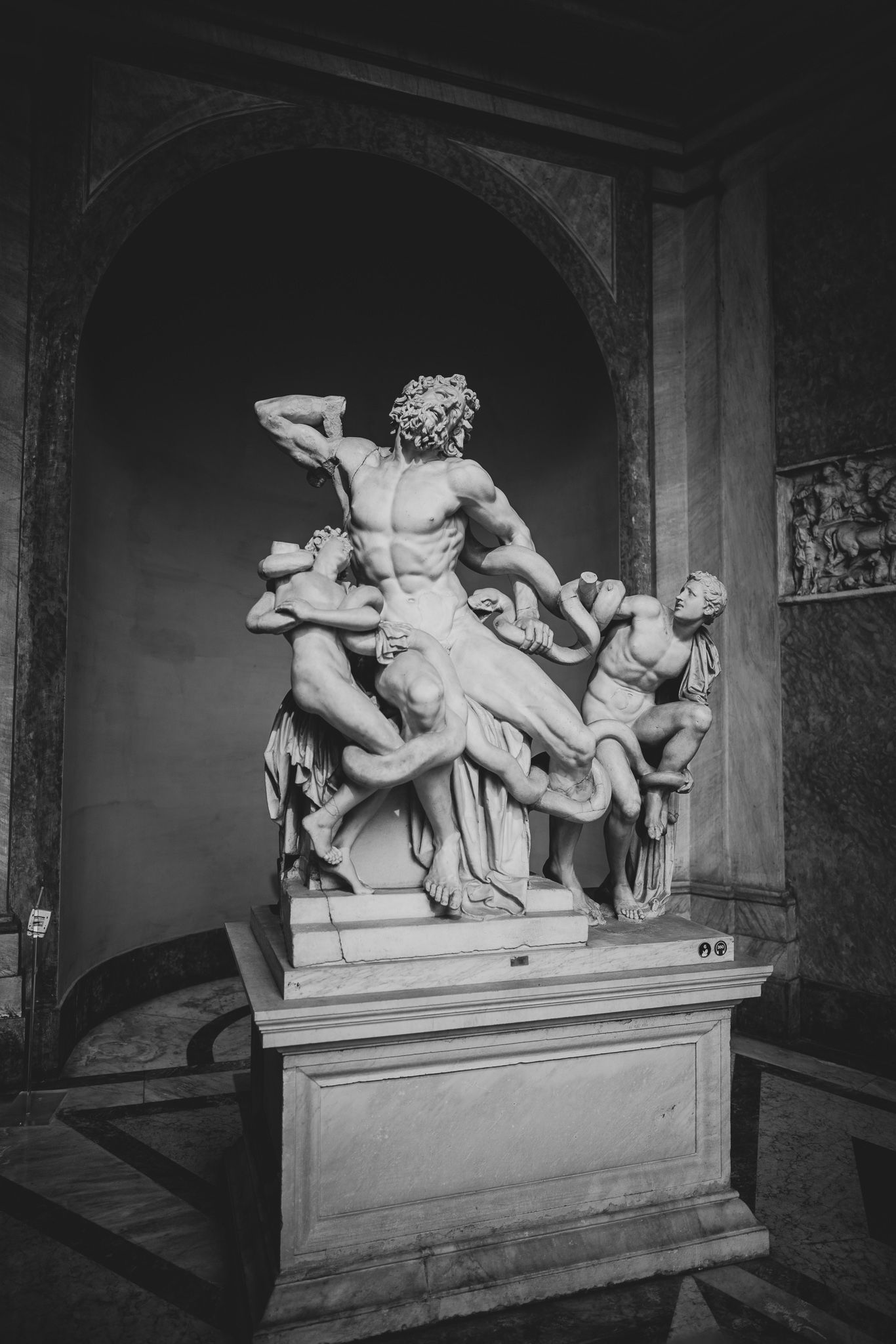
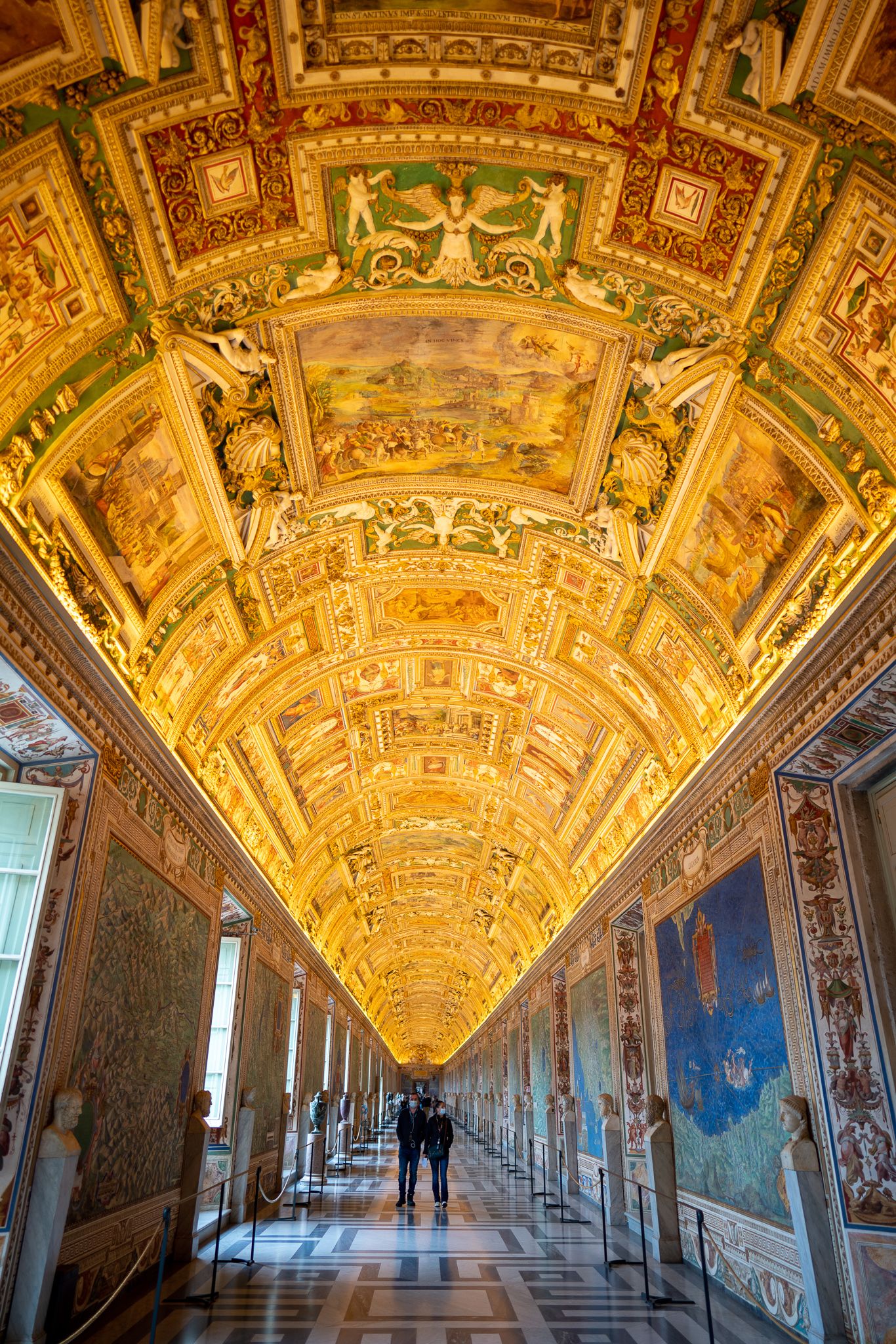
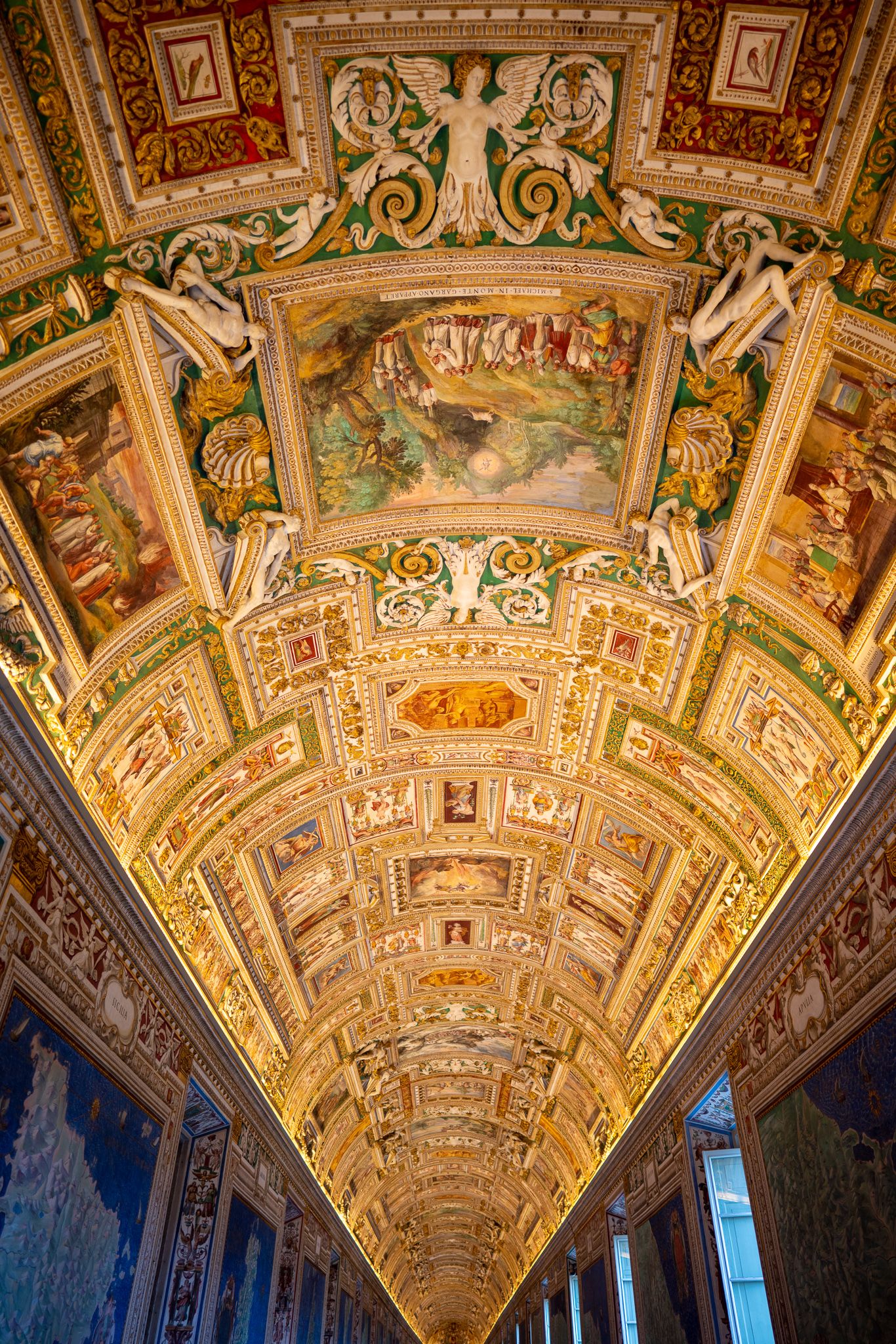
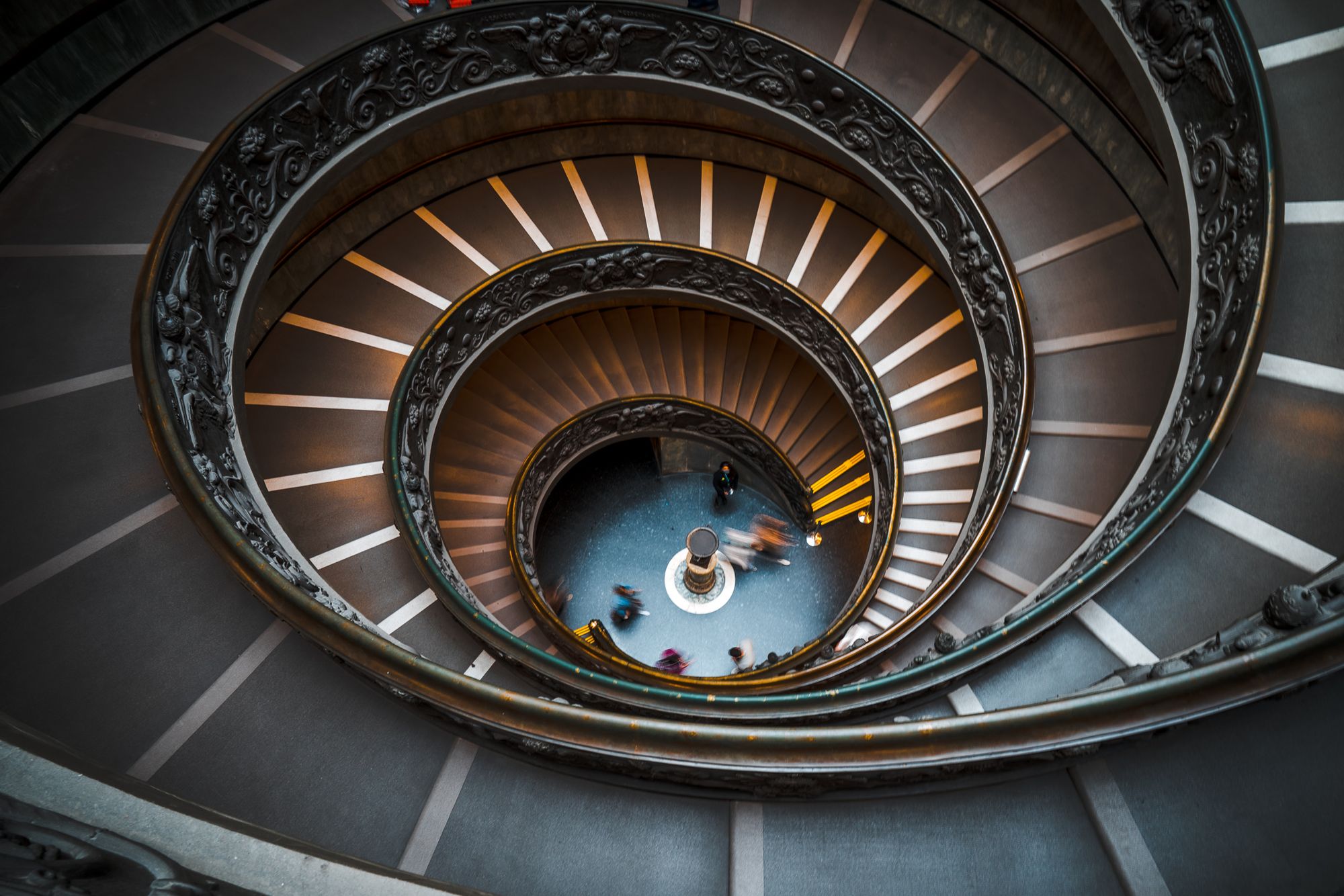
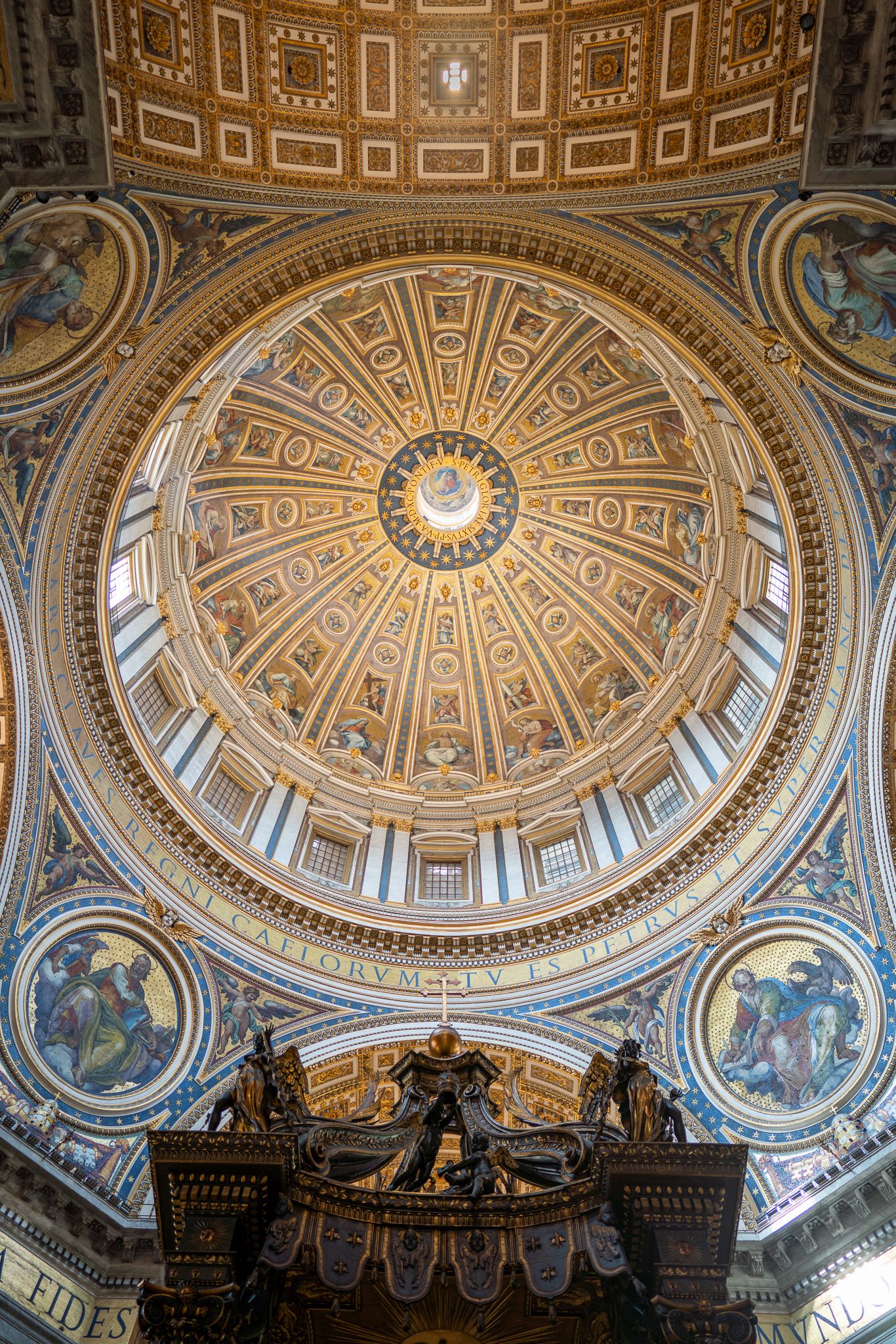
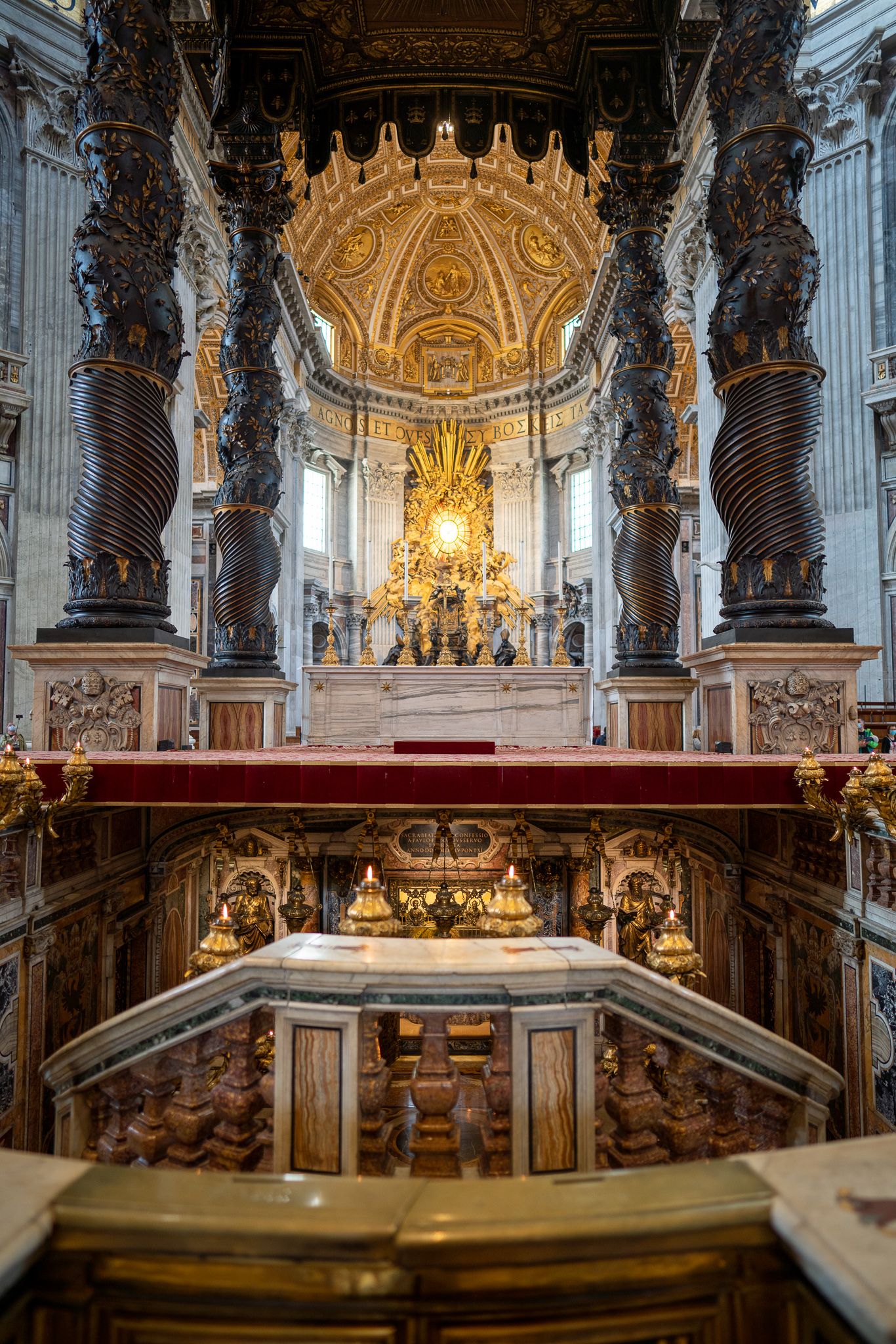
10 Images (Single gallery with 10 images)
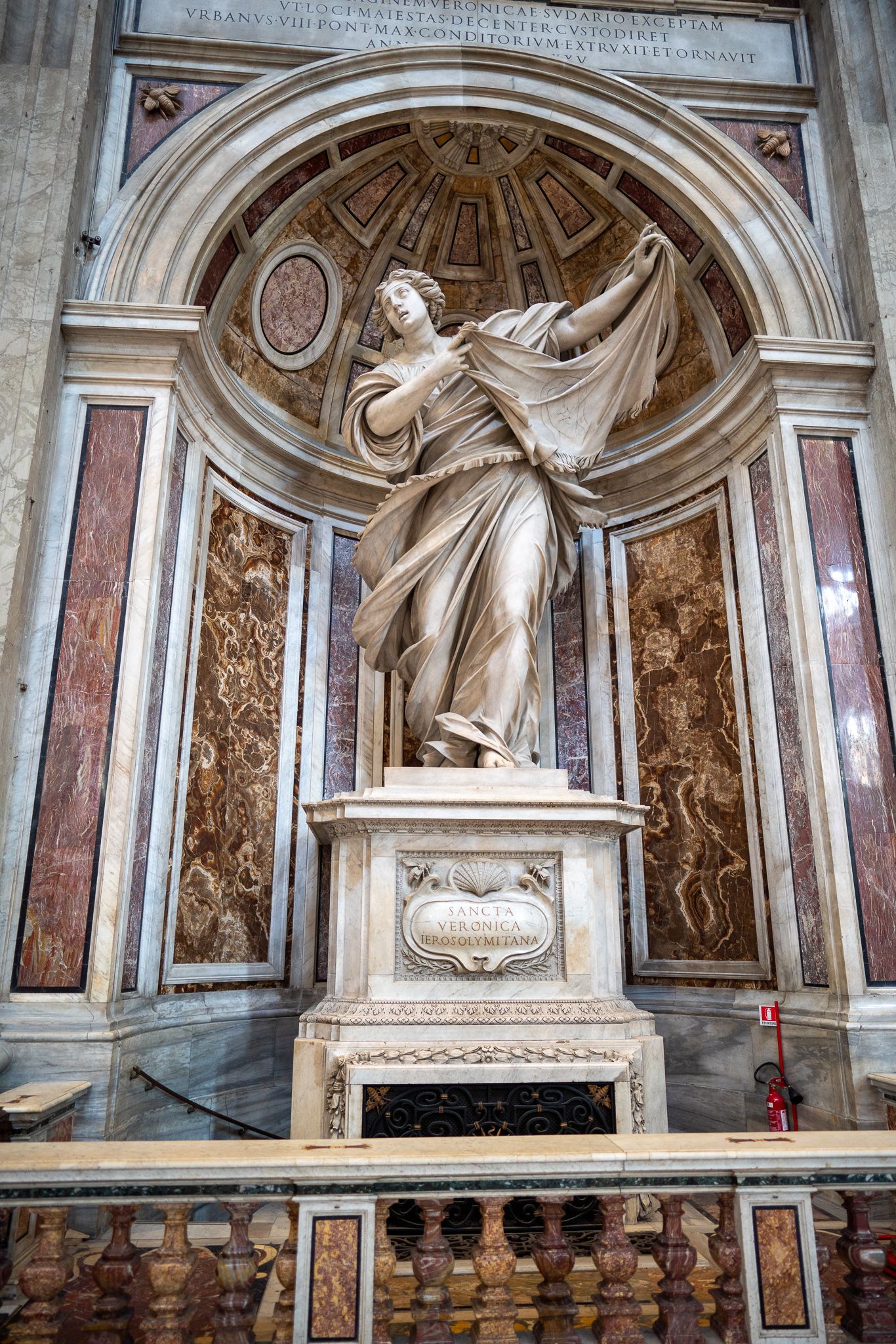
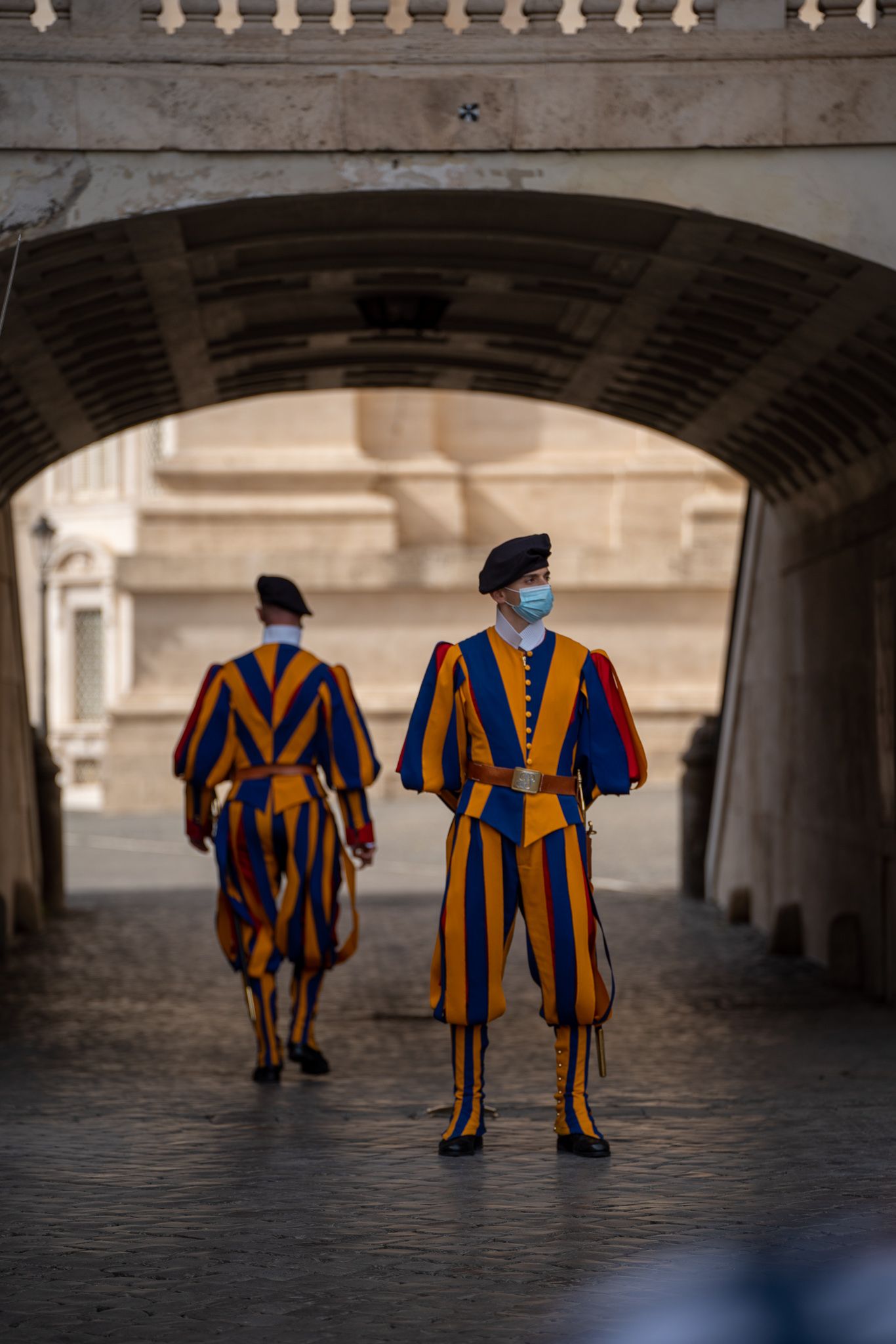
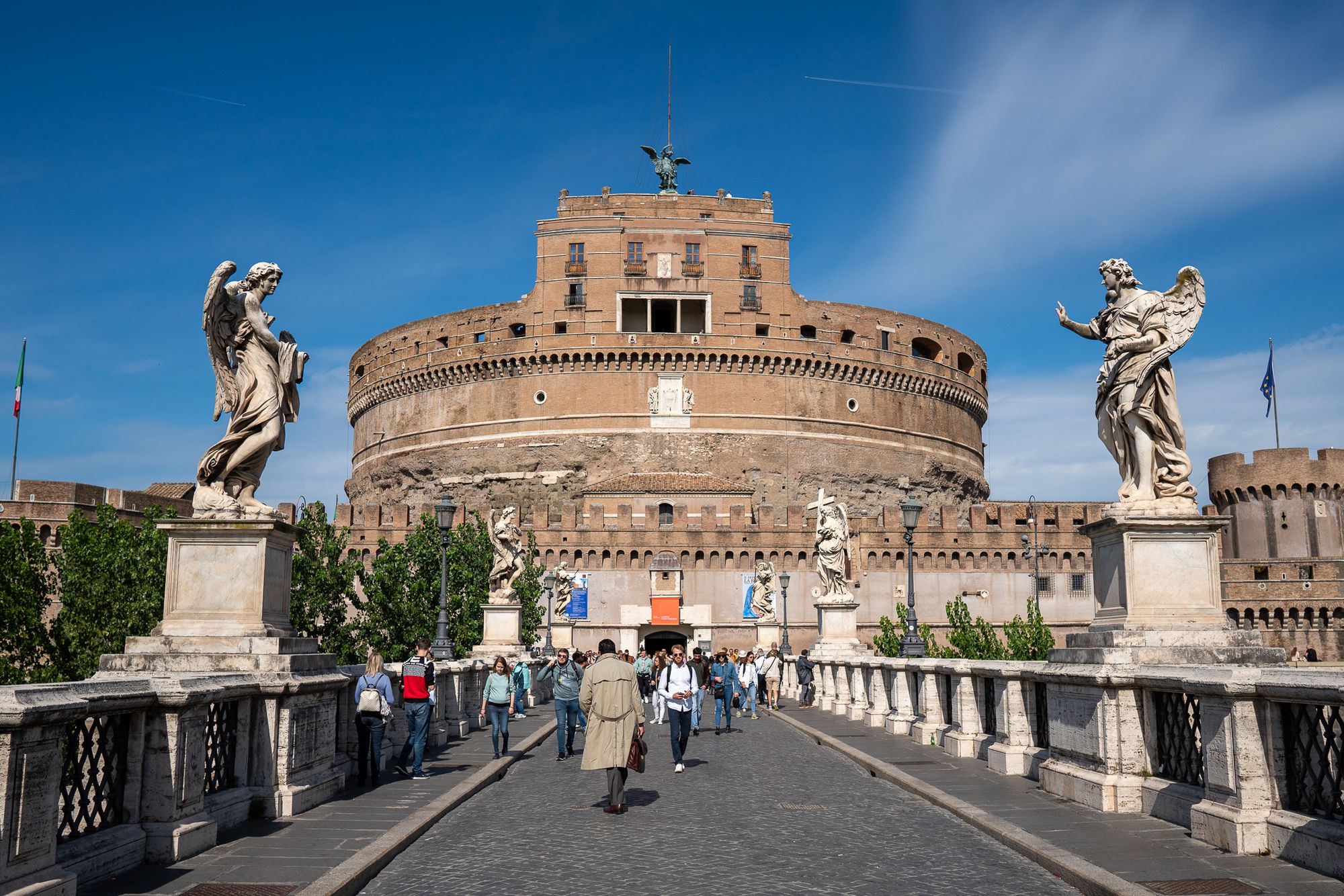
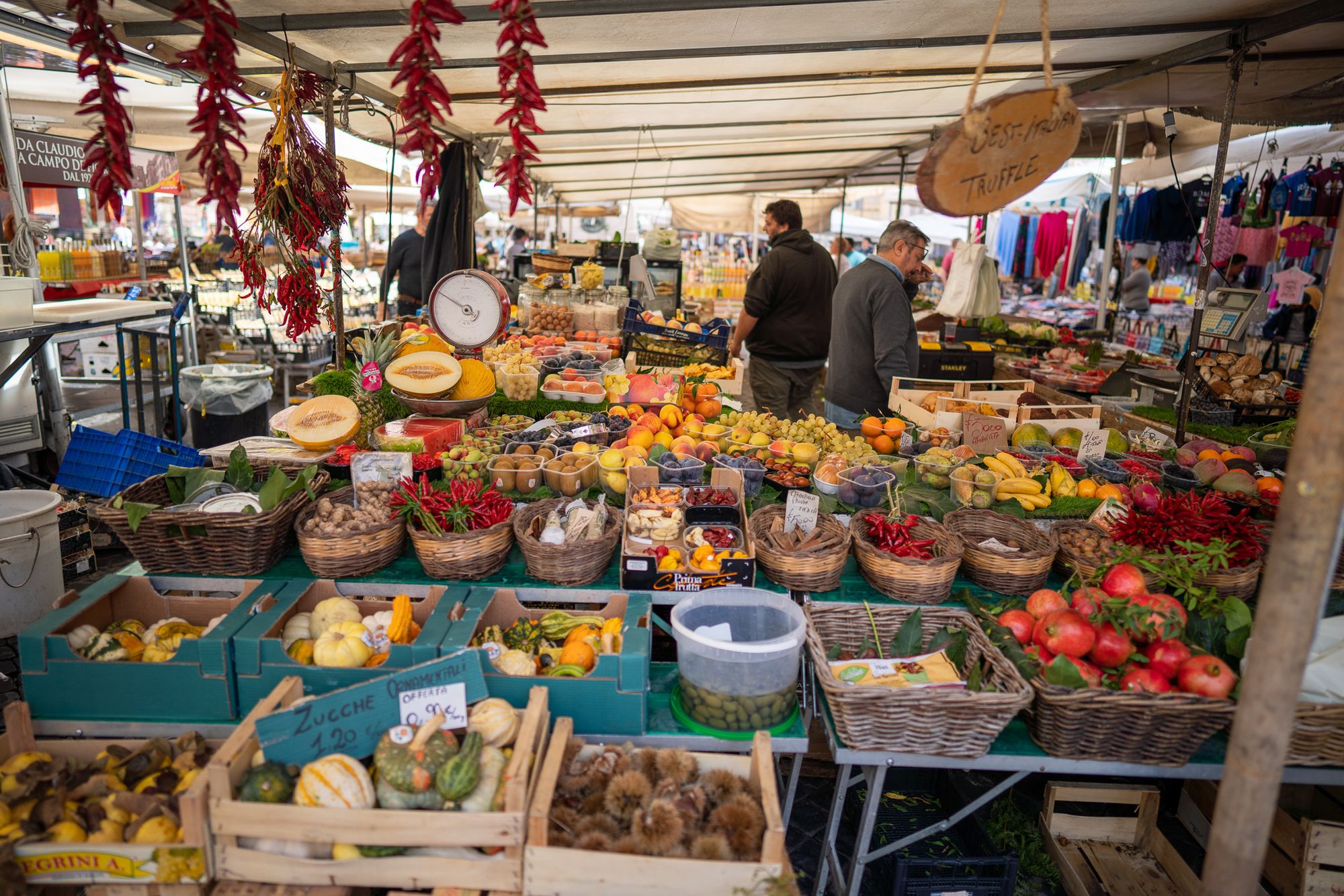
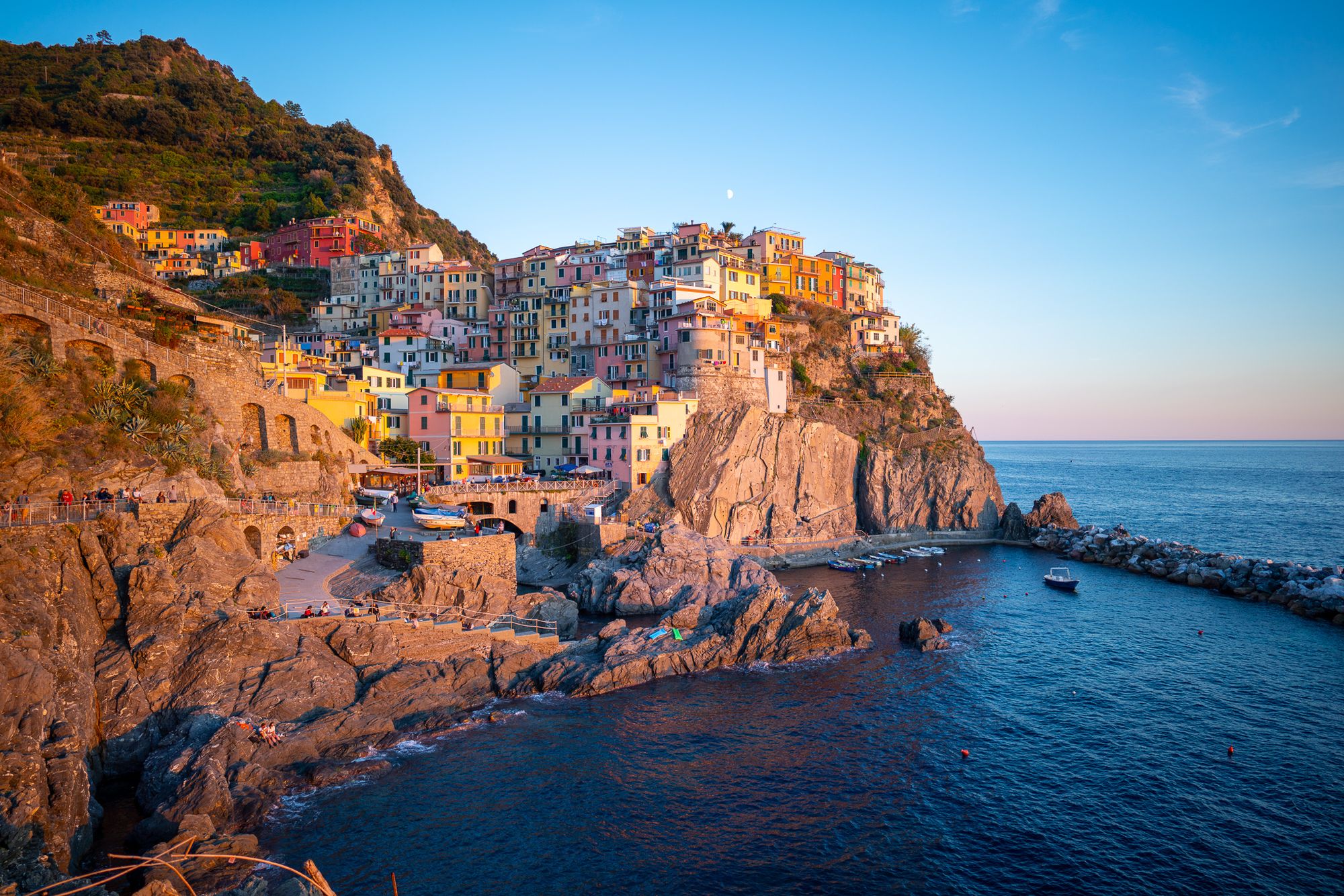
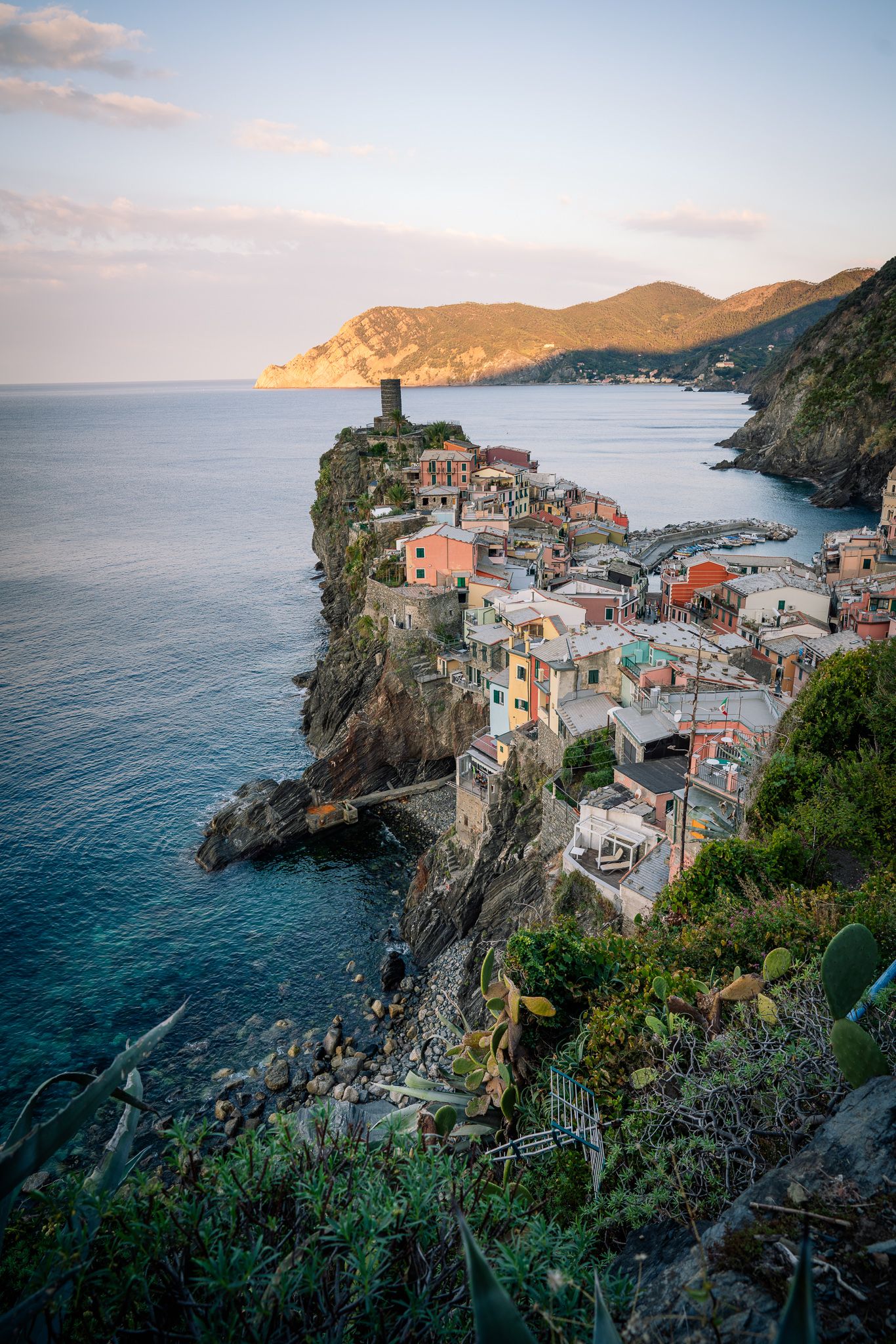
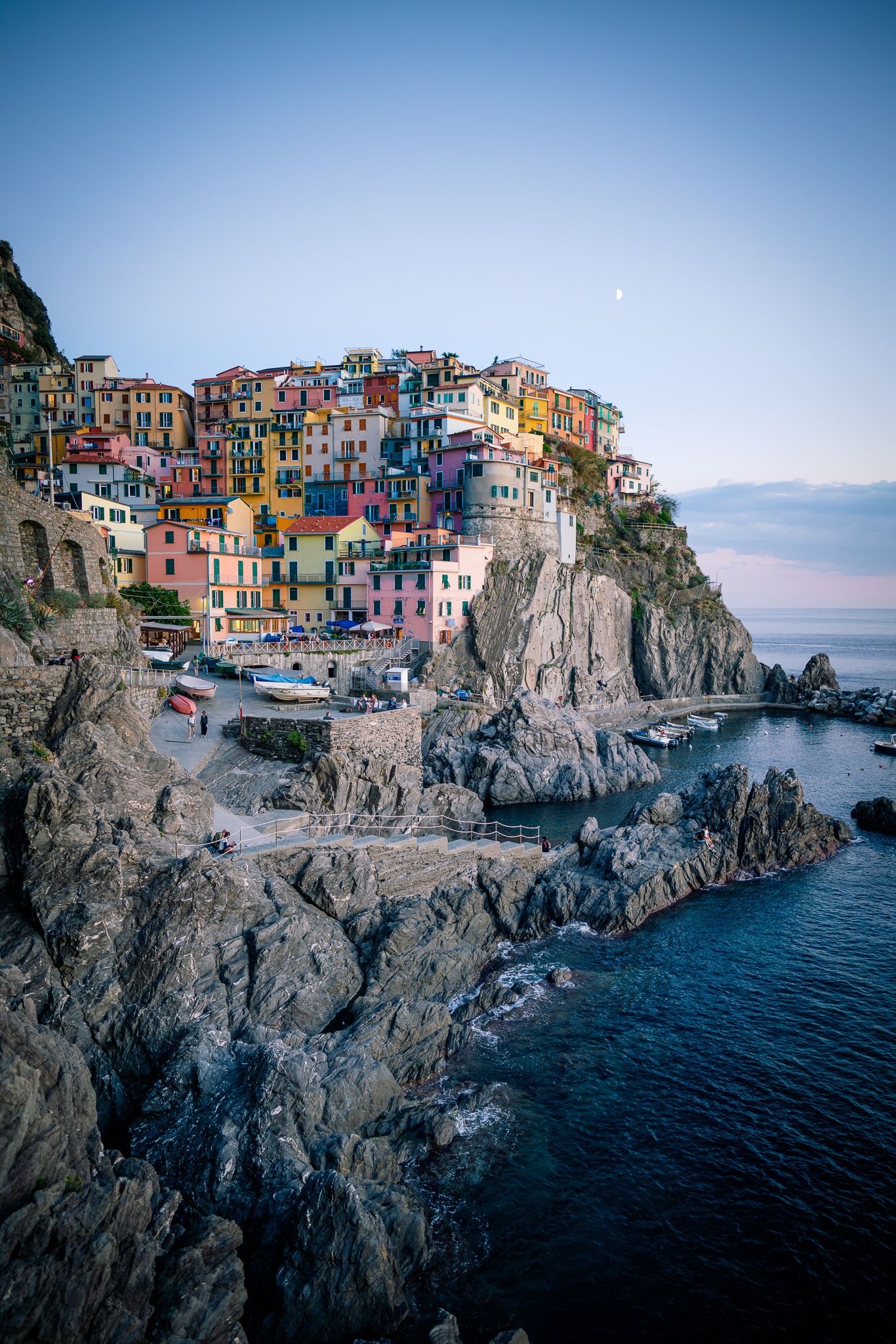
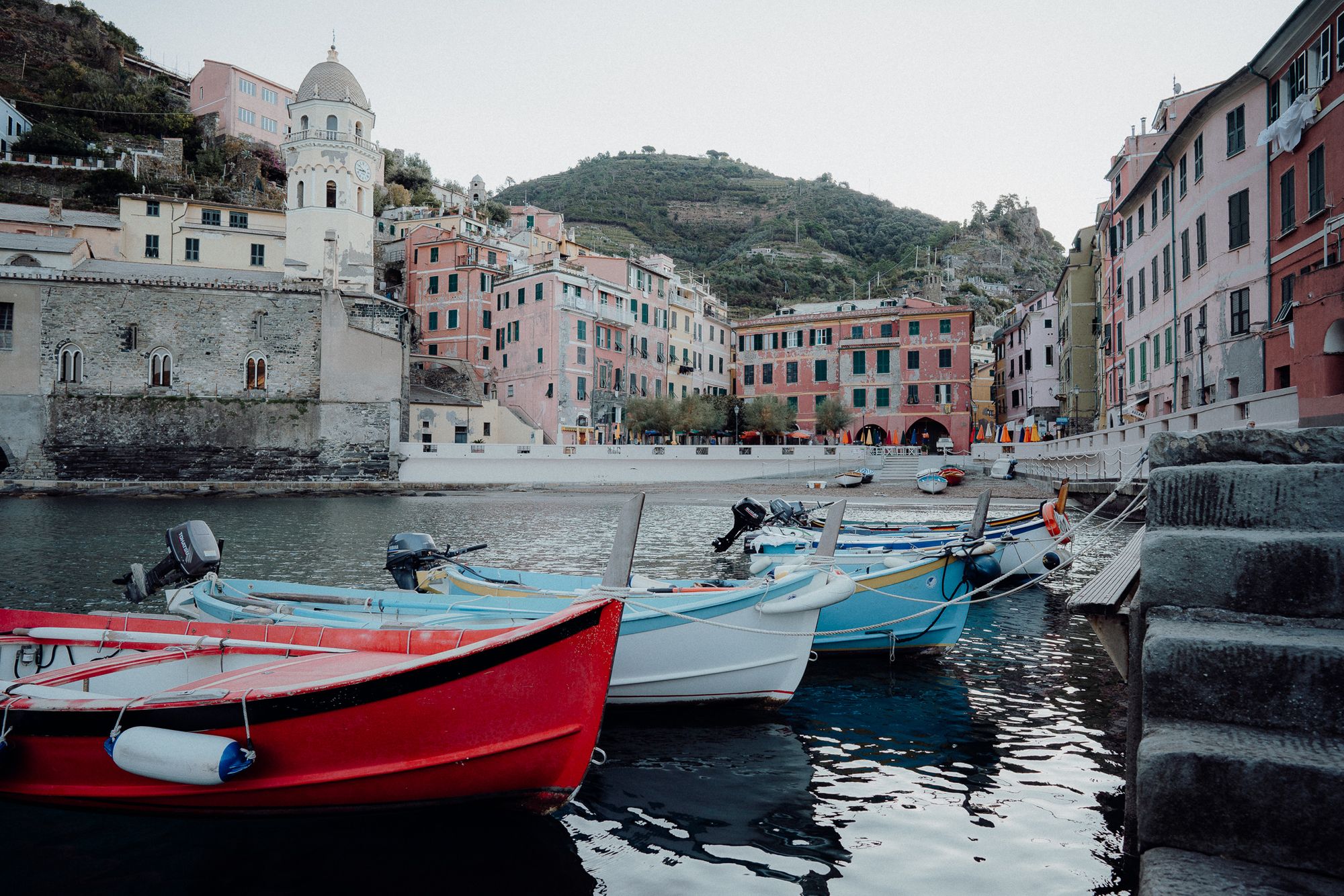
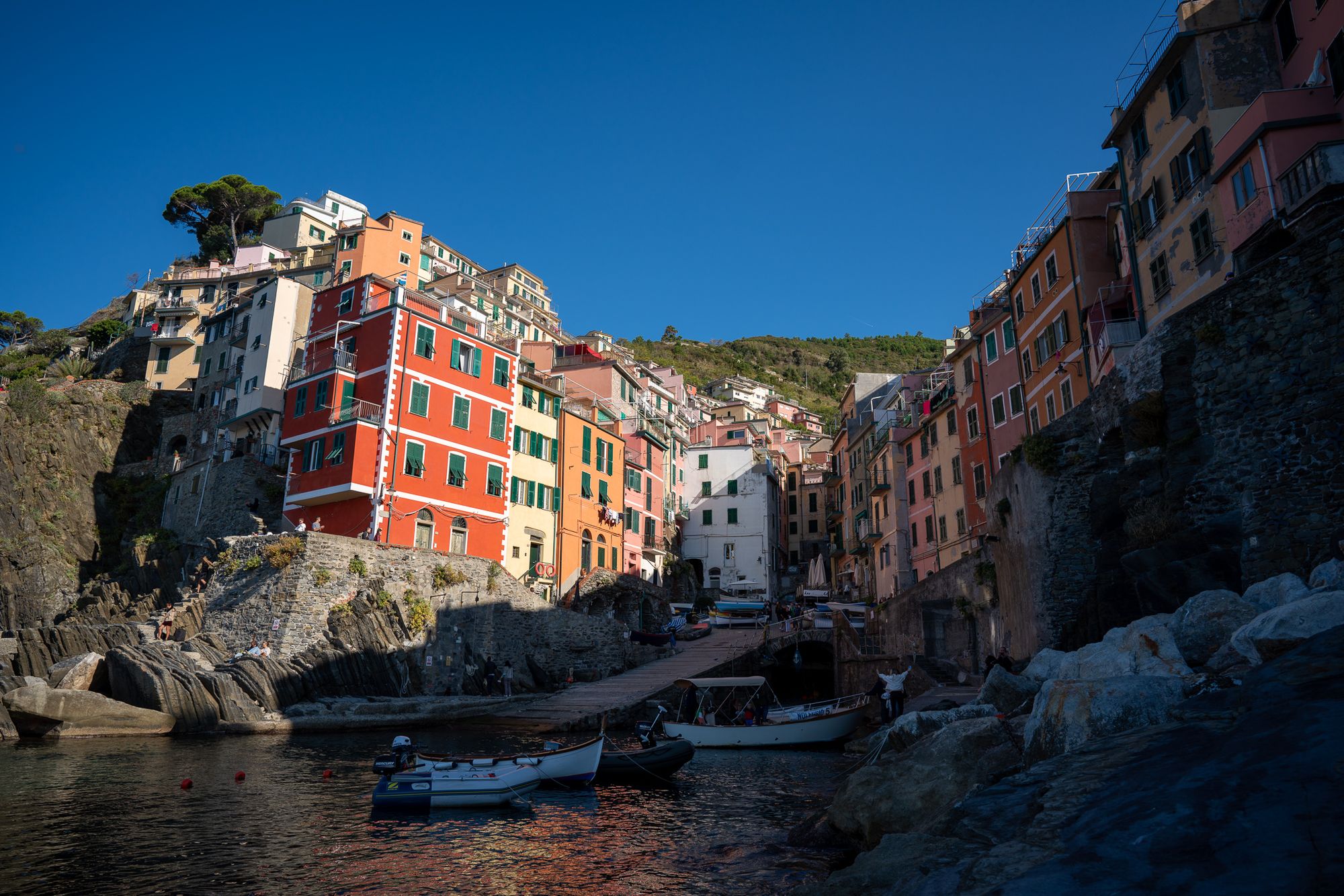
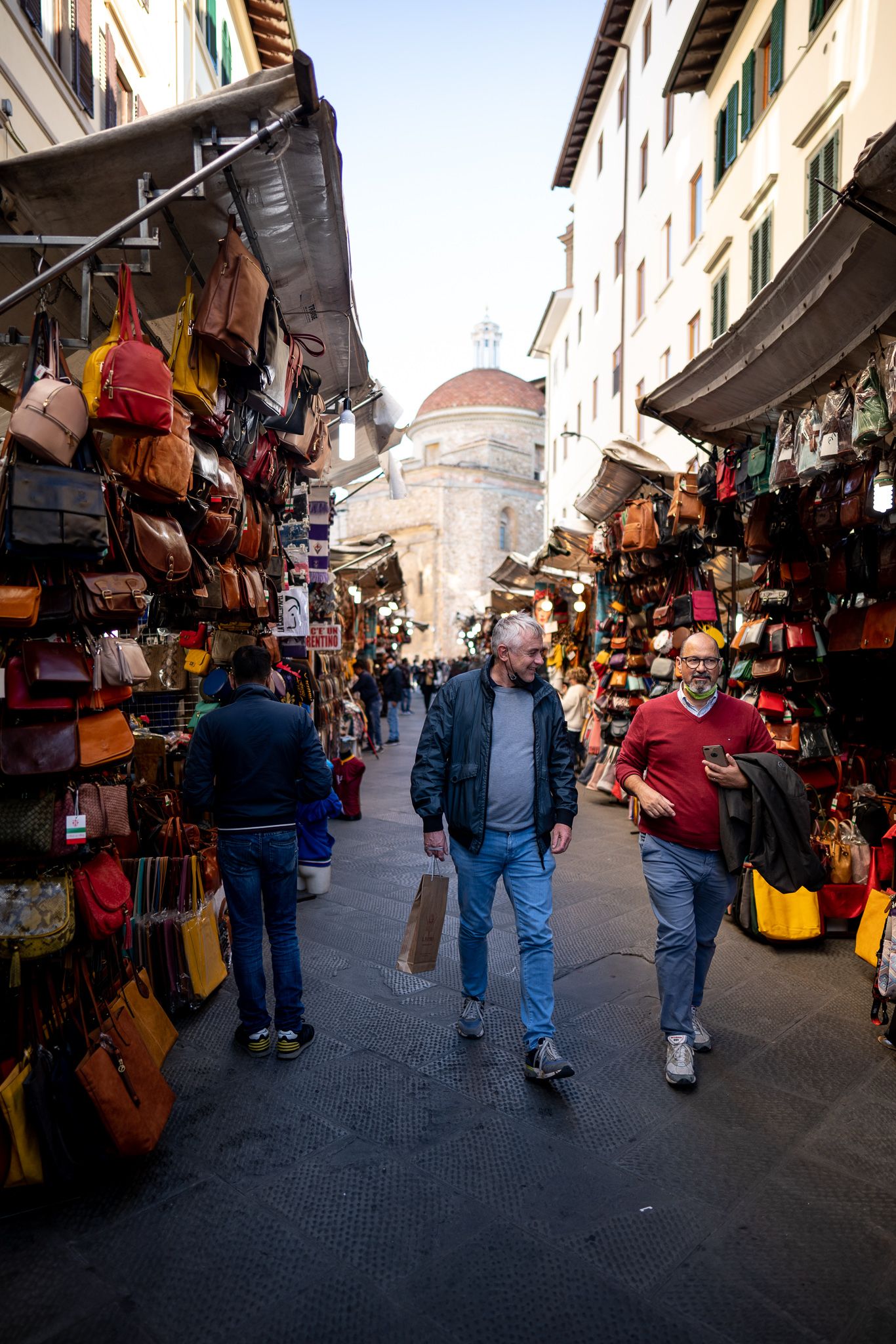
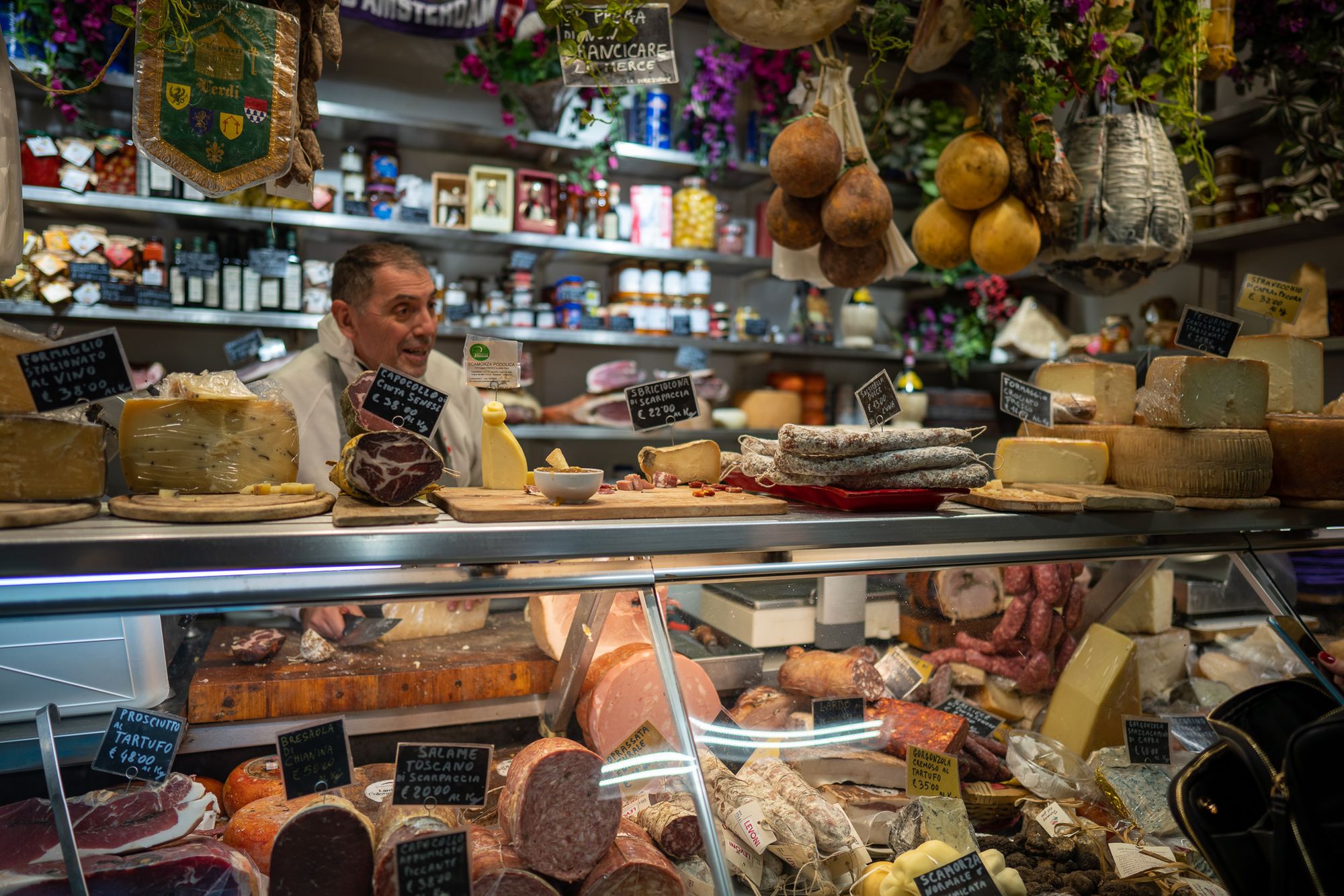
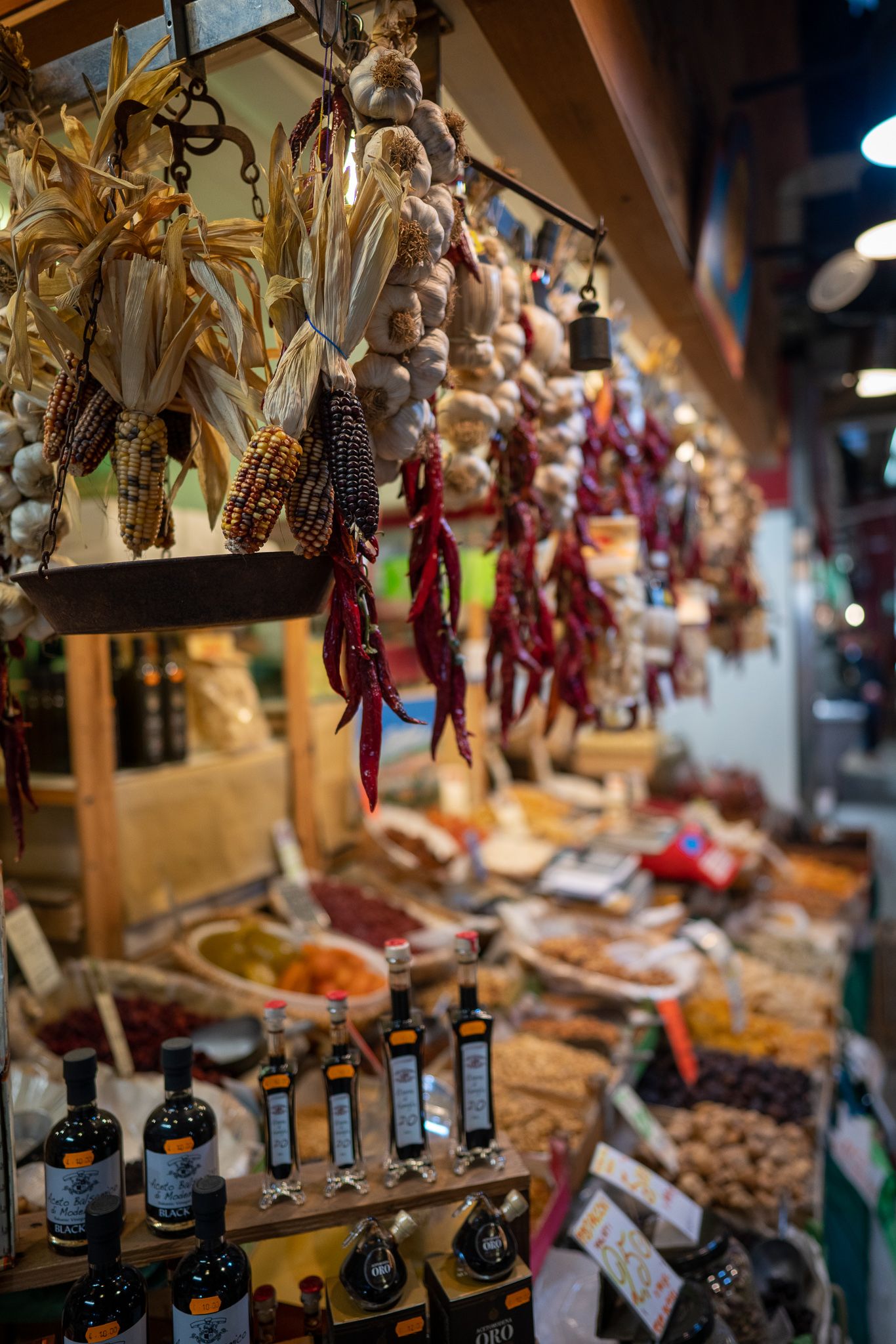
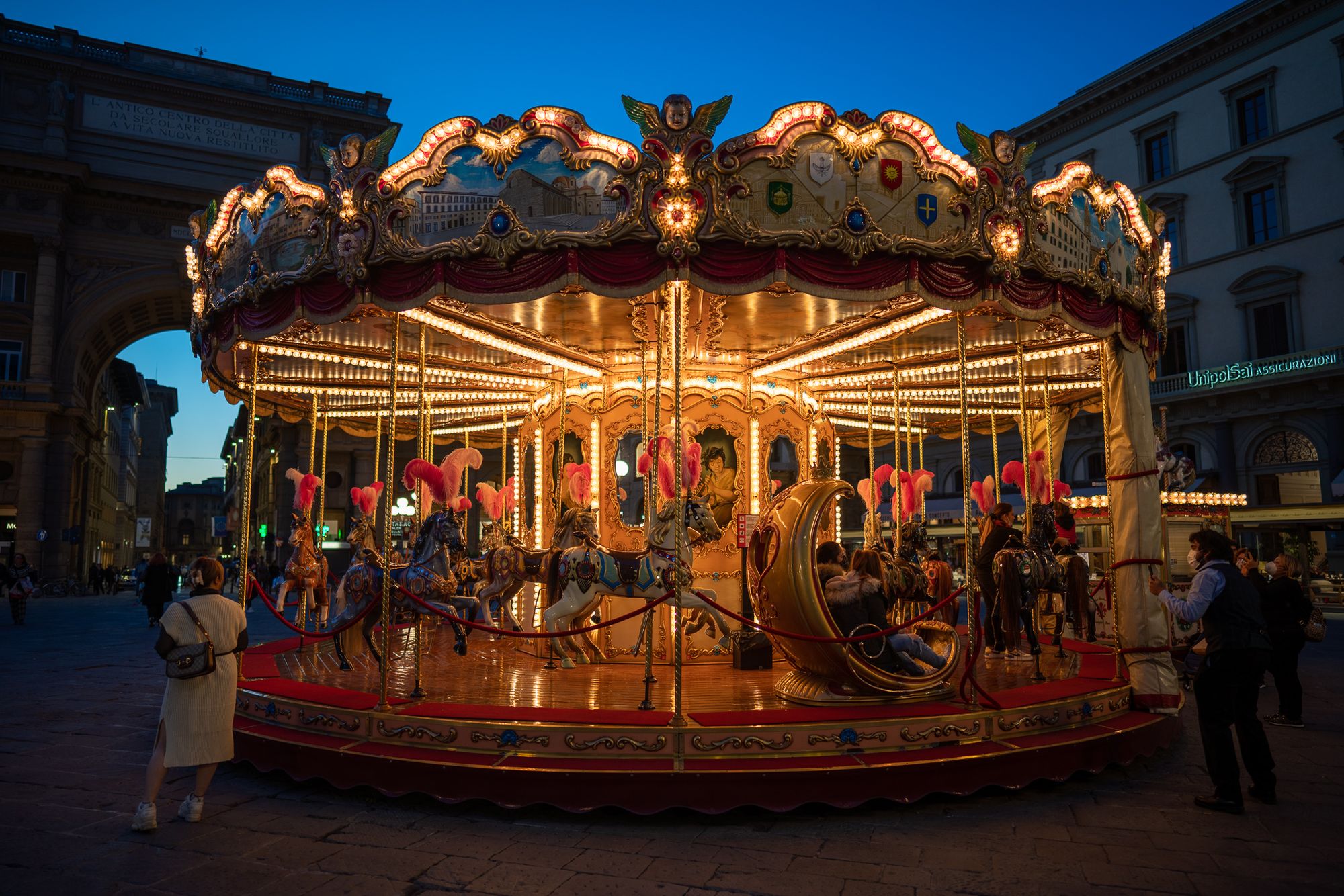
18 Images (Single gallery with 18 images)
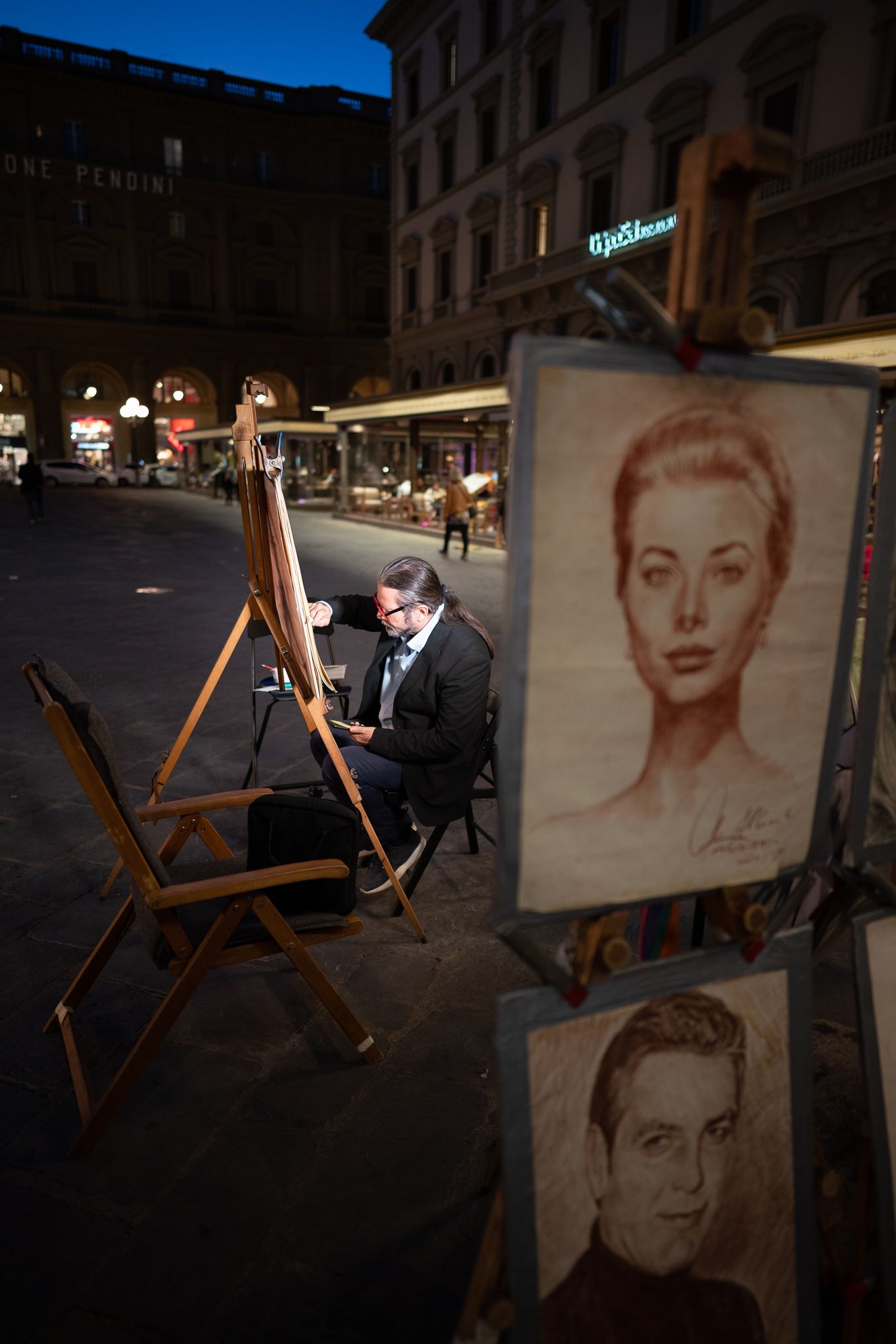

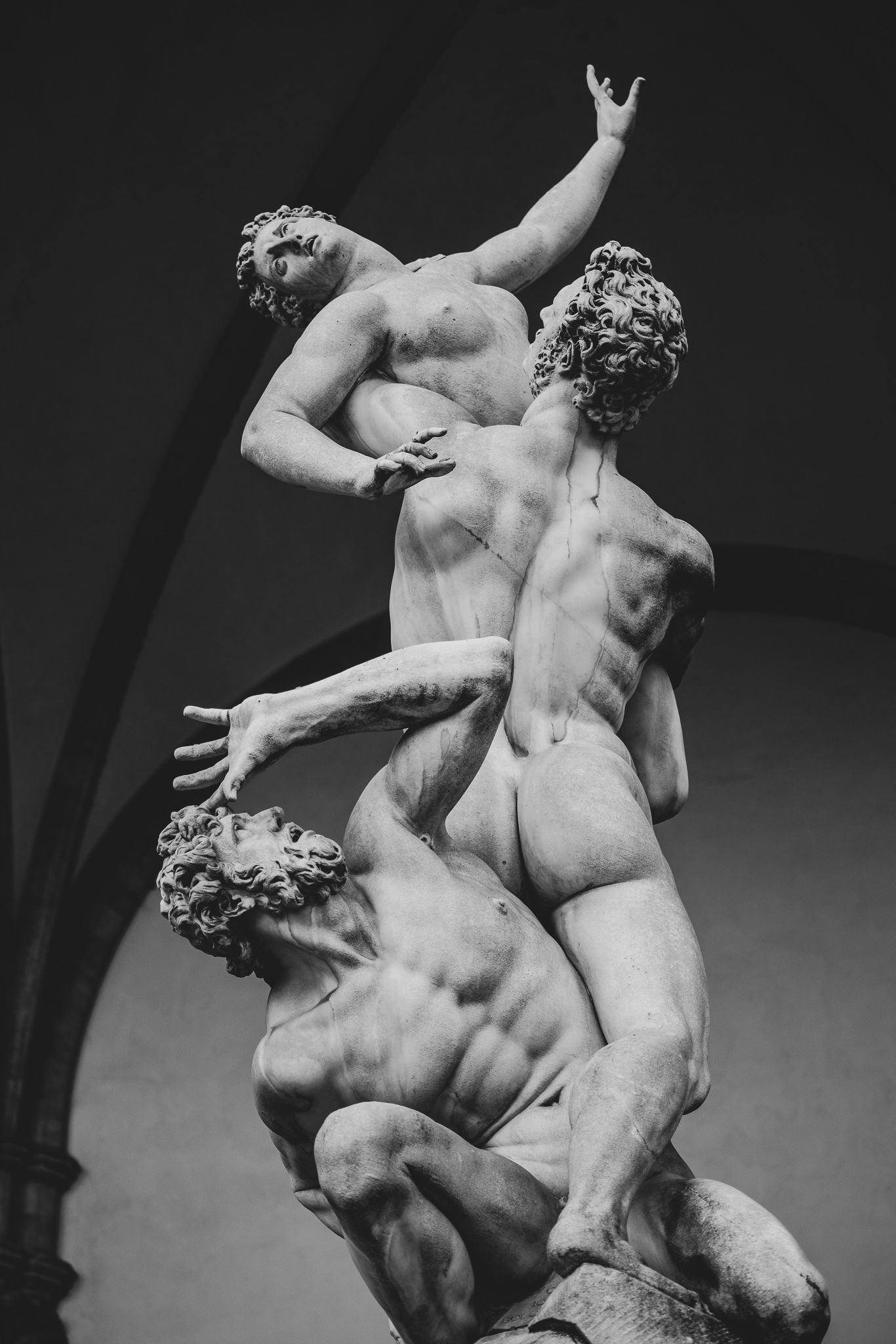
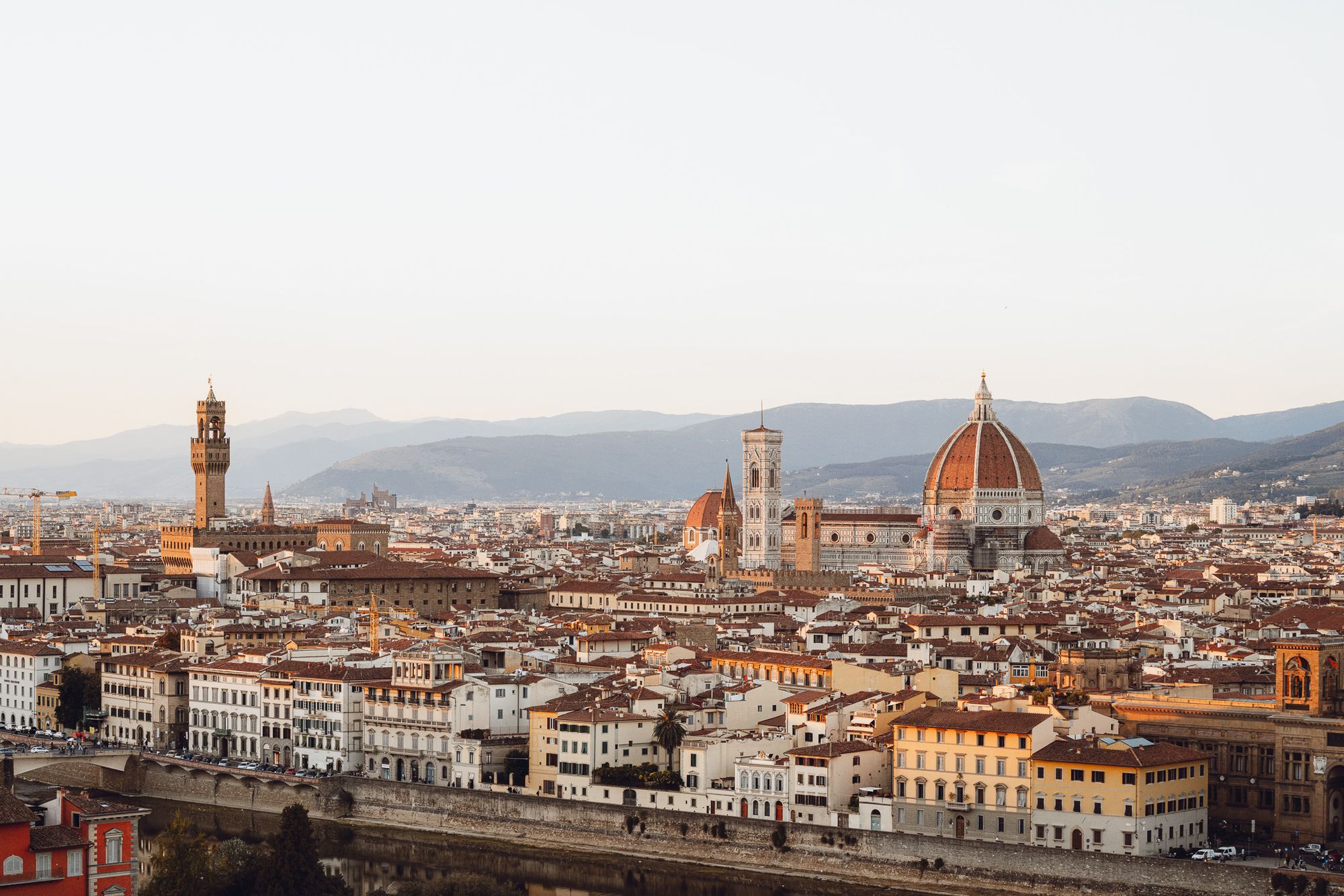
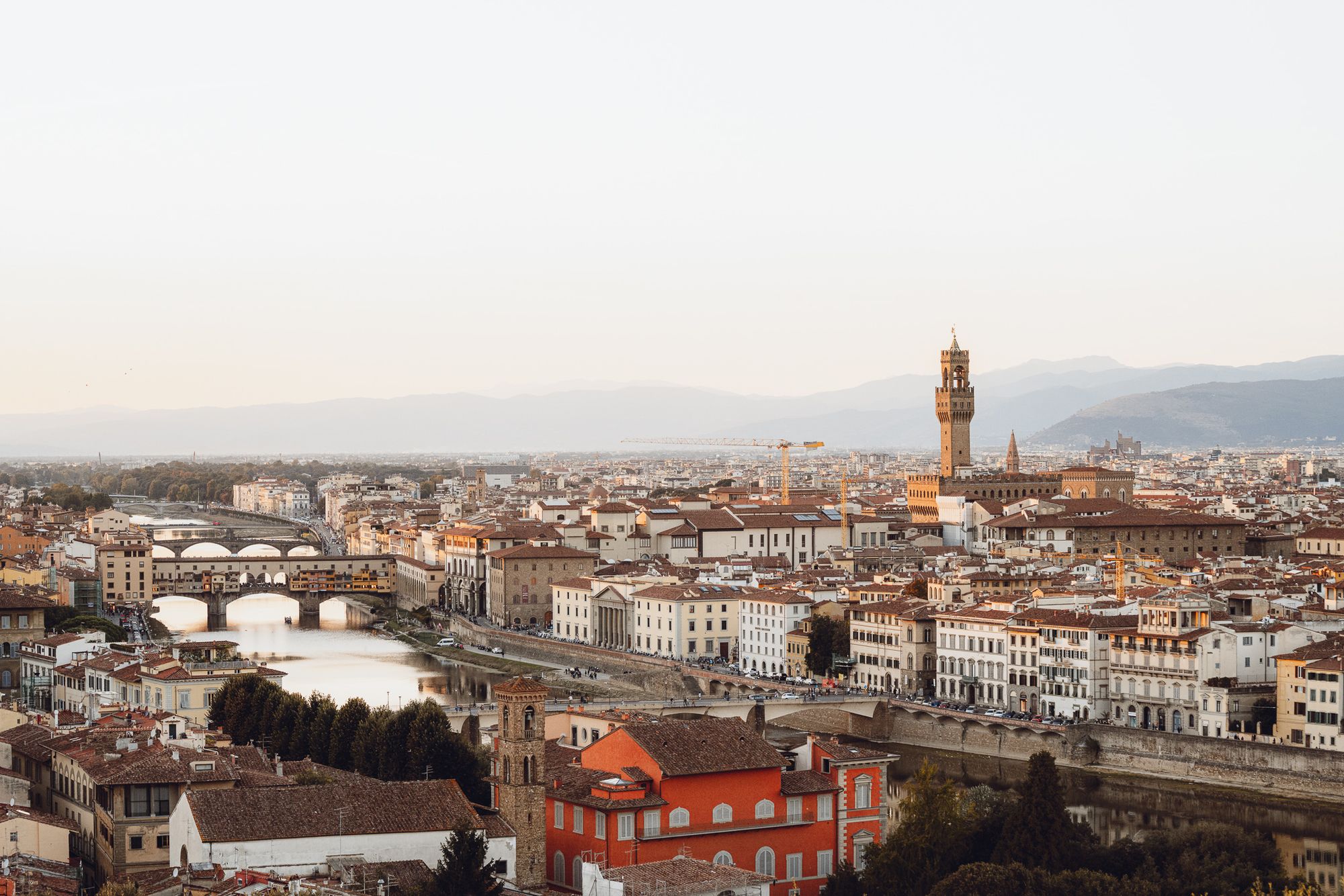
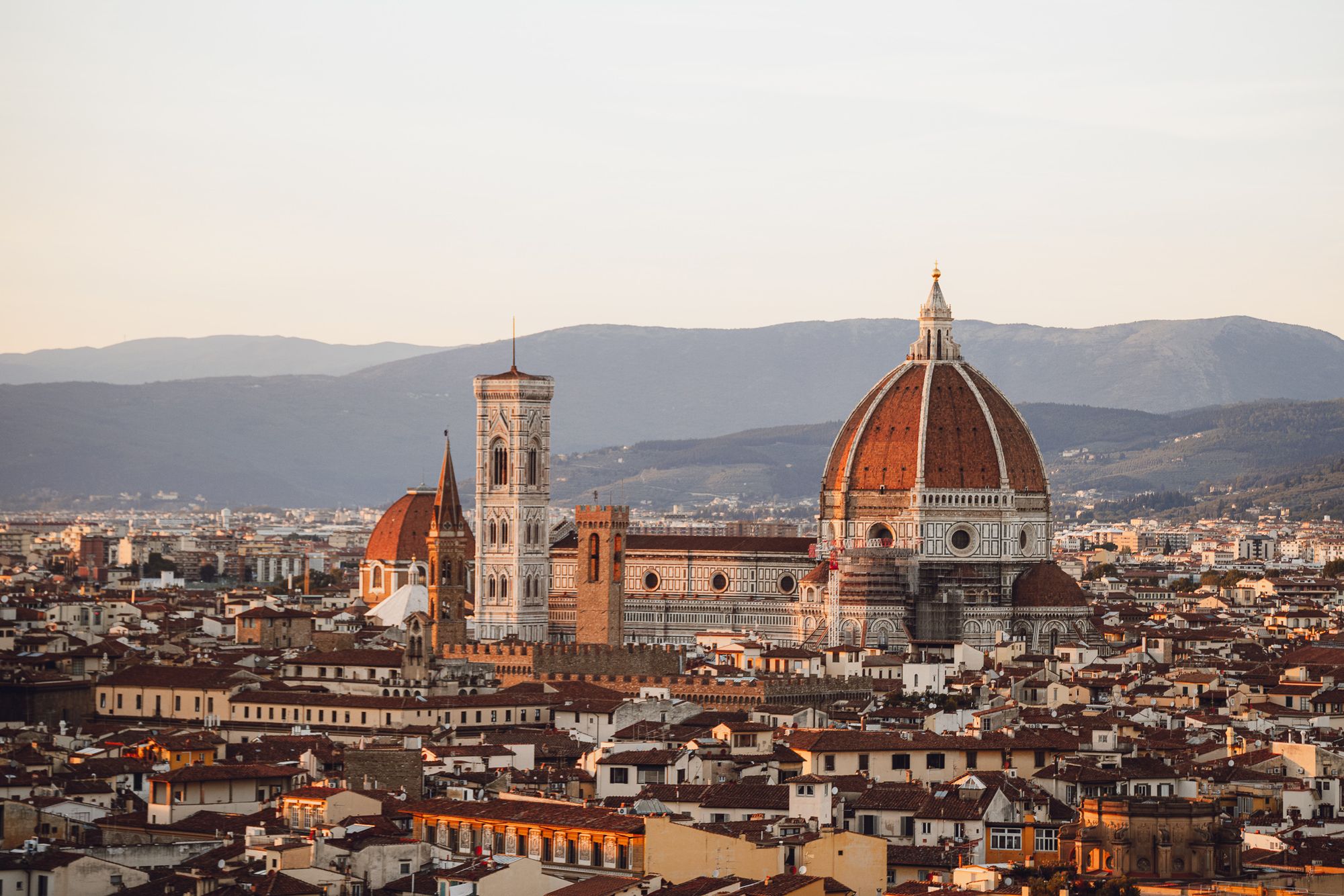
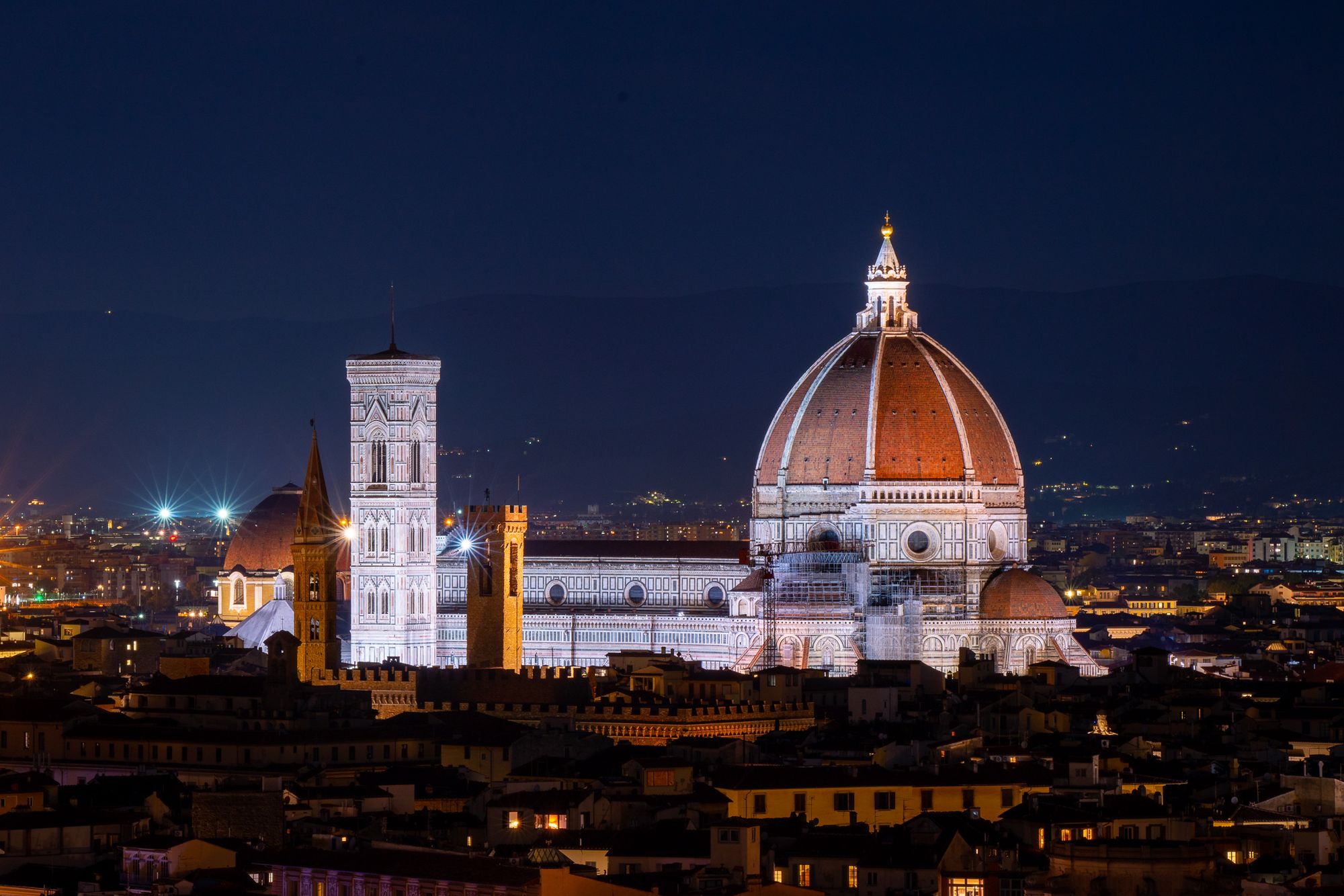
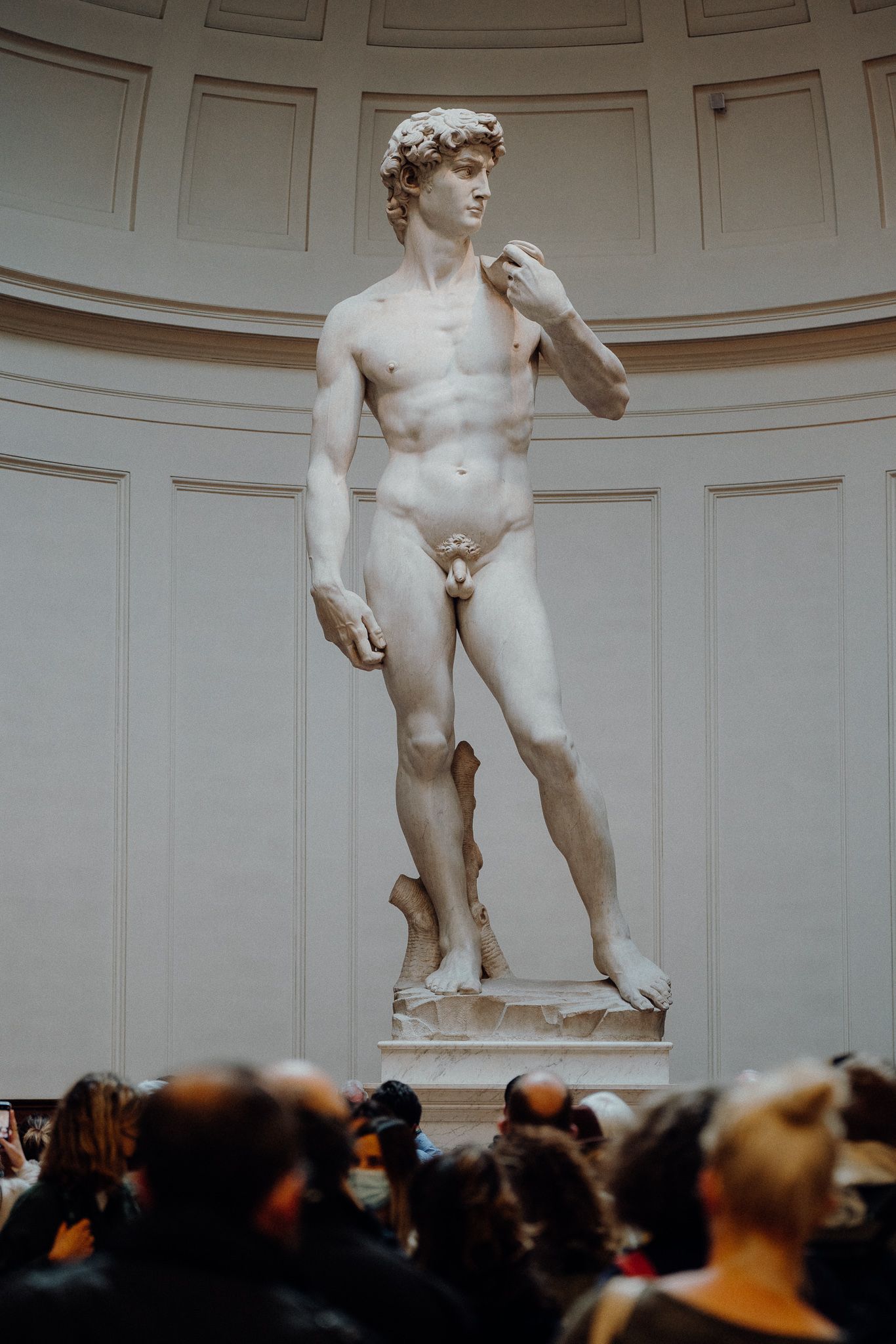
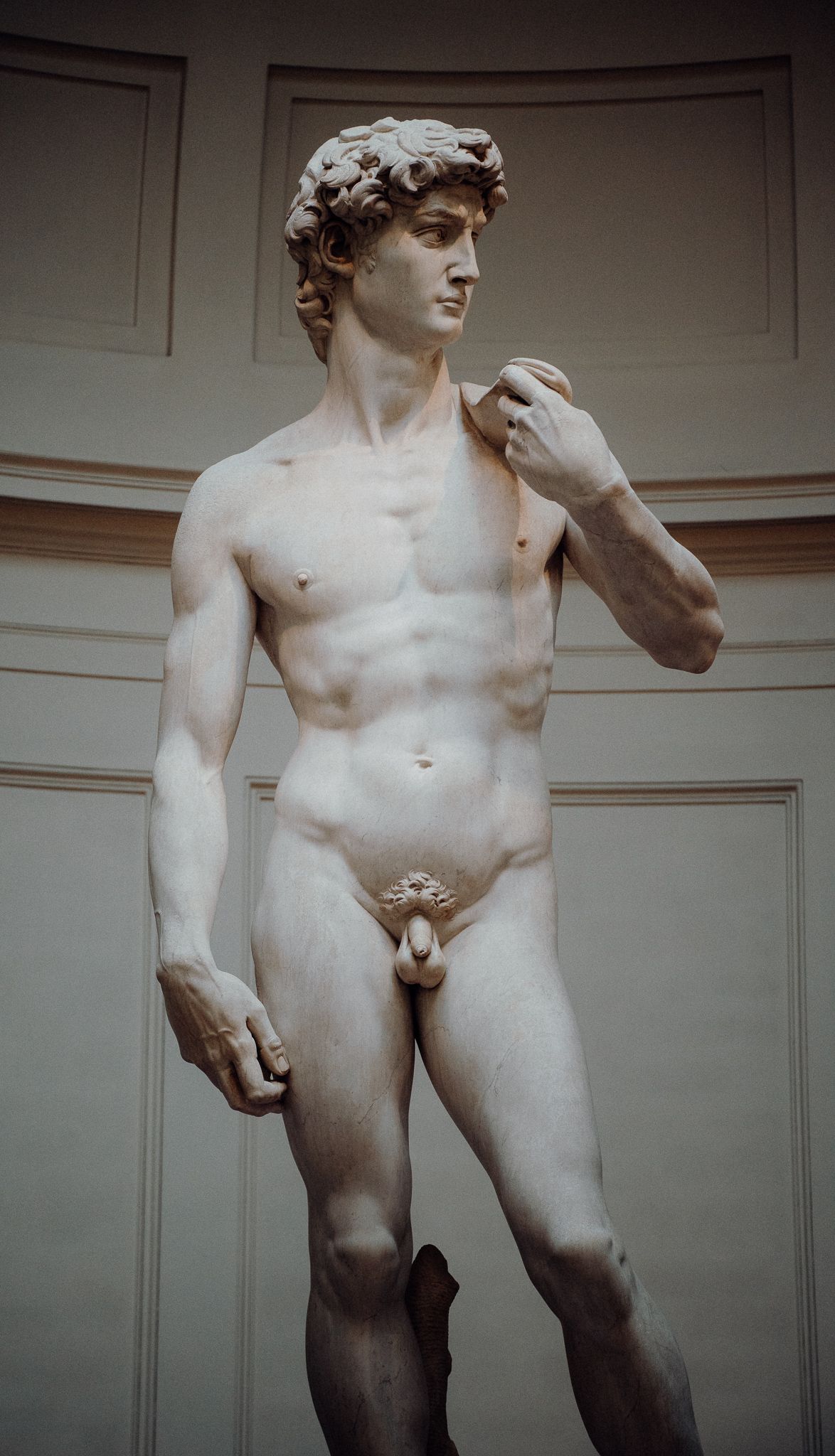
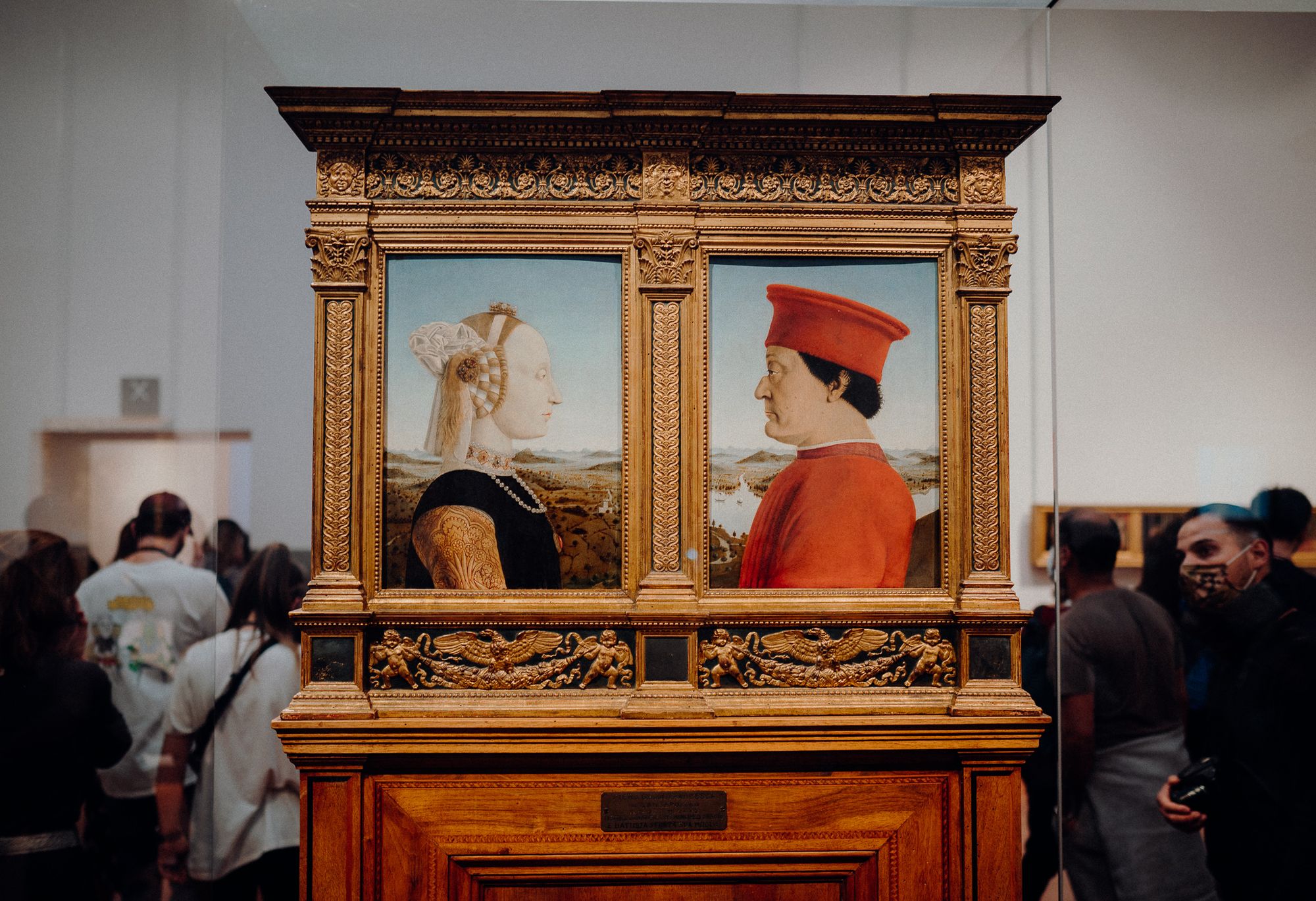
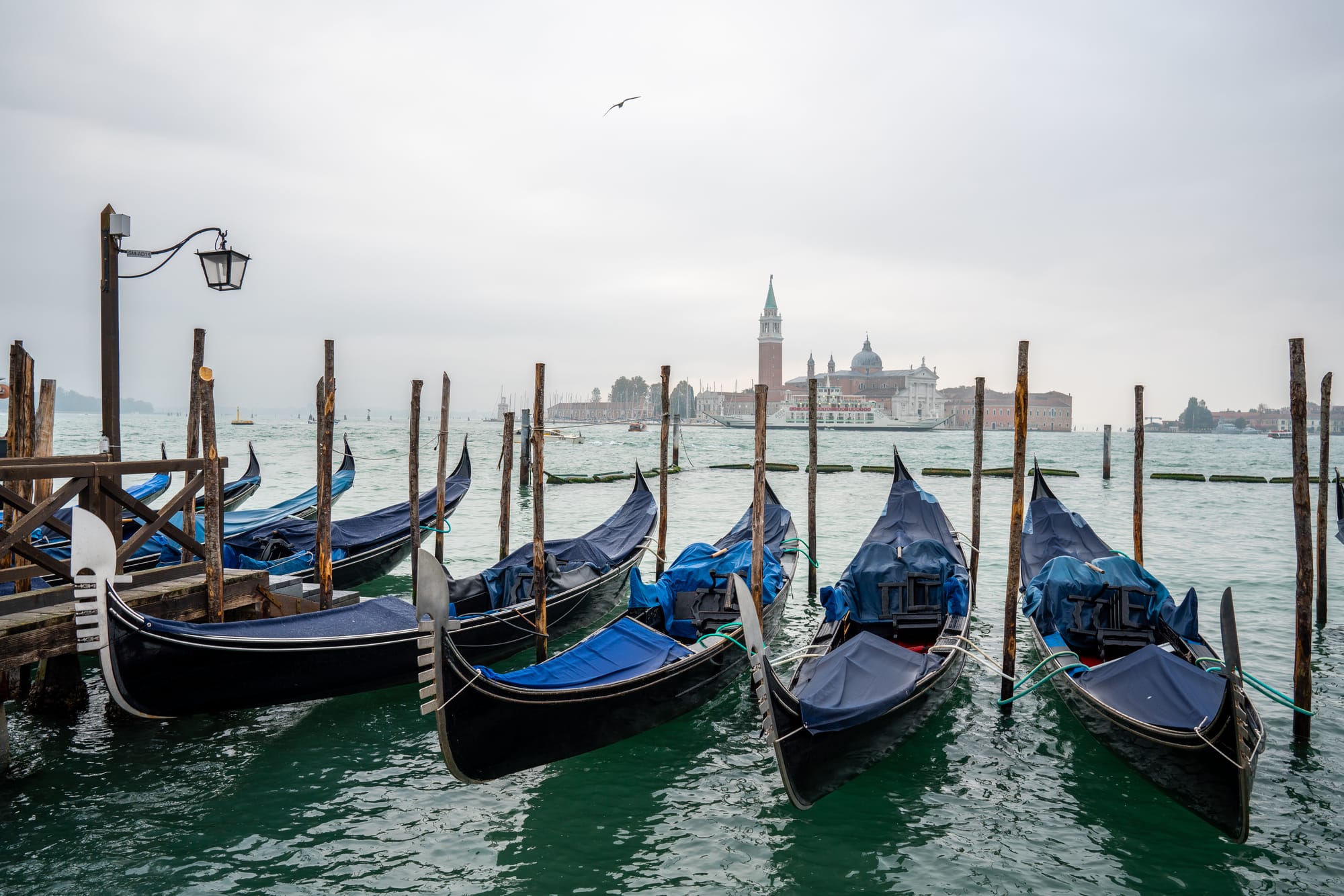
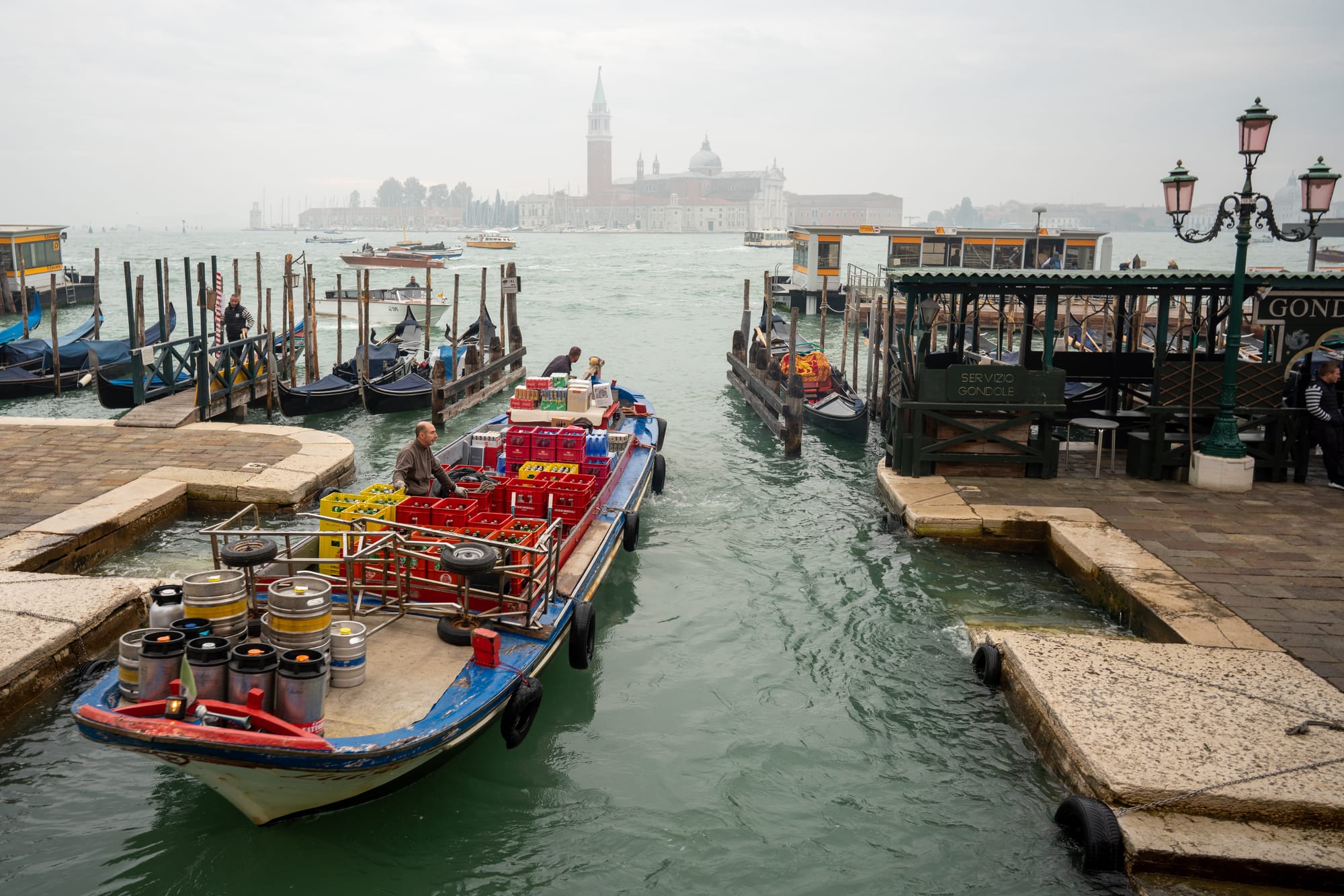
2. Explicit Gallery Markers
1 Image (Should display as single image, not grid)
This is a paragraph of text before the gallery to test spacing. Lorem ipsum dolor sit amet, consectetur adipiscing elit. Sed do eiusmod tempor incididunt ut labore et dolore magna aliqua.
:::gallery images=[{"src": "/images/blog/italy-trip/0_DSC03310.jpg", "alt": "Single gallery image", "caption": "This should display as a single image with natural aspect ratio"}] :::
This is a paragraph of text after the gallery to test spacing. Ut enim ad minim veniam, quis nostrud exercitation ullamco laboris nisi ut aliquip ex ea commodo consequat.
2 Images with Captions
Here's some introductory text before the 2-image gallery. This should help us evaluate whether the gallery margins feel natural in context with surrounding paragraph text. :::gallery images=[ { "src": "/images/blog/london/feature_R0001489-3.jpg", "alt": "London feature", "caption": "Featured London street photography" }, { "src": "/images/blog/italy-trip/feature_DSC04476-1.jpg", "alt": "Italy feature", "caption": "Featured Italian landscape" } ] :::
And here's some text after the 2-image gallery to see how it flows. The spacing between galleries and paragraphs should feel consistent and natural.
3 Images with Rich Metadata
Before showing the 3-image gallery, let's add some context. These images showcase the rich metadata capabilities of our gallery system, including detailed captions and alt text. :::gallery images=[ { 'src': "/images/blog/italy-trip/19_DSC03846-1.jpg", 'alt': "Golden hour in Italy", 'caption': "Beautiful golden hour lighting over the Italian countryside" }, { 'src': "/images/blog/italy-trip/20_DSC03861.jpg", 'alt': "Italian architecture detail", 'caption': "Intricate stonework on historic Italian building" }, { 'src': "/images/blog/italy-trip/21_DSC03895-3.jpg", 'alt': "Italian village scene", 'caption': "Charming village scene with traditional architecture" } ] :::
Notice how the 3-column layout automatically arranges the images in a visually pleasing grid. The caption system also works seamlessly with the lightbox functionality.
4 Images Grid Layout
The 4-image gallery uses a 2×2 grid layout, which is perfect for showcasing related content in a balanced composition. Let's see how this looks with some surrounding text. :::gallery images=[ { 'src': "/images/blog/italy-trip/22_DSC03918-2.jpg", 'alt': "Coastal view 1", 'caption': "Dramatic coastal cliffs" }, { 'src': "/images/blog/italy-trip/23_DSC04279-2.jpg", 'alt': "Coastal view 2', 'caption': "Crystal clear Mediterranean waters" }, { 'src': "/images/blog/italy-trip/26_DSC04078.jpg", 'alt': "Mountain view 1", 'caption': "Mountain village perched on hillside" }, { 'src': "/images/blog/italy-trip/27_DSC04034-1.jpg", 'alt': "Mountain view 2", 'caption': "Panoramic mountain landscape" } ] :::
The 2×2 grid provides a nice balance and symmetry. You can click any image to open the lightbox and navigate through all images in the gallery.
5 Images (3-column grid)
For 5 or more images, our system automatically switches to a 3-column grid layout. This provides a good balance between showing multiple images while maintaining readability. :::gallery images=[ { 'src': "/images/blog/london/7_R0001413-2.jpg", 'alt': "London street 1", 'caption': "Historic London architecture" }, { 'src': "/images/blog/london/8_R0001416-2.jpg", 'alt': "London street 2", 'caption': "Traditional British buildings" }, { 'src': "/images/blog/london/9_R0001563-1.jpg", 'alt': "London street 3", 'caption': "Modern London cityscape" }, { 'src': "/images/blog/london/10_R0001356-1.jpg", 'alt': "London street 4", 'caption': "Thames riverside views" }, { 'src': "/images/blog/london/11_R0001363-1.jpg", 'alt': "London street 5", 'caption': "London bridge and landmarks" } ] :::
This 3-column layout scales well and maintains visual hierarchy. The spacing between gallery and text should feel natural and not too cramped or too spacious.
6 Images with Detailed Descriptions
Six images also use the 3-column layout, creating two rows. This is ideal for showcasing a collection of related photos or demonstrating a process step-by-step. :::gallery images=[ { 'src': "/images/blog/italy-trip/28_DSC04128-3.jpg", 'alt': "Italian street scene", 'caption': "Narrow cobblestone street with colorful buildings" }, { 'src': "/images/blog/italy-trip/29_DSC04222.jpg", 'alt': "Italian market", 'caption': "Bustling local market with fresh produce" }, { 'src': "/images/blog/italy-trip/30_DSC04375.jpg", 'alt': "Italian sunset", 'caption': "Spectacular sunset over the Mediterranean Sea" }, { 'src': "/images/blog/italy-trip/31_DSC04355.jpg", 'alt': "Italian cuisine", 'caption': "Traditional Italian pasta dish with local ingredients" }, { 'src': "/images/blog/italy-trip/32_DSC04366.jpg", 'alt': "Italian culture", 'caption': "Local artisan crafting traditional ceramics" }, { 'src': "/images/blog/italy-trip/33_DSC04848.jpg", 'alt': "Italian landscape", 'caption': "Rolling hills covered with olive groves and vineyards" } ] :::
7 Images (3-column grid)
:::gallery images=[ { 'src': "/images/blog/london/12_R0000086-3.jpg", 'alt': "London scene 1", 'caption': "Historic buildings" }, { 'src': "/images/blog/london/13_R0000077-2.jpg", 'alt': "London scene 2", 'caption': "Street photography" }, { 'src': "/images/blog/london/14_R0000085-1.jpg", 'alt': "London scene 3", 'caption': "Urban landscape" }, { 'src': "/images/blog/london/15_R0001446-1.jpg", 'alt': "London scene 4", 'caption': "City architecture" }, { 'src': "/images/blog/london/16_R0001449-1.jpg", 'alt': "London scene 5", 'caption': "Metropolitan views" }, { 'src': "/images/blog/london/17_DSC01462.jpeg", 'alt': "London scene 6", 'caption': "Cultural landmarks" }, { 'src': "/images/blog/london/18_DSC01498.jpeg", 'alt': "London scene 7", 'caption': "City life capture" } ] :::
8 Images (3-column grid)
:::gallery images=[ { 'src': "/images/blog/amusechimp-tweets/0_AD_4nXcLI8NmFjm9KuRxQAT0gfSiCqJkYKRSzQtTtBm-lRqwhLdf6NNSA6E2MS8n228iZaAZnguvws7nN9xNXPOSPEhCUJGNBwaxpKFyqsjZlFSG7lYiZTsBZPfPlHPyNDVhJ0iKz1MqPZKCV-431LVr62_WDU1J.jpg", 'alt': "Tweet screenshot 1", 'caption': "Social media content 1" }, { 'src': "/images/blog/amusechimp-tweets/1_AD_4nXcHVbdN4Y4-UvFwx-K5zwY96btQolUVhQqnkDiHjEOZauQ0wU3LUaVThLV2a8n-ZUn7nI1HA-eW2W60_8OHbPtM7YN7tSHAFBAVtF7IU8A8xQOsAeKejuODVo2N6XkLs0ePM4ONDggMiYq9hYZ-hK7dfZTj.jpg", 'alt': "Tweet screenshot 2", 'caption': "Social media content 2" }, { 'src': "/images/blog/amusechimp-tweets/2_AD_4nXdgs4ATQBCQ7rmKwPOmB7tO0qBXIorJqoL9KdmRC14ITsNwRfETjN1Lg7gocoYC-6vf2bl0iASyYebgFX-gQ72Yk9aYqz1gqDNLGBKo3EmqSuDd0ekKda4EV4uQmjYgSN9S_QUSjyzrYe5EYHf6VHCCu62Z.jpg", 'alt': "Tweet screenshot 3", 'caption': "Social media content 3" }, { 'src': "/images/blog/amusechimp-tweets/3_AD_4nXffOKqfblAyTHK_mlC7v10_v6ZGIrcw0FMCseGPfc5sggJkYx-2RUHiGW5aXJiOGCvR5xTyAOIC1BByLPEtuBivQUY6omE8EikqTm5zYHdJk6SZenmTDQ9fIdcxpH4q3gY267VXWDtmRnGFdt-jCoBU4es.jpg", 'alt': "Tweet screenshot 4", 'caption': "Social media content 4" }, { 'src': "/images/blog/amusechimp-tweets/4_AD_4nXeDRrCwMxZfJh3MZX9XBxhKMQ3DWQ_Vik31LqPaotkE1V7RZIXCzFIzeeRMNvronMmrX07S2hLXBEBF6xtvLxuAXXWshGYI5B0KahXjYgPy-LyHyHDB9WELAfnKjBIA-dEHR1UXG2KpOJLuMLV5N_UoXyft.jpg", 'alt': "Tweet screenshot 5", 'caption': "Social media content 5" }, { 'src': "/images/blog/amusechimp-tweets/5_AD_4nXcq3dGCi4nciprHMCvTC04blebaeYaKgeXg70MV6cyH3LWs-7IeVXweDlyJzitTaRC5xle95uNZ5xKnN5ea6SWwhqgF2yWquMXqtMbnFVDCmkbHnQULFEQco6MsgR2UwYfAAPdI9Vnjvr7pndEYET-F1lYq.jpg", 'alt': "Tweet screenshot 6", 'caption': "Social media content 6" }, { 'src': "/images/blog/amusechimp-tweets/6_AD_4nXfGk5JblBTG2L7bSGN1wYsjqaD1MuD-paJJuATV9SyVIugqFALhTiDD2ZpOMEojhn83opeCp_l5y7BT8gQWRnNjs-SLP5_q2dneYMGSvApr-Ve8YqgfrO0mMwPbQH4wm0-UVIHntNOydtwJPXpAe8skmfE.jpg", 'alt': "Tweet screenshot 7", 'caption': "Social media content 7" }, { 'src': "/images/blog/amusechimp-tweets/7_AD_4nXcYKJwevxrXcV5dvhf_CvrePpFU5GX4k8CcycAYRzv5rICjXASCcB-uoVnlaqlj4jI4KEp8g1U0cbENq_tQmgjwwMfq6CaPSS8NGFSPkUH4oCNMtYO_vfwxyhwt4oAL3f5C-RK949qAIkccd0FPbcj4m2E.jpg", 'alt': "Tweet screenshot 8", 'caption': "Social media content 8" } ] :::
9 Images (Maximum with Captions)
:::gallery images=[ { 'src': "/images/blog/italy-trip/34_DSC04869.jpg", 'alt': "Collection 1", 'caption': "Scenic view 1" }, { 'src': "/images/blog/italy-trip/35_DSC04443.jpg", 'alt': "Collection 2", 'caption': "Scenic view 2" }, { 'src': "/images/blog/italy-trip/36_DSC04437.jpg", 'alt': "Collection 3", 'caption': "Scenic view 3" }, { 'src': "/images/blog/italy-trip/37_DSC04460.jpg", 'alt': "Collection 4", 'caption': "Scenic view 4" }, { 'src': "/images/blog/italy-trip/38_DSC04458-2.jpg", 'alt': "Collection 5", 'caption': "Scenic view 5" }, { 'src': "/images/blog/italy-trip/39_DSC04478-2.jpg", 'alt': "Collection 6", 'caption': "Scenic view 6" }, { 'src': "/images/blog/italy-trip/40_DSC04502.jpg", 'alt': "Collection 7", 'caption': "Scenic view 7" }, { 'src': "/images/blog/italy-trip/44_DSC04602.jpg", 'alt': "Collection 8", 'caption': "Scenic view 8" }, { 'src': "/images/blog/italy-trip/45_DSC04609.jpg", 'alt': "Collection 9", 'caption': "Scenic view 9" } ] :::
10 Images (Testing arbitrary count handling)
:::gallery images=[ { 'src': "/images/blog/italy-trip/46_DSC04689-2.jpg", 'alt': "Extended collection 1", 'caption': "Testing 10 image layout" }, { 'src': "/images/blog/italy-trip/47_DSC05131.jpg", 'alt': "Extended collection 2", 'caption': "Should use 3-column grid" }, { 'src': "/images/blog/italy-trip/48_DSC05144.jpg", 'alt': "Extended collection 3", 'caption': "With proper aspect ratios" }, { 'src': "/images/blog/italy-trip/49_DSC05191.jpg", 'alt': "Extended collection 4", 'caption': "And consistent sizing" }, { 'src': "/images/blog/italy-trip/50_DSC05873.jpg", 'alt': "Extended collection 5", 'caption': "Across all images" }, { 'src': "/images/blog/italy-trip/51_DSC05435.jpg", 'alt': "Extended collection 6", 'caption': "In the gallery" }, { 'src': "/images/blog/italy-trip/52_DSC05662.jpg", 'alt': "Extended collection 7", 'caption': "Testing scalability" }, { 'src': "/images/blog/italy-trip/53_DSC05287-2.jpg", 'alt': "Extended collection 8", 'caption': "For larger collections" }, { 'src': "/images/blog/italy-trip/54_DSC05599.jpg", 'alt': "Extended collection 9", 'caption': "With lightbox support" }, { 'src': "/images/blog/italy-trip/55_DSC05272.jpg", 'alt': "Extended collection 10", 'caption': "Complete functionality test" } ] :::
Mixed Content Test
This section tests how galleries work when mixed with regular content, including both sequential and explicit galleries in the same context.
Lorem ipsum dolor sit amet, consectetur adipiscing elit. Here are some images that should auto-detect as a sequential gallery:
And here's some text between the auto-detected gallery above and an explicit gallery below. This helps us test how the spacing works with different types of content.
:::gallery images=[{"src": "/images/blog/italy-trip/3_DSC03333.jpg", "alt": "Explicit gallery 1"}, {"src": "/images/blog/italy-trip/4_DSC03397-2.jpg", "alt": "Explicit gallery 2"}] caption="This is an explicit gallery with a caption" :::
Finally, some concluding text to see how everything flows together. The margins and spacing should create a cohesive reading experience.
Testing Notes
Expected Behavior
Sequential Images:
- ✅ Should auto-detect consecutive images (2+)
- ❌ Should NOT detect single images (1)
- ✅ Should handle arbitrary number of images (2, 5, 10, 18, 50, 100+)
- ✅ Should use responsive grid layout: 1×1, 2×1, 3×1, 2×2, then 3×N for 5+
- ✅ Should add CSS classes:
image-galleryandimage-gallery-{count} - ✅ Should open lightbox when clicked (click any gallery image)
- ✅ Should show navigation between images (previous/next buttons, keyboard arrows)
- ✅ Should display image counter (e.g., "3 of 12")
- ✅ Should support keyboard navigation (arrow keys, escape, space)
Explicit Gallery Markers:
- ✅ Should parse
Gallery Block Error
Gallery block missing required "images" array
Show malformed block
:::gallery ::: - ✅ Should render gallery with captions (implemented)
- ✅ Should open lightbox with metadata (implemented)
- ✅ Should support all features above (implemented)
System Comparison: Implicit vs Explicit Galleries
Implicit Sequential Images (Auto-detection)
How it works: Automatically detects 2+ consecutive images in the same paragraph
Markup:


Advantages:
- ✅ Zero setup - just write normal markdown
- ✅ Fast for simple galleries
- ✅ Automatic detection
- ✅ Works with existing content
Limitations:
- ❌ No caption support (only alt text)
- ❌ Must be consecutive in same paragraph
- ❌ No control over grouping
- ❌ Limited metadata
Explicit Gallery Markers (Comment-based)
How it works: Manually defined galleries using structured JSON in HTML comments
Markup:
:::gallery
images=[
  {
    "src": "/image1.jpg",
    "alt": "Short description",
    "caption": "Detailed caption for lightbox"
  },
  {
    "src": "/image2.jpg",
    "alt": "Another image",
    "caption": "Rich metadata support"
  }
]
caption="Optional gallery caption"
:::
Syntax Rules:
- Format:
images=[{...}](no quotes around the JSON array) - Inside JSON: Both single
'and double"quotes are supported - Properties:
src(required),alt(optional),caption(optional) - Gallery caption:
caption="text"(optional, displayed below gallery)
Quote Style Examples:
<!-- Double quotes (recommended) -->
:::gallery
images=[{"src": "/image.jpg", "alt": "Description"}]
:::

<!-- Single quotes (also supported) -->
:::gallery
images=[{'src': '/image.jpg', 'alt': 'Description'}]
:::

<!-- Mixed quotes (works too) -->
:::gallery
images=[{"src": "/image1.jpg"}, {'src': '/image2.jpg'}]
:::
Advantages:
- ✅ Rich captions in lightbox
- ✅ Precise control over grouping
- ✅ Images don't need to be consecutive
- ✅ Structured metadata
- ✅ Future extensibility
- ✅ Professional gallery presentation
Limitations:
- ❌ More verbose syntax
- ❌ Requires manual setup
- ❌ JSON formatting required
When to Use Each
Use Implicit for:
- Quick, simple galleries
- Existing consecutive images
- Minimal setup needed
- Basic photo collections
Use Explicit for:
- Professional galleries with detailed captions
- Non-consecutive image groupings
- Rich metadata requirements
- Precise control over presentation
Implementation Status
- Auto-detection: ✅ Working (CSS classes and grid layout)
- Gallery markers: ✅ Working (comment parsing, gallery creation, lightbox integration)
- Lightbox: ✅ Working (modal, navigation, keyboard support)
- Click interaction: ✅ Working (click any gallery image to open)
- Navigation: ✅ Working (previous/next buttons, arrow keys, image counter)
- Accessibility: ✅ Working (ARIA labels, focus management, keyboard support)
- Mobile gestures: ❌ Not implemented (touch swipe pending)
Testing Instructions
- Grid Layout Test: Check all gallery sizes display correctly in responsive grids
- Lightbox Test: Click any gallery image to open full-size lightbox modal
- Navigation Test: Use previous/next buttons or arrow keys to navigate
- Keyboard Test: Try arrow keys, escape (close), space (next)
- Counter Test: Verify image counter shows "X of Y" in lightbox
- Accessibility Test: Tab through gallery images, press Enter to open
- Hover Effects: Gallery images should scale slightly on hover
Browser Dev Tools Check
- 1 image: Should NOT have
image-galleryclass - 2+ images: Should have
image-galleryandimage-gallery-{count}classes - Gallery images: Should have
cursor: pointerand click event listeners - Grid layouts:
- 1 image: Single column (no grid)
- 2 images: Two columns (1×2)
- 3 images: Three columns (1×3)
- 4 images: Grid 2×2
- 5-18+ images: Three columns (3×N) - works for any number
- Gallery comments should be parsed and rendered (currently ignored)
Test all functionality: Click images, keyboard navigation, lightbox features working! Test all sizes: 1, 2, 3, 4, 5, 6, 7, 8, 9, 10, 18 (CSS now handles any number dynamically)