I use Brave as my main browser, so I wanted Codex to work with the browser state I actually use: logged-in sessions, existing tabs, and authenticated sites like Goodreads.
The setup has two parts. Brave needs to be able to run the Codex extension host, and Codex needs the trusted runtime that can talk to the extension bridge.
1. Install the Extension in Brave
Install or enable the Codex Chrome Extension in Brave. Brave supports Chrome extensions, so the same extension can run there.
In my setup the extension ID was:
hehggadaopoacecdllhhajmbjkdcmajg
You need this ID for the native messaging manifest.
2. Add Brave's Native Messaging Manifest
Chrome and Brave use different native messaging host directories. Having the manifest for Chrome does not make it available to Brave.
For Brave on macOS, create:
~/Library/Application Support/BraveSoftware/Brave-Browser/NativeMessagingHosts/com.openai.codexextension.json
With contents like:
{
  "name": "com.openai.codexextension",
  "description": "Codex browser extension host",
  "path": "/Users/dingran/.codex/plugins/cache/openai-bundled/chrome/latest/extension-host/macos/arm64/extension-host",
  "type": "stdio",
  "allowed_origins": [
    "chrome-extension://hehggadaopoacecdllhhajmbjkdcmajg/"
  ]
}
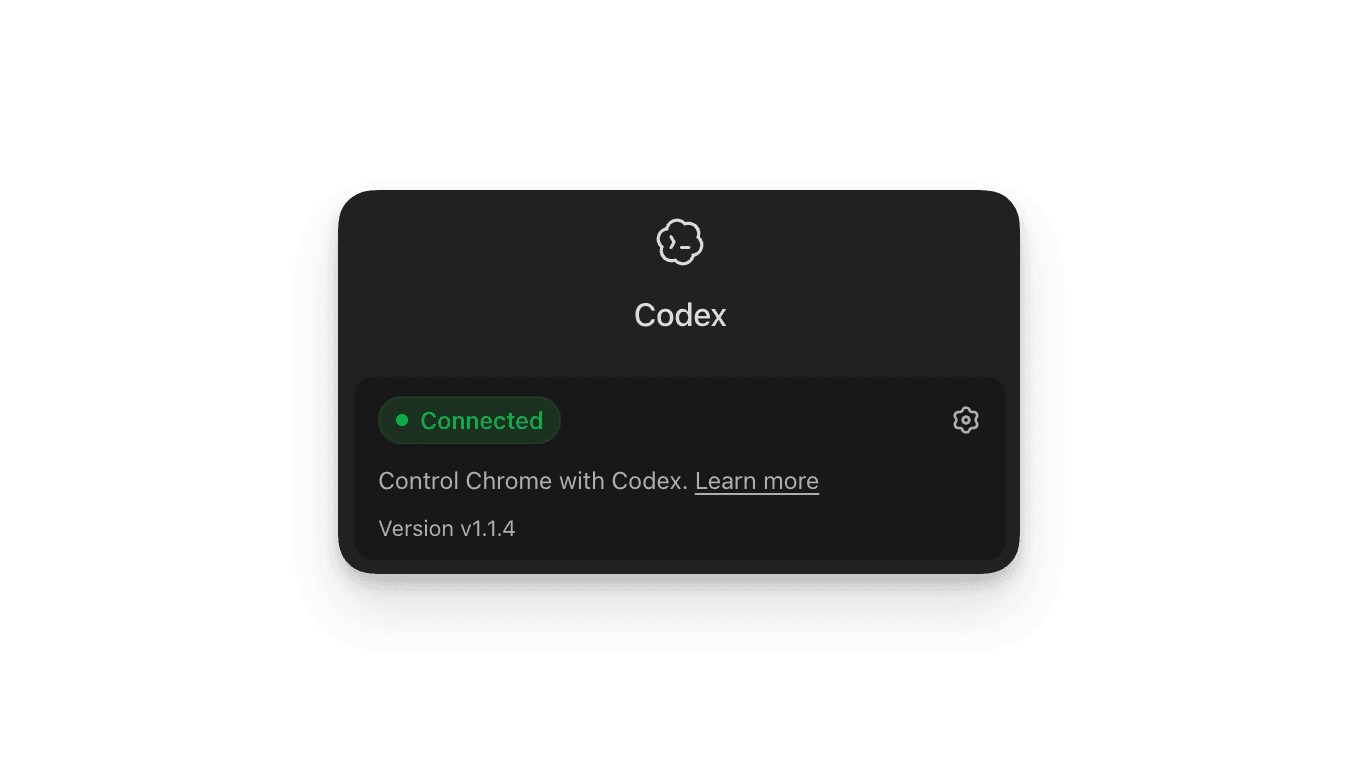
Restart Brave. The Codex extension popup should show Connected.
This confirms the Brave side works: Brave can launch the native host and open the extension bridge.
3. Add Codex's Trusted Runtime
This part is not Brave-specific. The extension bridge expects Codex to run its browser client through the trusted node_repl runtime. Chrome may already have this wired automatically, but in this setup Codex did not expose it yet.
Back up the config first:
cp ~/.codex/config.toml ~/.codex/config.toml.bak-node-repl-20260510
Add node_repl from the Codex app bundle:
codex mcp add node_repl -- /Applications/Codex.app/Contents/Resources/node_repl
Then pin trust to the specific bundled browser client instead of enabling broad trust.
Compute the hash:
shasum -a 256 ~/.codex/plugins/cache/openai-bundled/chrome/0.1.7/scripts/browser-client.mjs
Configure node_repl with that hash:
codex mcp remove node_repl
codex mcp add node_repl \
  --env NODE_REPL_TRUSTED_BROWSER_CLIENT_SHA256S=9990b9b3defcd92659e0d88c4cf847d97c64c0af047c4a24266821711c24749e \
  --env NODE_REPL_BROWSER_CLIENT_MARKETPLACE_NAME=openai-bundled \
  -- /Applications/Codex.app/Contents/Resources/node_repl
Why this step matters: without the trusted runtime, the browser client fails with:
privileged native pipe bridge is not available; browser-client is not trusted
4. Verify the Bridge
Open a unique URL in Brave, then ask Codex to list or inspect browser tabs through the extension bridge.
The important signal is that Codex returns the real Brave tab, not an isolated Playwright tab:
{
  "title": "Example Domain",
  "url": "https://example.com/?codex-brave-extension-test=20260510-1513"
}
If the tool still shows only about:blank, Codex is probably routing to isolated Playwright instead of the extension bridge.
Rollback
Remove the runtime entry:
codex mcp remove node_repl
Or restore the backup:
cp ~/.codex/config.toml.bak-node-repl-20260510 ~/.codex/config.toml
The main thing to keep straight: the Brave-specific work is the extension and native messaging manifest. The node_repl work is the Codex-side runtime that lets Codex use the bridge Brave has opened.